Guide
Update Posthog Org Name
Overview
PostHog is an all-in-one product analytics and developer platform that helps product engineers understand user behavior, run experiments, and make data-driven product decisions. Your organization name is the primary identifier displayed across the PostHog dashboard and serves as the account label for team members and stakeholders. Updating the organization name ensures your team works under the correct branding and makes it easier to identify your account when managing multiple PostHog instances or organizations.
Before you begin
- Active PostHog account with access to us.posthog.com
- Administrator or owner role in the organization (organization name editing typically requires elevated permissions)
- Current organization name or context (know which organization you are updating)
Step by step
Skip to content B test-project-dev Browse Chat PROJECT Home Activity Data Files Apps Starred RECENTS MY APPS Analytics Dashboards Product analytics Behavior Session replay Surveys Notifications Settings Exports ✓ Health Help Settings - Customization Begin on the main PostHog dashboard or any page within your PostHog account. Click the body area or use the 'Skip to content' link to ensure the page is fully loaded and the navigation menu is accessible.
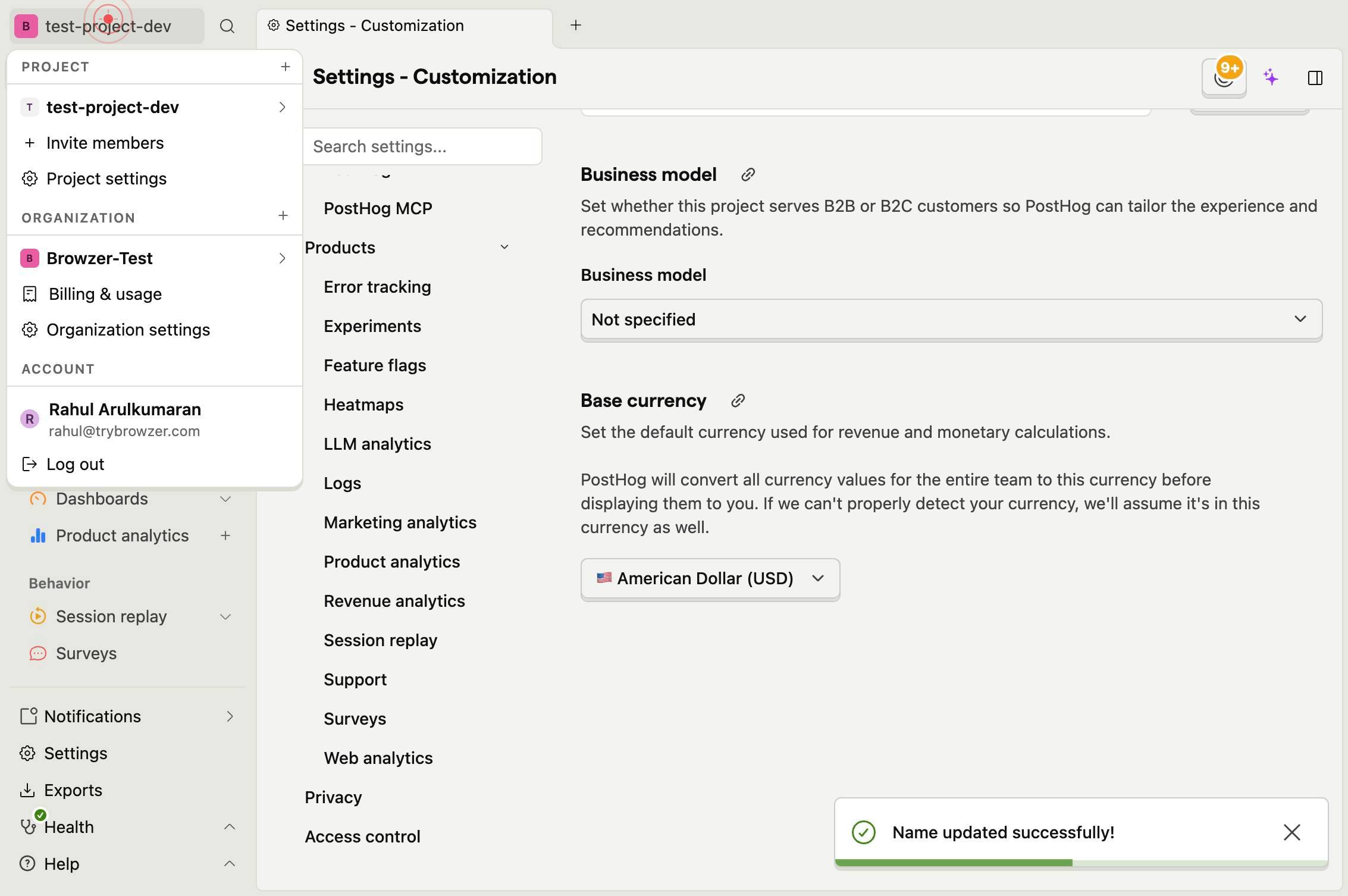
Organization settingsNavigate to Organization settings by clicking the 'Organization settings' option in the Settings menu. This option is typically found in the left sidebar under 'Settings' or in a dropdown menu.
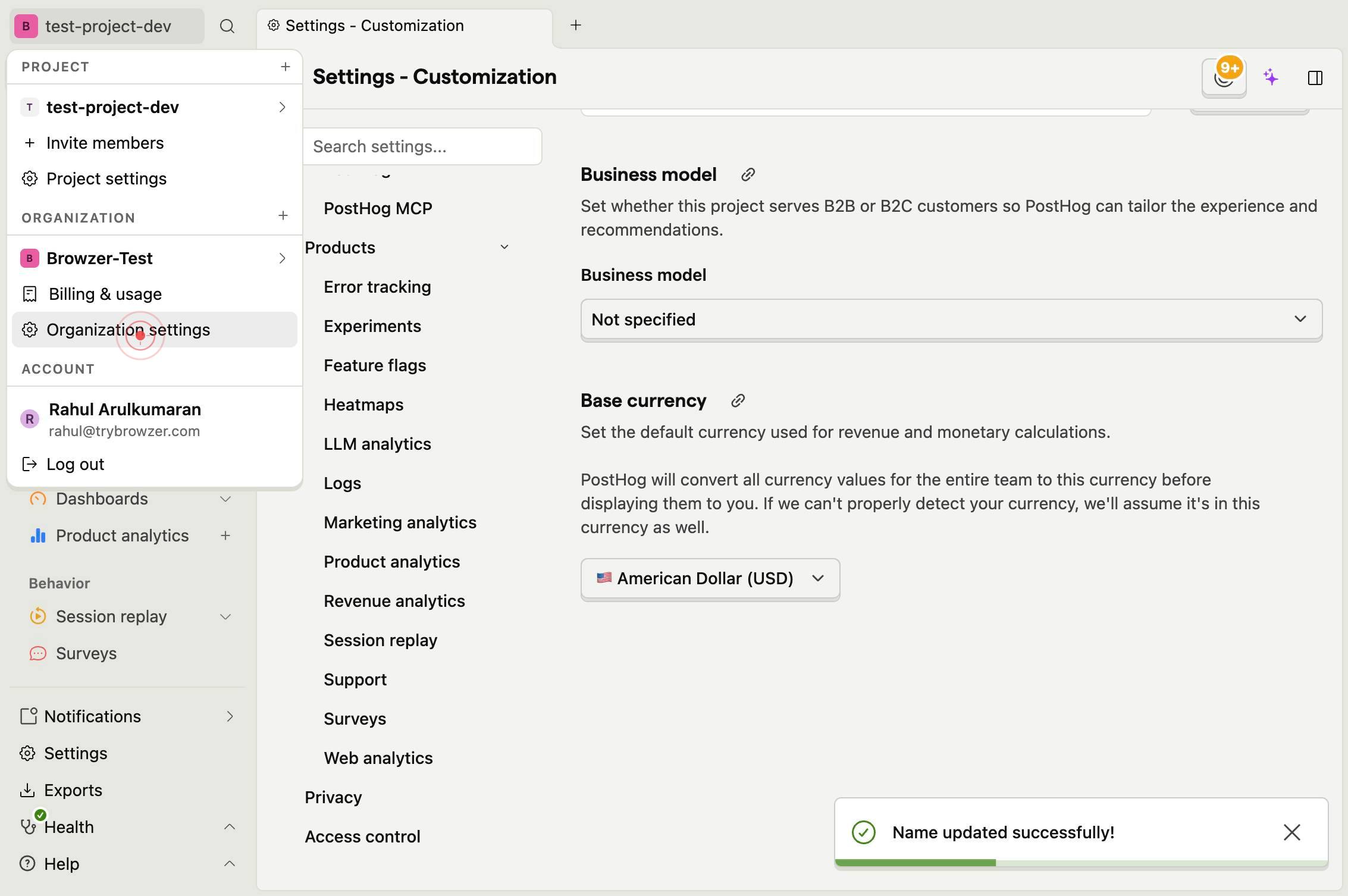
Organization nameLocate and click the 'Organization name' text input field to activate it for editing. This field contains your current organization name.
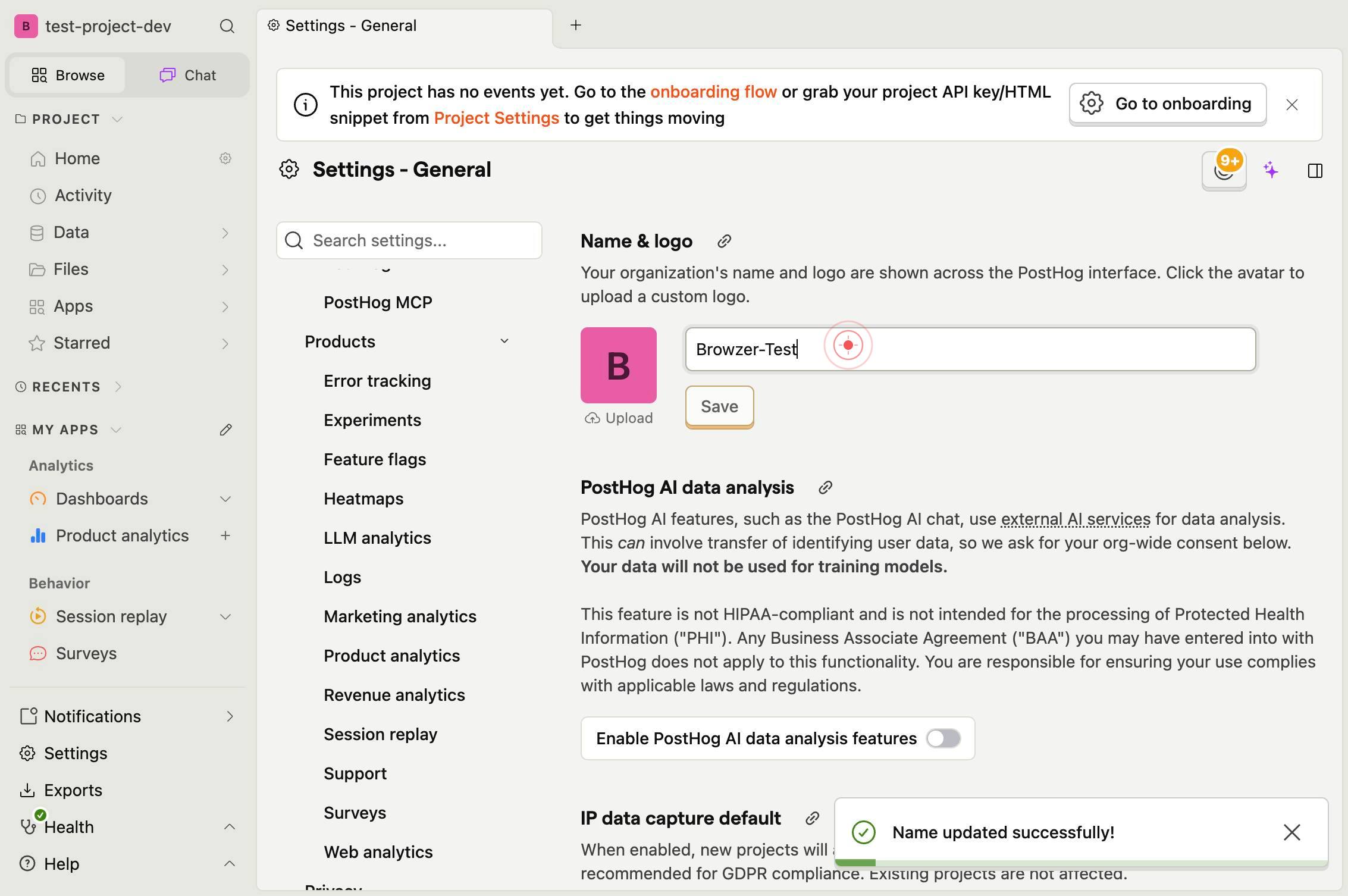
Organization nameType the new organization name into the active text field. Replace the current text with your desired organization name.
SaveClick the 'Save' button to persist your organization name change. This action commits the new name to your PostHog account.
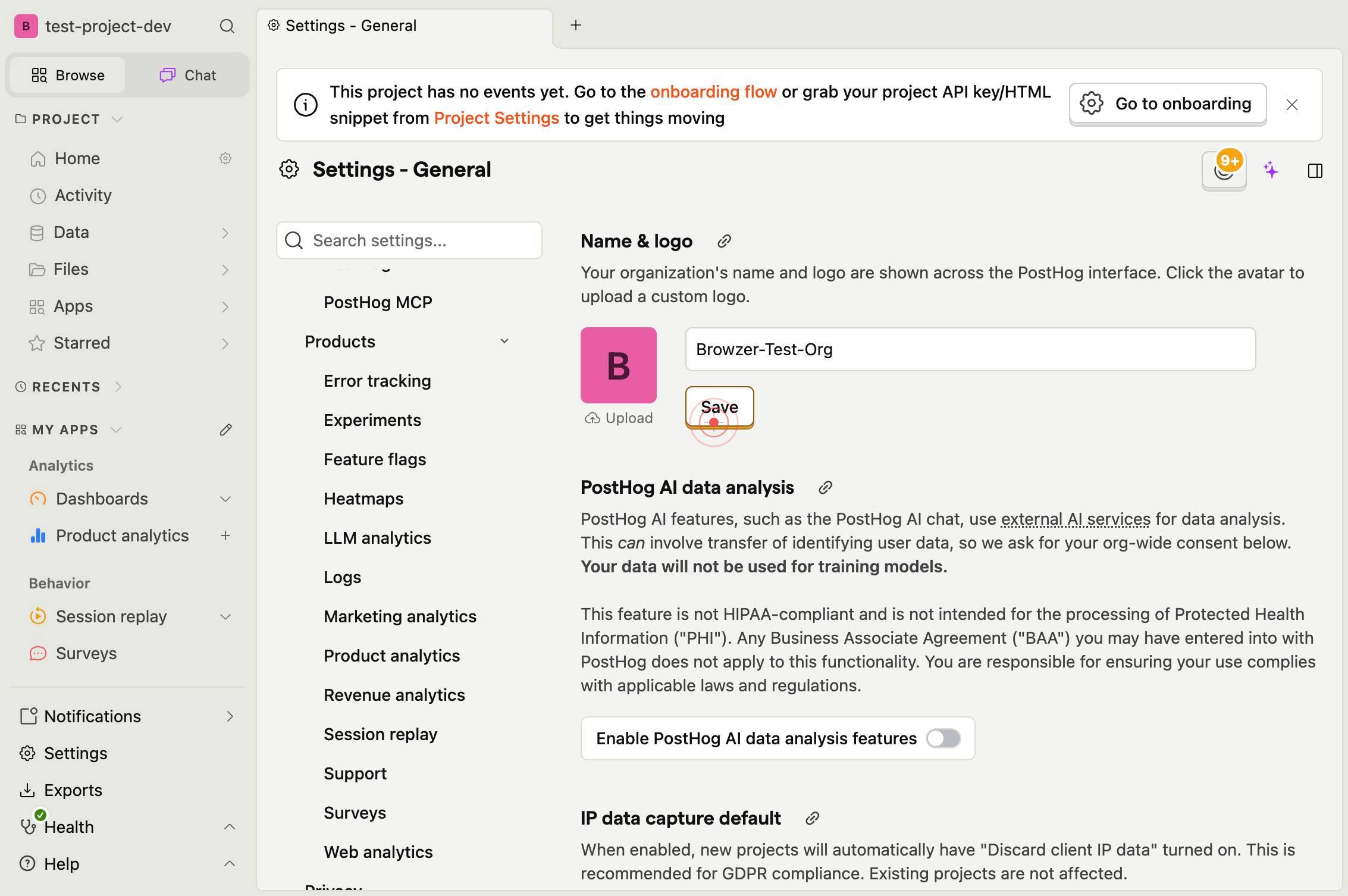
Confirm it worked
- 1The Organization settings page displays the updated organization name in the 'Organization name' field
- 2A success confirmation message appears after clicking Save (typically a toast notification or inline confirmation)
- 3The new organization name reflects in the left sidebar or top navigation after the page refreshes
- 4Other team members see the updated organization name when they next view the Organization settings page
Common issues
Keep reading
feat: for signup set make organization name optional and set a default one · Pull Request #21083 · PostHog/posthog
# Pull Request: PostHog/posthog #21083 - Repository: PostHog/posthog | 🦔 PostHog is an all-in-one developer platform for building successful products. We offer product analytics, web analytics, sess
github.comManaging Organizations and Teams - PostHog
> ## Documentation Index > > Fetch the complete documentation index at: https://mintlify.com/PostHog/posthog/llms.txt > Use this file to discover all available pages before exploring further. # Mana
mintlify.comHow to rename events - PostHog
How to rename events - PostHog Product OSPricingDocsCommunityCompanyMore # How to rename events Oct 28, 2024 #### Contents - How to create an action - Creating insights with your action Estimate
posthog.com