Guide
Add Drafting Guidance on Liam
Overview
LIAM is an AI email copilot that drafts replies in your tone, helping you compose professional responses quickly. By default, LIAM generates drafts based on your writing patterns, but you can enhance this capability by providing custom drafting guidance—a single optimization instruction that tells LIAM what to prioritize when preparing draft replies (e.g., "Keep responses concise," "Use a friendly, casual tone," or "Prioritize clarity over brevity"). This personalization ensures that generated drafts align more closely with your communication goals and preferences.
Before you begin
- You have a LIAM account on doitliam.com and are logged in.
- Email Drafting is enabled for your account (the feature must already be turned on).
Step by step
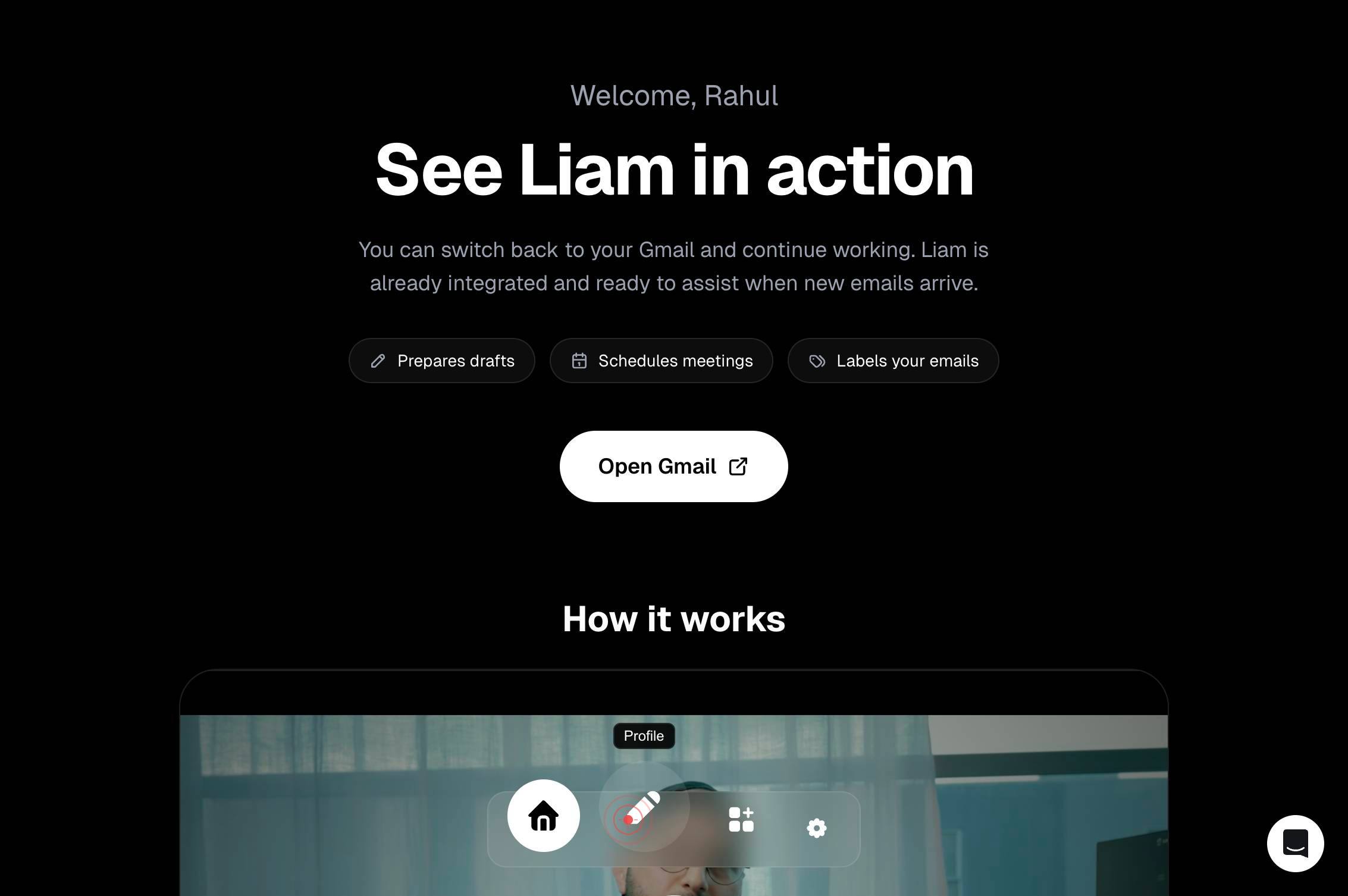
ProfileNavigate to your account profile by clicking the Profile link in the main navigation. This opens your account settings where you can configure LIAM's behavior and features.
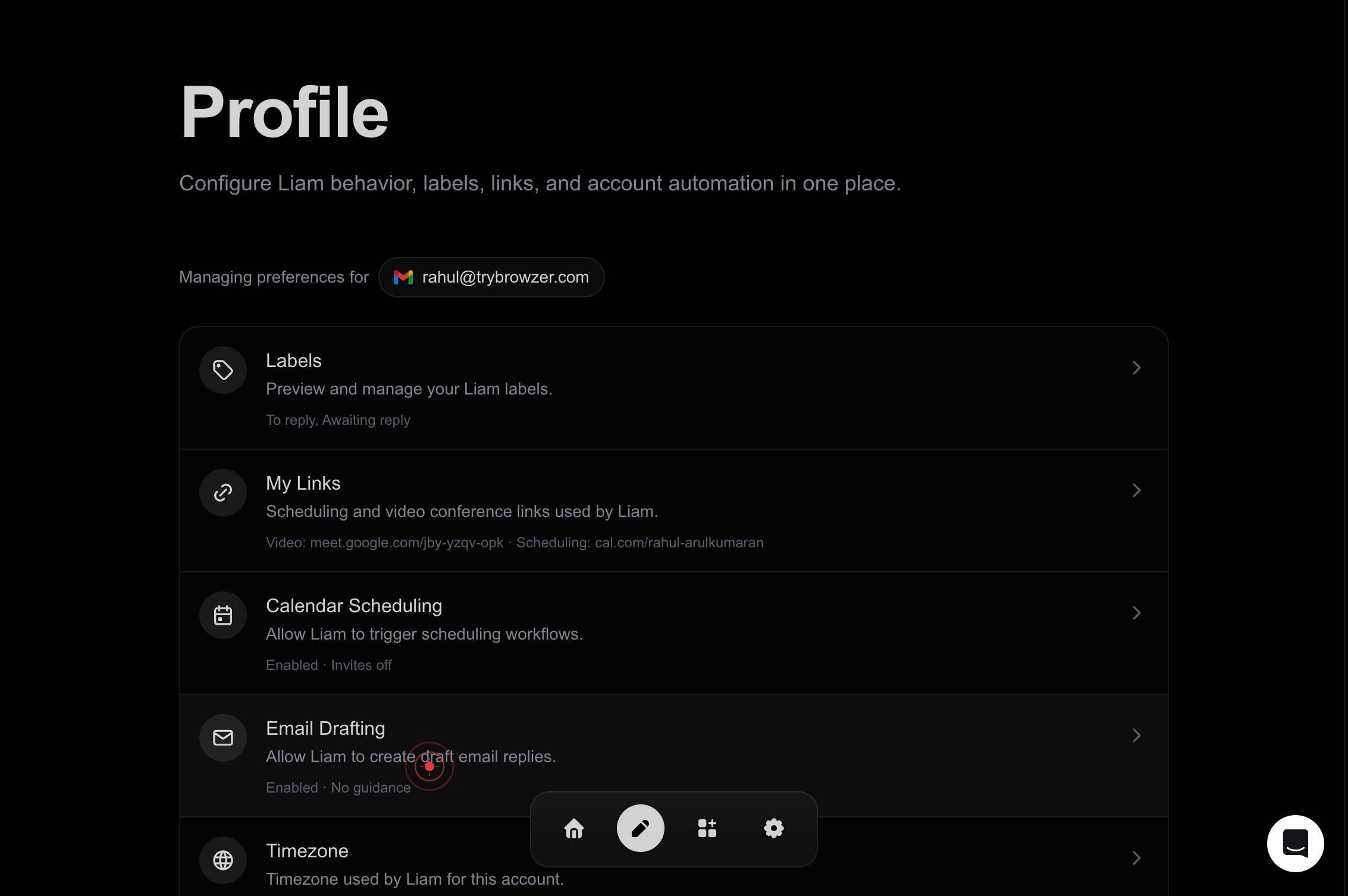
Email Drafting Allow Liam to create draft email replies. Enabled · No guidanceLocate and click the Email Drafting settings button. This section controls how LIAM generates draft replies and currently shows that Email Drafting is enabled but has no custom guidance configured.
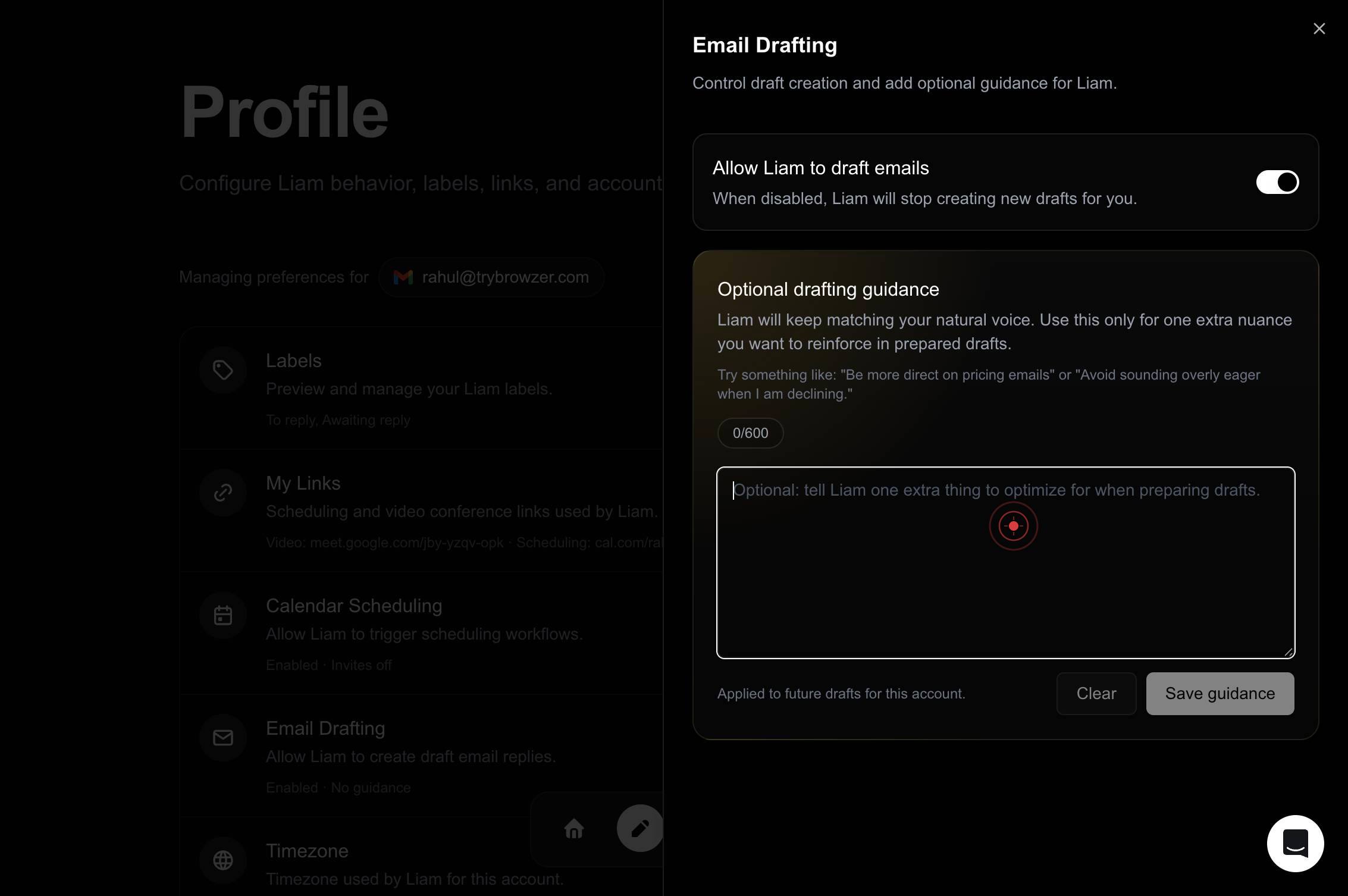
Optional: tell Liam one extra thing to optimize for when preparing drafts.Click on the guidance textbox labeled 'Optional: tell Liam one extra thing to optimize for when preparing drafts.' This activates the input field where you'll enter your custom instruction.
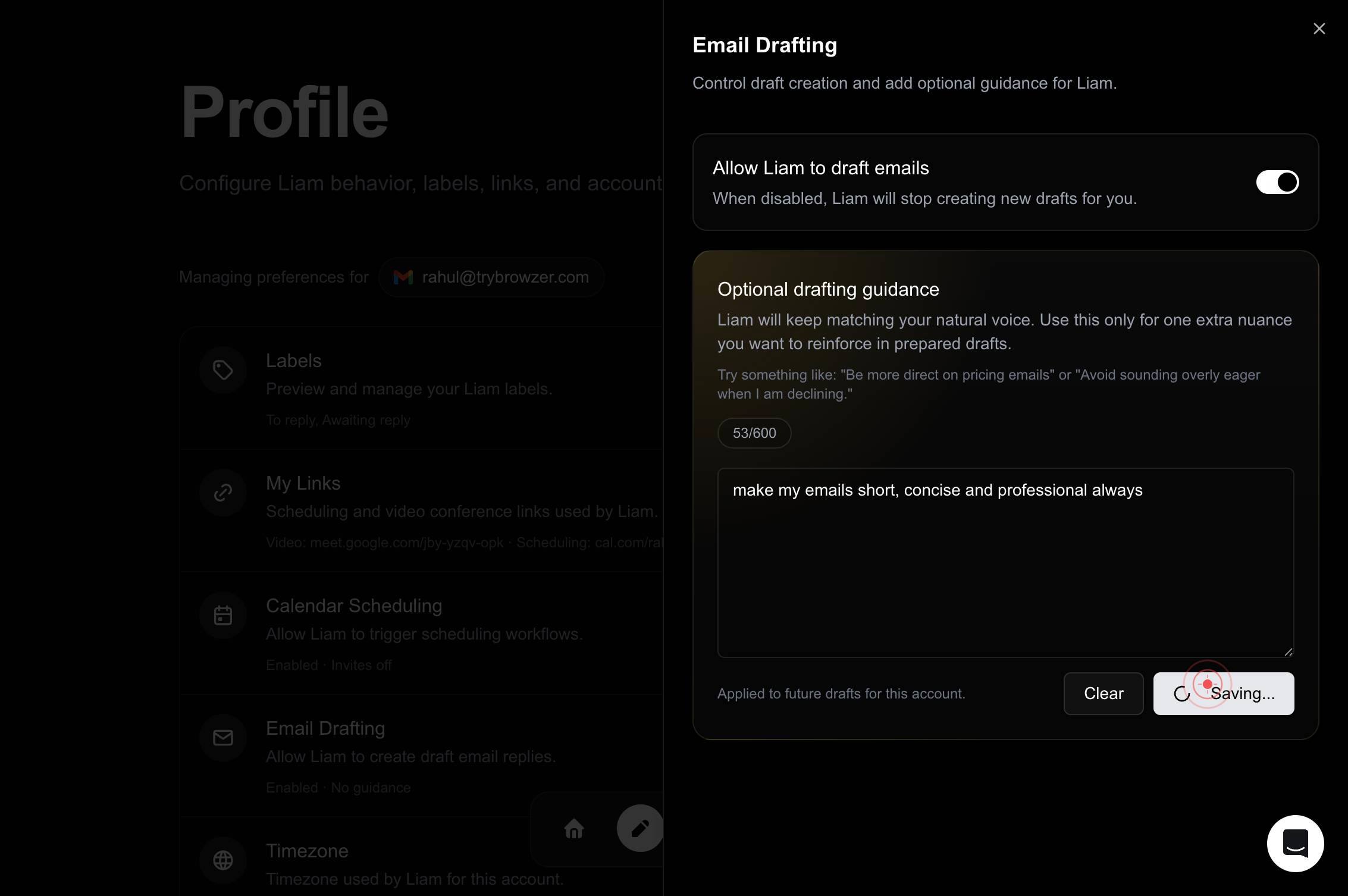
Optional: tell Liam one extra thing to optimize for when preparing drafts.Type your custom drafting guidance into the textbox. Provide a clear, concise instruction (typically one sentence) that tells LIAM what to prioritize when generating draft replies. Your instruction will be used to fine-tune all future email drafts.
Save guidanceClick the 'Save guidance' button to persist your custom instruction. This stores your optimization preference so that LIAM applies it to all subsequent draft replies.
Confirm it worked
- 1You are on the Email Drafting settings screen showing your guidance has been saved (the interface no longer displays 'No guidance').
- 2The custom instruction you entered appears in the Email Drafting configuration, confirming it has been persisted.
- 3When LIAM generates future draft replies, it applies your custom optimization guidance to the generated content.
Common issues
Keep reading
One month of Agentic development | Liam's Tech Notes
One month of Agentic development | Liam's Tech Notes # One month of Agentic development Over the past month I have been working with agentic development using [GitHub Copilot](https://github.com/fea
liamstechnotes.comWriter Craft Wednesday – Draft by Draft: How Books Get Written – Liana Brooks
Writer Craft Wednesday – Draft by Draft: How Books Get Written – Liana Brooks # Writer Craft Wednesday – Draft by Draft: How Books Get Written One of the first lessons a novelist learns is that writ
lianabrooks.comHow to Draft Pack One - by Liam Etelson - Spoon Magic
How to Draft Pack One - by Liam Etelson - Spoon Magic ### The app for independent voices Get startedLearn more For you Relevant people #### Log in or sign up Join the most interesting and insigh
substack.com