Guide
Turn on labels
Overview
LIAM is an AI copilot that drafts professional emails in your tone, and labels are a key organizational feature that helps you categorize and manage your generated responses. By enabling labels, you unlock the ability to tag, filter, and organize your email drafts, making it easier to find and manage communications across different projects, clients, or email types. This guide walks you through accessing your profile settings and toggling the labels feature on so you can start using this organizational capability immediately.
Before you begin
- You must have an active LIAM account on doitliam.com and be logged in
- You must have access to your user profile settings (standard user permissions typically include this)
Step by step
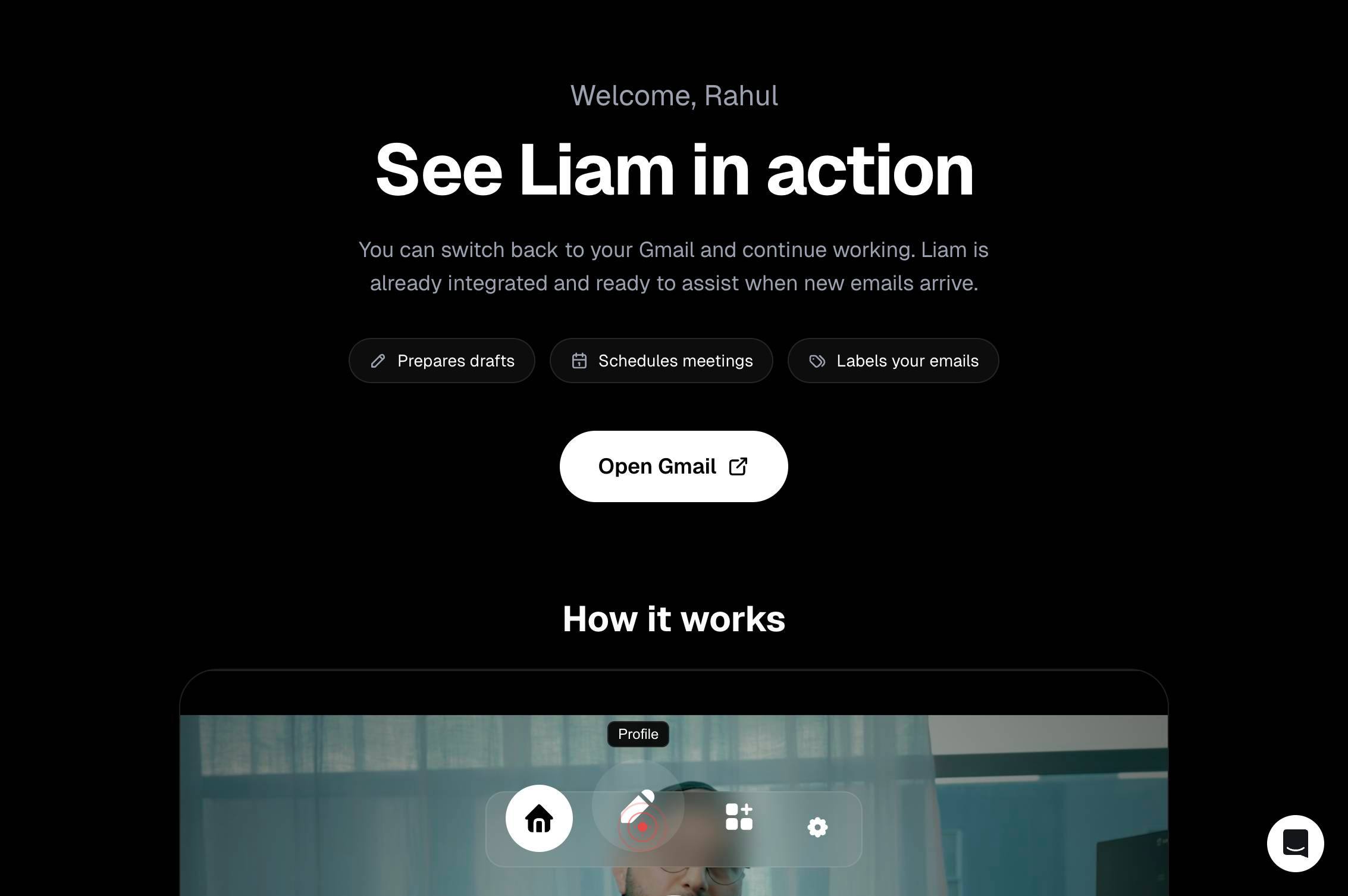
ProfileNavigate to your profile settings by clicking the Profile link. This takes you to your account configuration area where you can manage user preferences and features.
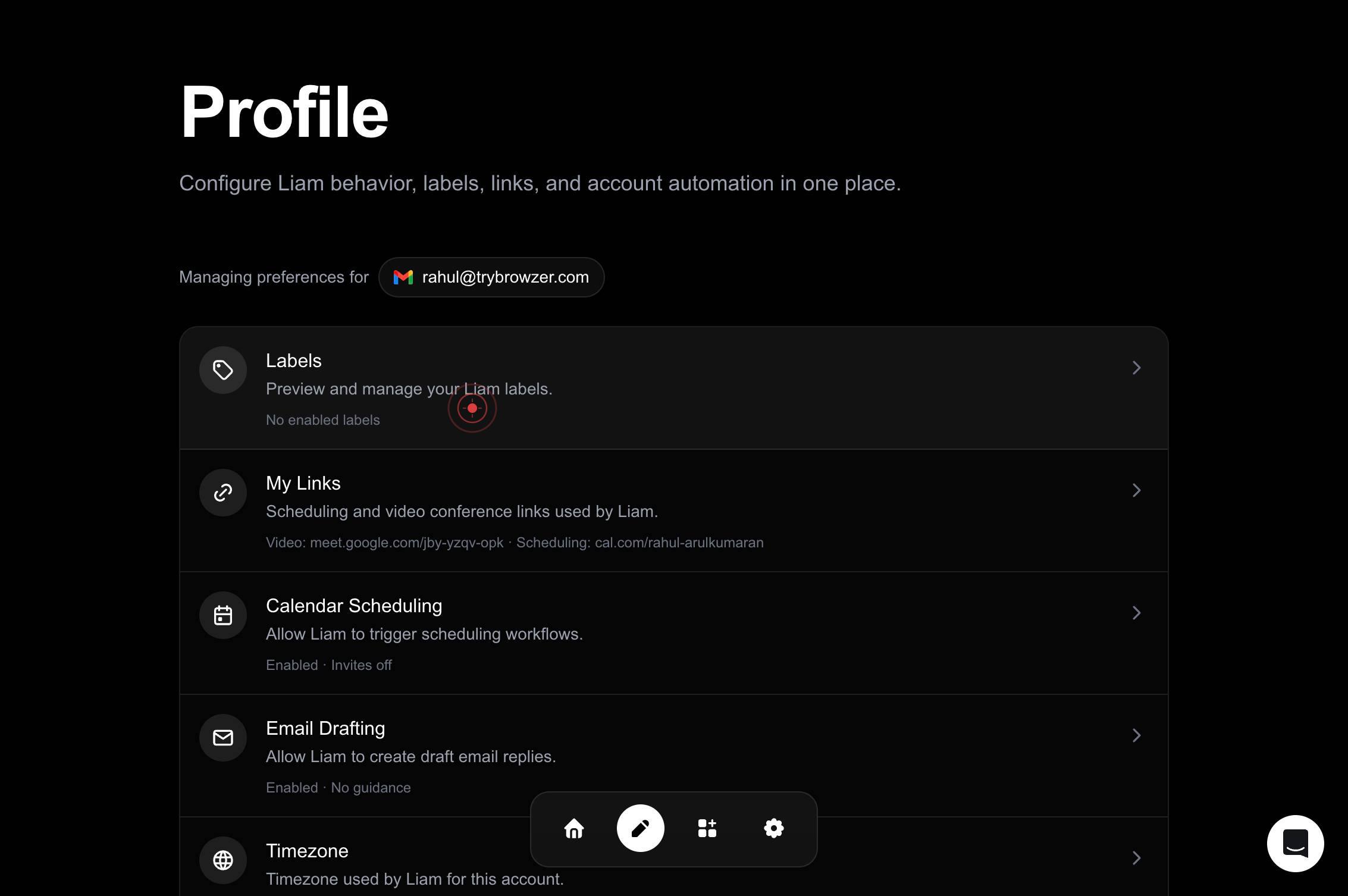
Labels Preview and manage your Liam labels. No enabled labelsClick the Labels button to open the labels management panel. This section shows your current label configuration and allows you to enable or disable the labels feature.
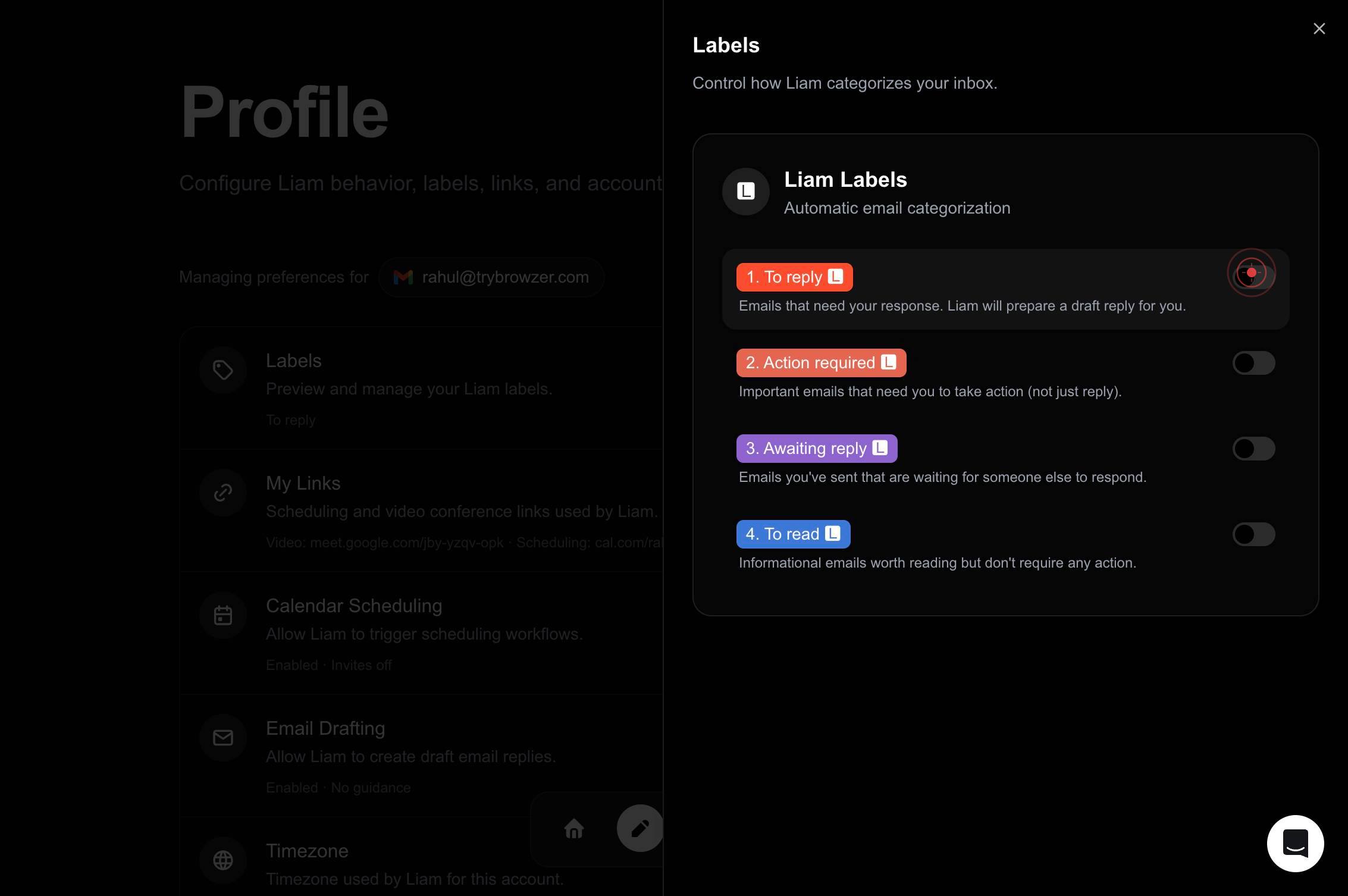
onToggle the 'on' switch to activate the labels feature. This first toggle switches the feature from off to on, enabling labels functionality in your LIAM account.
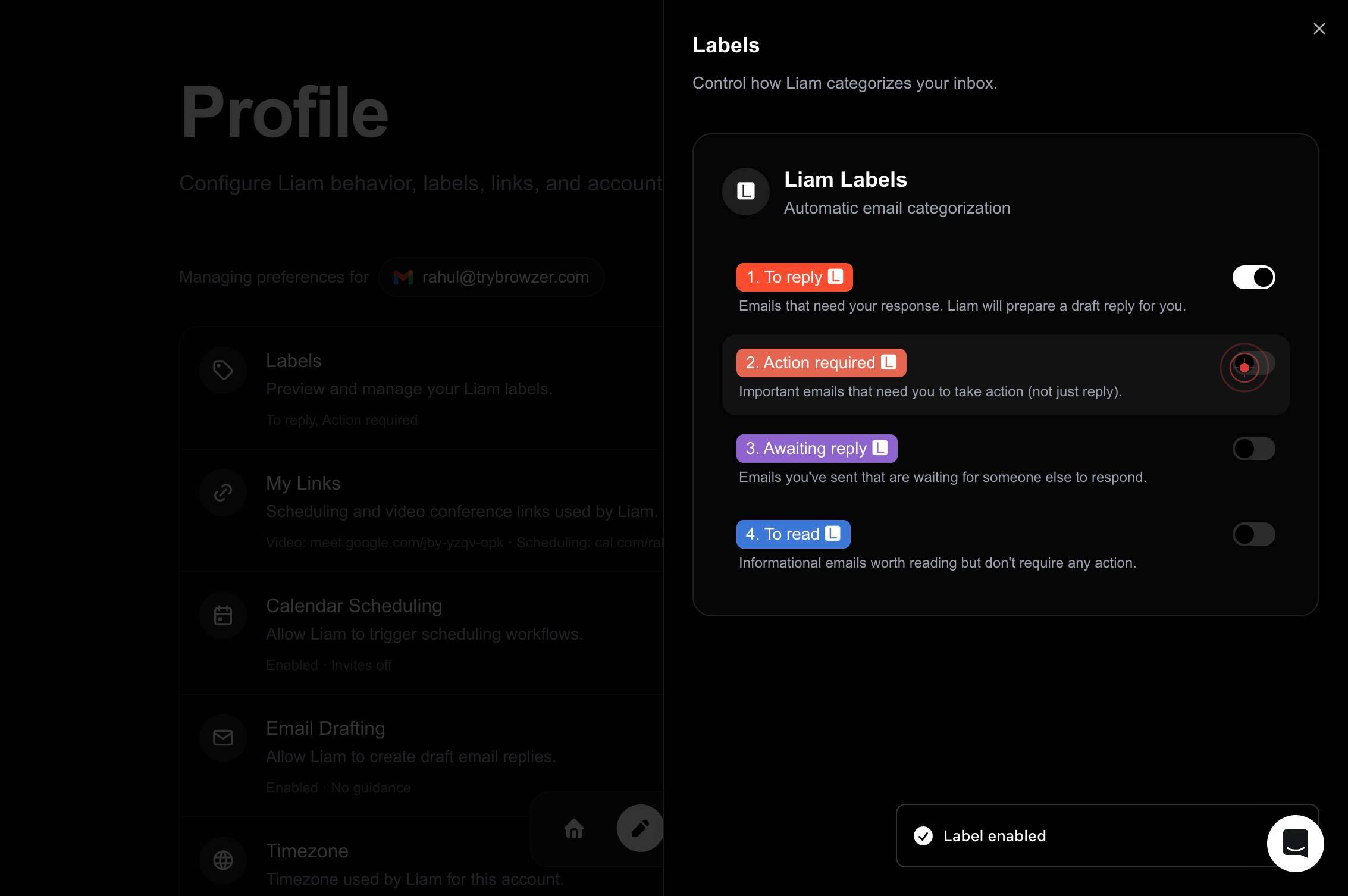
onClick the 'on' switch a second time to confirm the labels feature is fully enabled. This ensures the feature is locked in the active state.
Confirm it worked
- 1After completing all steps, the labels feature should display as 'enabled' in your Labels settings section
- 2You should see the Labels option available in your profile or navigation menu, showing 'Labels Preview and manage your Liam labels' with enabled label count
- 3The switch toggle for labels should be in the 'on' position (typically shown in blue or green)
Common issues
Keep reading
How to show app labels in the Taskbar for Windows 11
How to enable app labels in the Taskbar for Windows 11 | Windows Central[Skip to main content](#main) Don't miss these [  Jul 16 This tutorial demonstrates labeling fea
mapping101.comShow, Hide, and Format Mark Labels - Tableau
Show, Hide, and Format Mark Labels - Tableau Tableau Help in English (US)."> # Tableau Desktop and Web Authoring Help ## Show, Hide, and Format Mark Labels Applies to: Tableau Cloud, Tableau Deskt
onlinehelp.tableau.com