Guide
Query Memory
Overview
Hyperspell's memory query feature allows you to search and retrieve documents from your knowledge base using natural language or structured queries. The Sandbox environment provides a safe, isolated testing space where you can develop and refine queries before running them in production. This workflow walks you through accessing the Query interface in Sandbox mode, composing your search criteria, and executing the query to retrieve matching results. Memory queries are essential for building AI applications that need to intelligently retrieve contextual information, enabling features like semantic search, retrieval-augmented generation (RAG), and document discovery.
Before you begin
- Active Hyperspell account with access to app.hyperspell.com
- Data or documents previously uploaded to your Hyperspell memory store
- Access to the Sandbox environment (typically available to all account tiers)
- Basic understanding of query syntax or natural language search patterns
Step by step
SandboxSelect the Sandbox environment from the available options to ensure your query executes in a safe, isolated testing context rather than production. This protects your live data while you develop and validate your query logic.
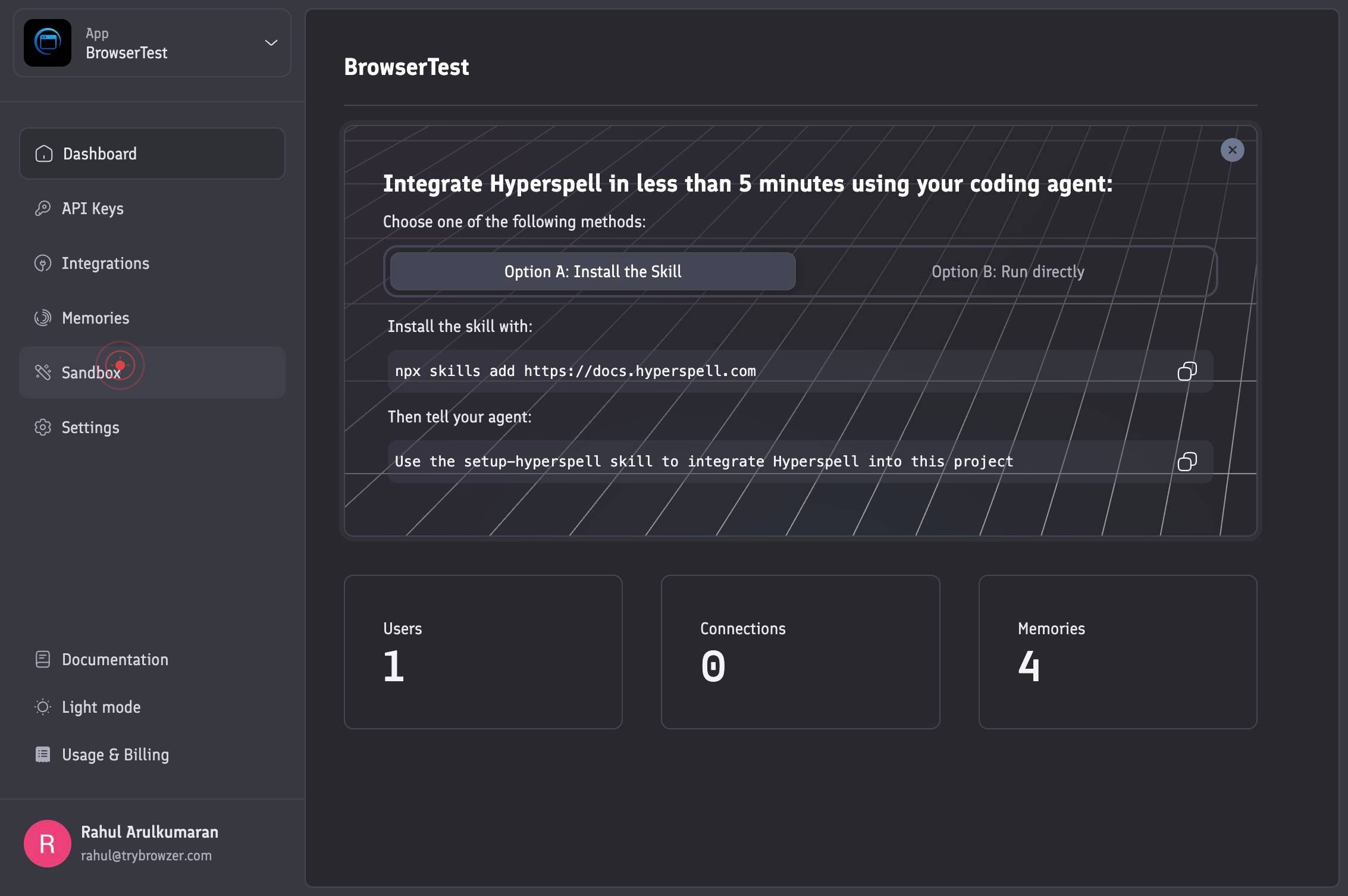
QueryClick the Query tab to navigate to the query composition interface. This tab provides the workspace where you can write, configure, and execute memory queries.
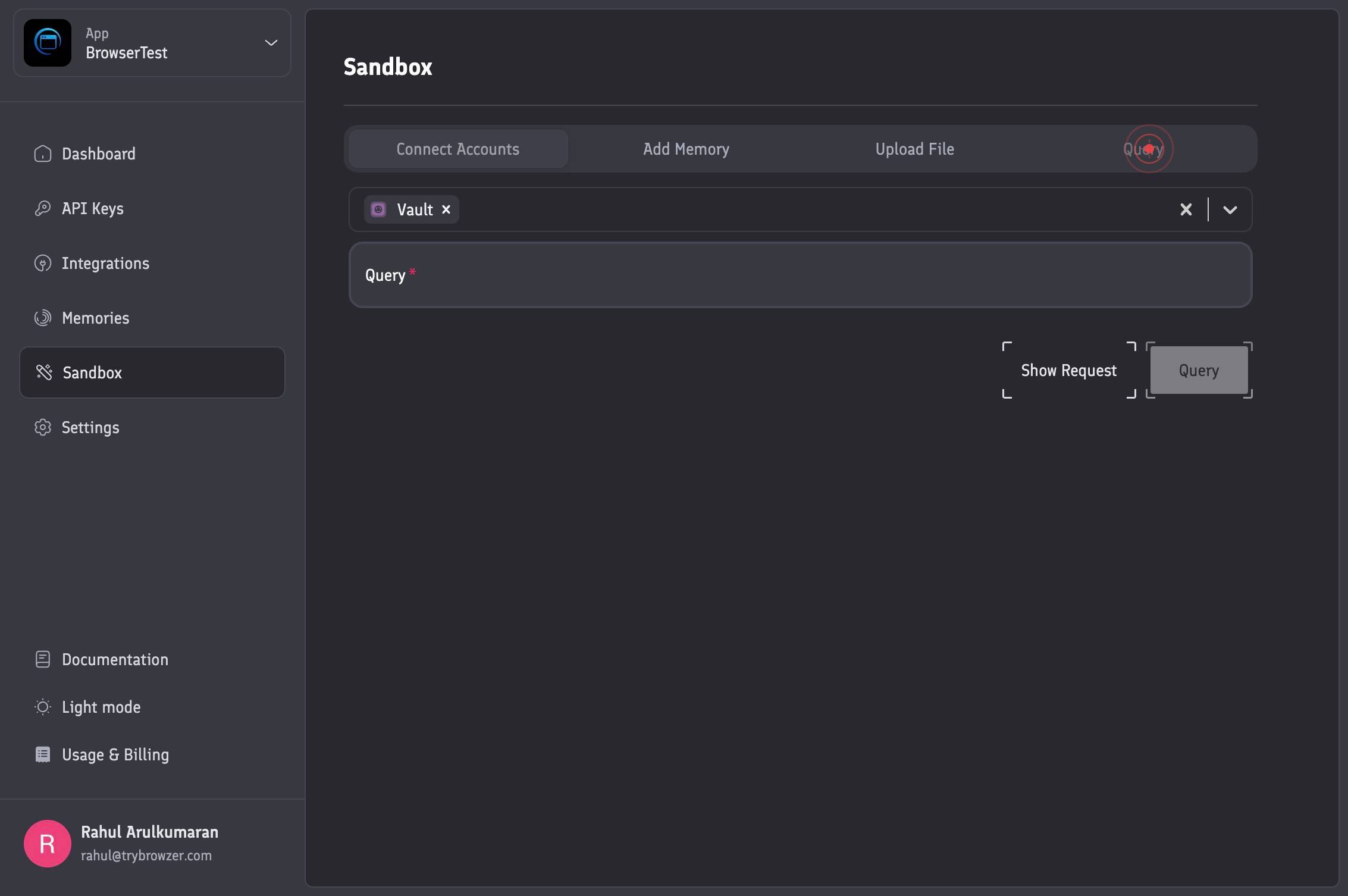
genericClick the generic query type selector to specify that you will use a custom, flexible query format. This allows you to write your own query without being restricted to predefined templates.

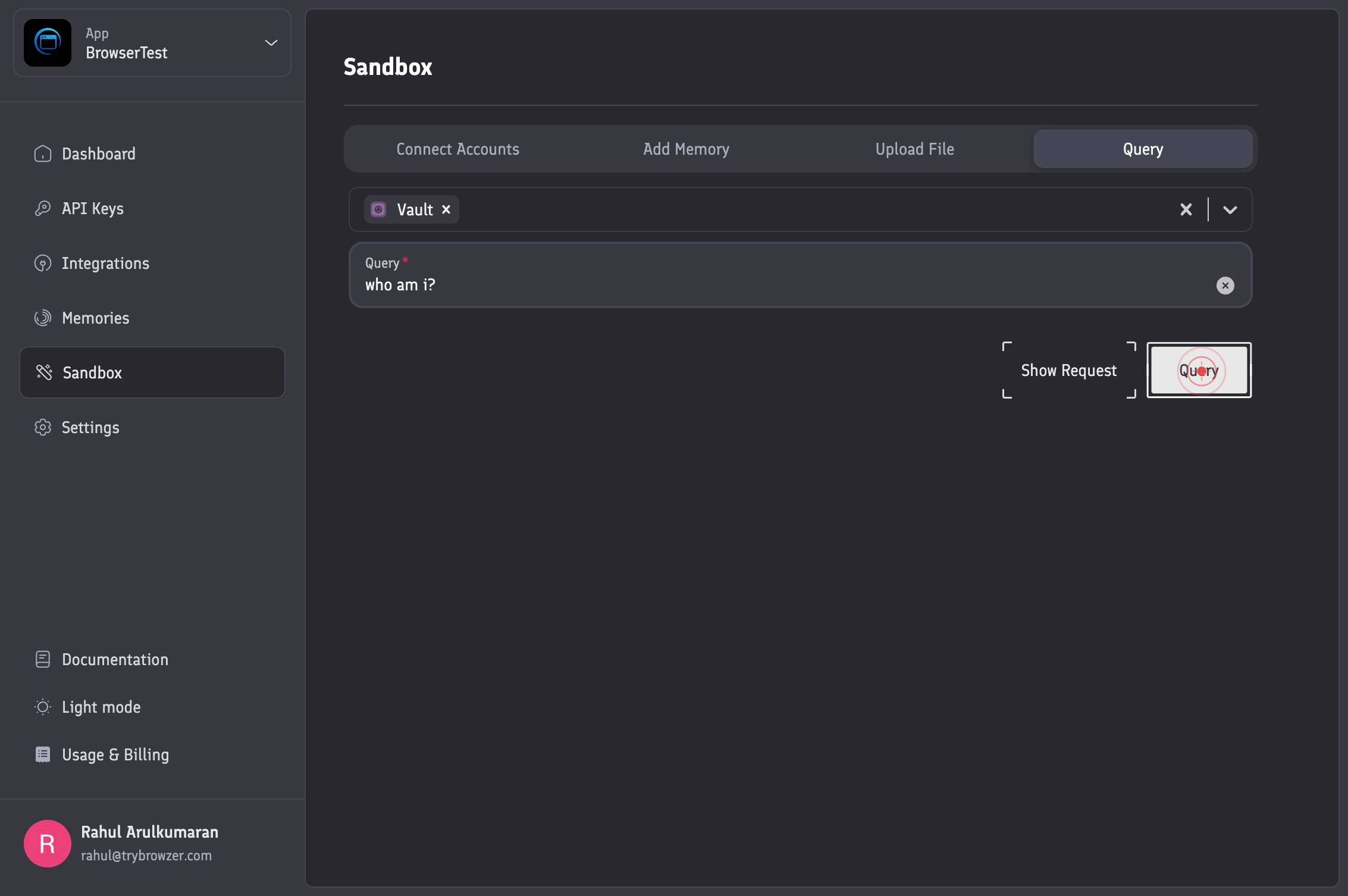
QueryEnter your custom query text in the Query textbox. Compose your search criteria using keywords, natural language, or structured syntax to specify which documents or data you want to retrieve from memory.
QueryClick the Query button to submit your query for execution. The system will process your request and return matching documents from your memory store.
Confirm it worked
- 1The Sandbox environment is displayed as the active context in the top navigation or header
- 2The Query tab appears selected/highlighted in the interface navigation
- 3Your custom query text is visible in the query textbox input field
- 4Query results are returned and displayed, showing matching documents or a success confirmation message
Common issues
Keep reading
Semantic Caching and Memory Patterns for Vector Databases – Dataquest
Semantic Caching and Memory Patterns for Vector Databases – Dataquest # Semantic Caching and Memory Patterns for Vector Databases Over the past few tutorials, we've built a complete paper search sy
dataquest.ioMemory-bound Query | QuestDB
Memory-bound Query | QuestDB New: QuestDB Agent Skills for AI coding agents New: QuestDB Agent Skills [Try it out](https://questdb.com/docs/getting-started/ai-coding-agents/#questdb-agent-skill) S
questdb.comHow It Works - Remembra
How It Works - Remembra Skip to content # How It Works¶ Understanding Remembra's architecture. ## Overview¶ ``` ┌─────────────────────────────────────────────────────────────┐ │
docs.remembra.dev