Guide
View Memories
Overview
Hyperspell's Memories feature is a data retrieval system designed to help you quickly locate and review important profile information—such as founder bios and professional summaries—that has been stored in your personal Vault. This is particularly useful when you need to recall key details about collaborators, stakeholders, or other important contacts without having to recreate or search for the original information. The workflow walks you through Hyperspell's nested navigation structure to surface the exact memory you need.
Before you begin
- Active Hyperspell account with access to app.hyperspell.com
- At least one memory stored in your Vault (Memories must already exist; this workflow retrieves them rather than creates them)
- The Vault and Soul sections must be populated with memory data
Step by step
MemoriesStart by clicking on the Memories option in the main menu to access the Memories feature and view all memory-related options.
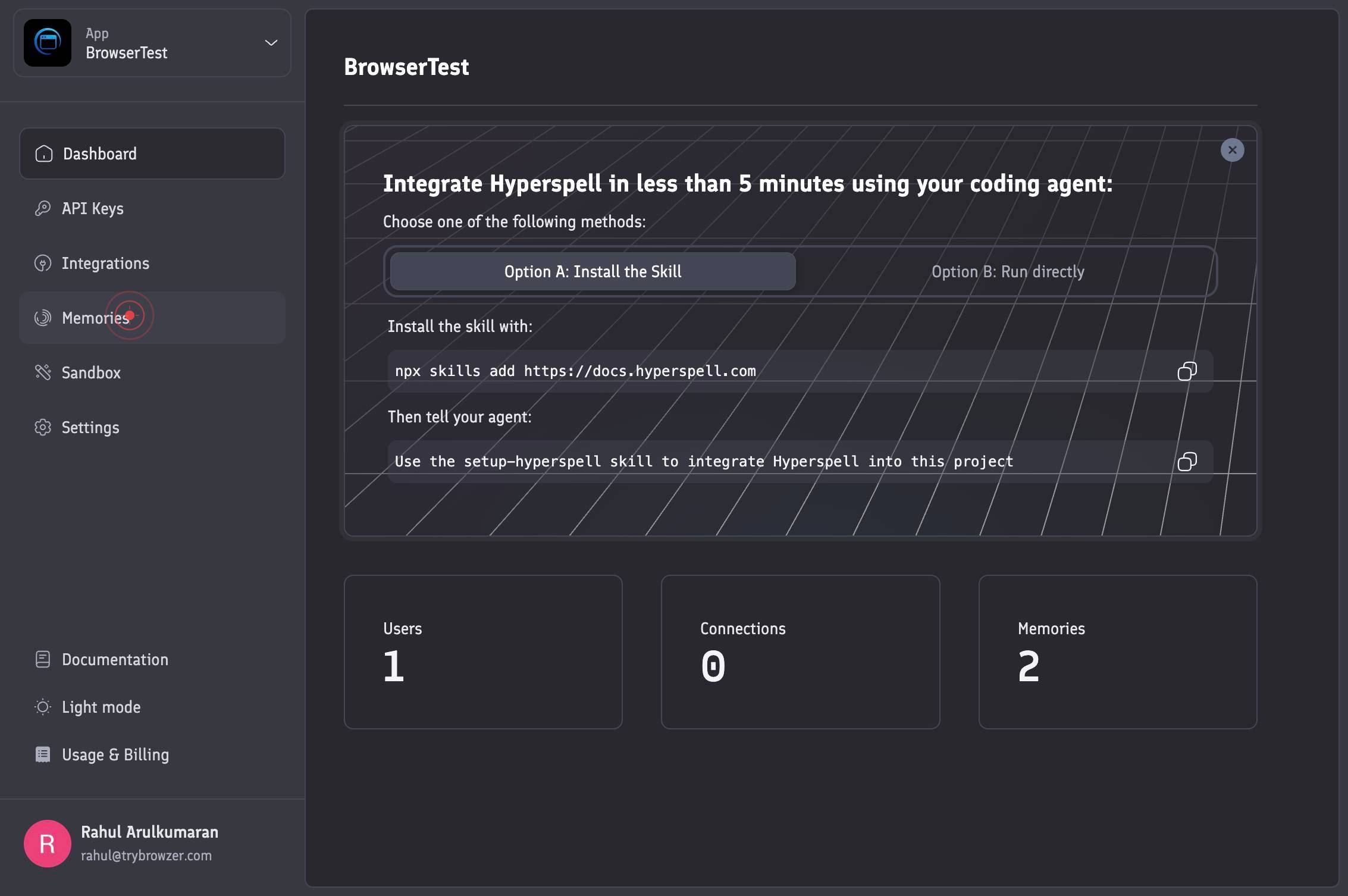
VaultClick on the Vault row to expand and access the Vault section, which contains your stored memories organized by category.
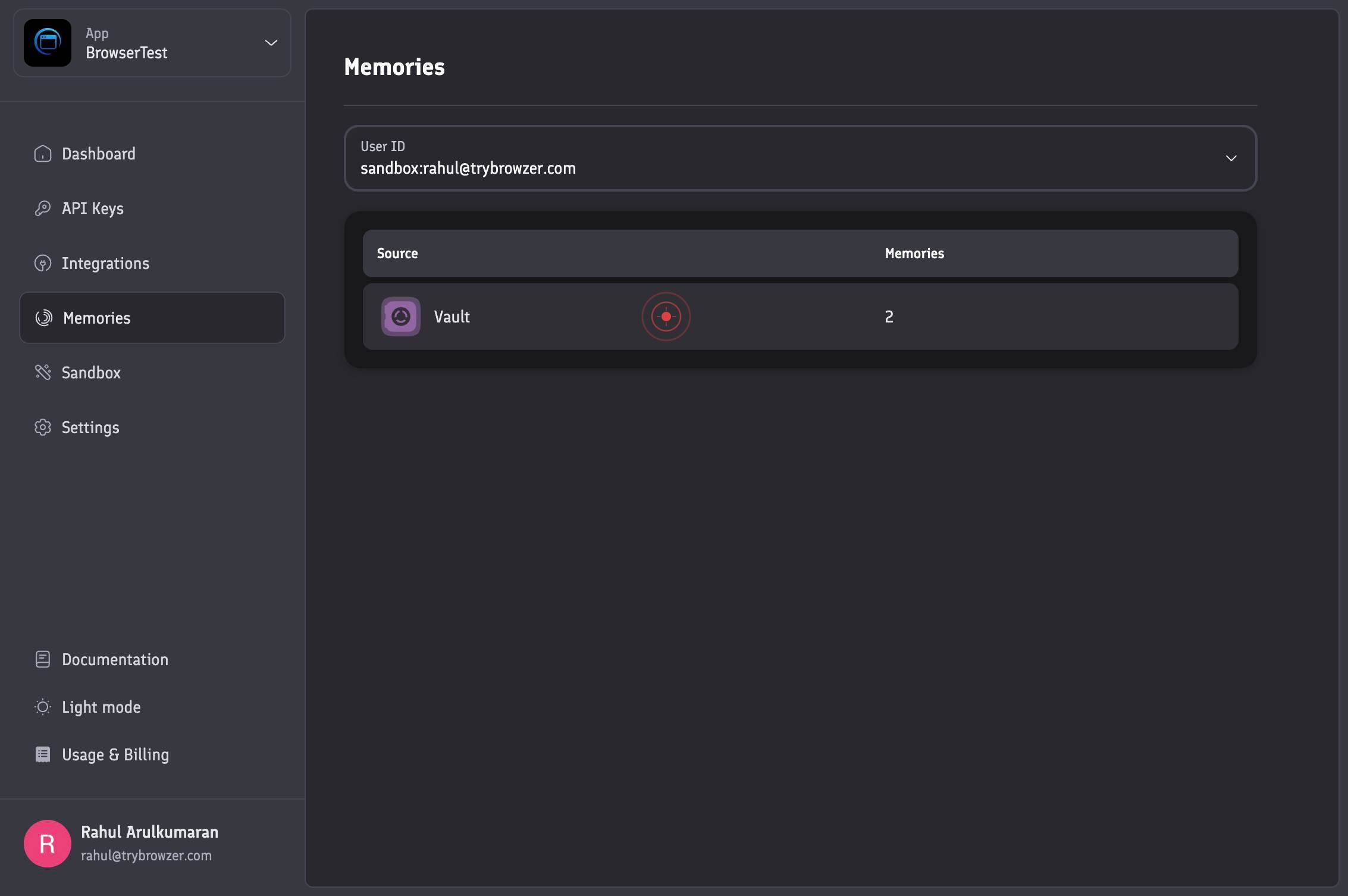
Allow the page to navigate and load the Vault section's contents. Wait for the interface to refresh and display available memory categories.
SoulClick on the Soul row to access the Soul subsection within the Vault, which contains specific memory profiles such as founder information.
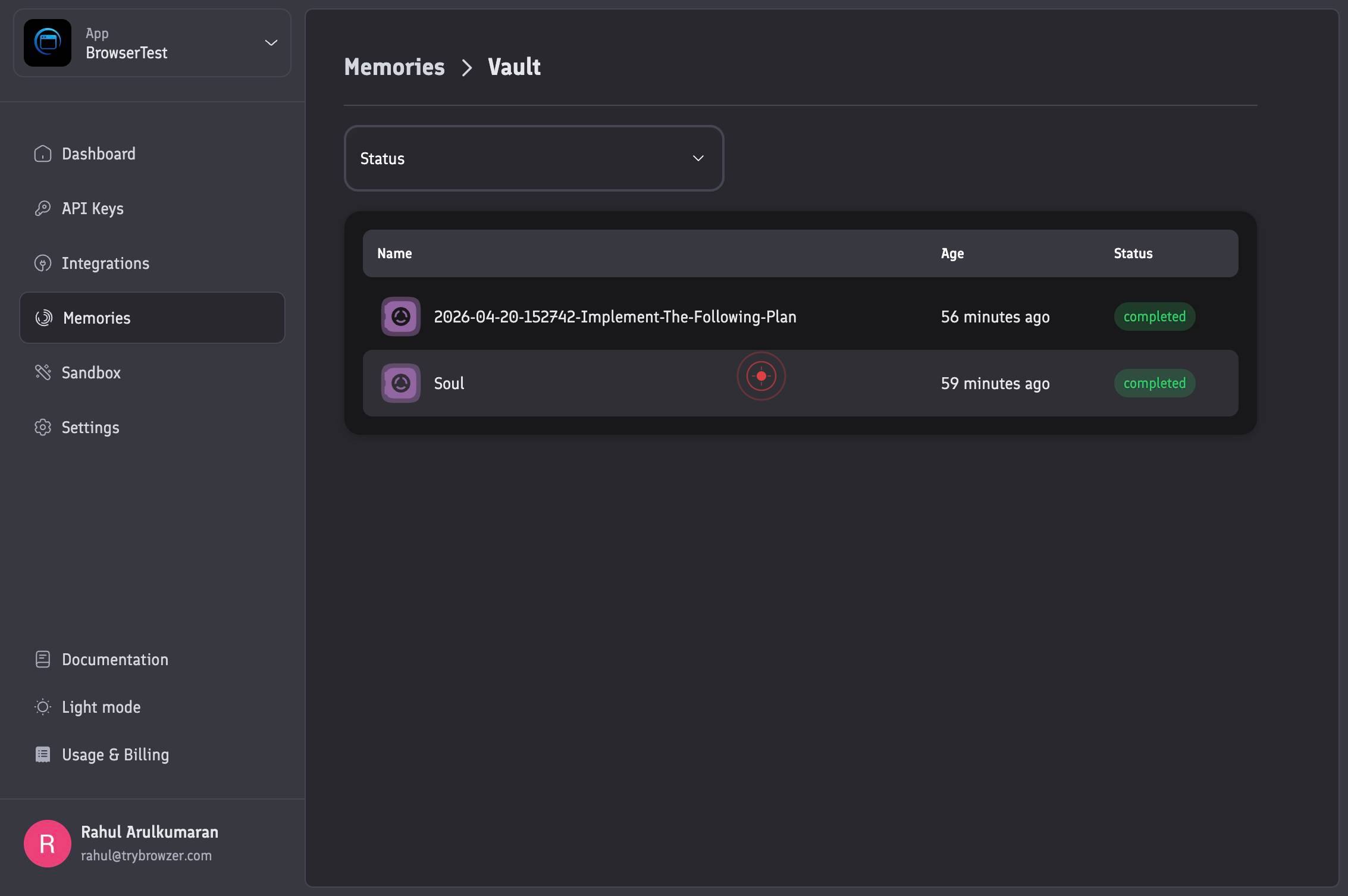
Allow the page to navigate and load the Soul section's memory records. The interface will display the available memories in this category.
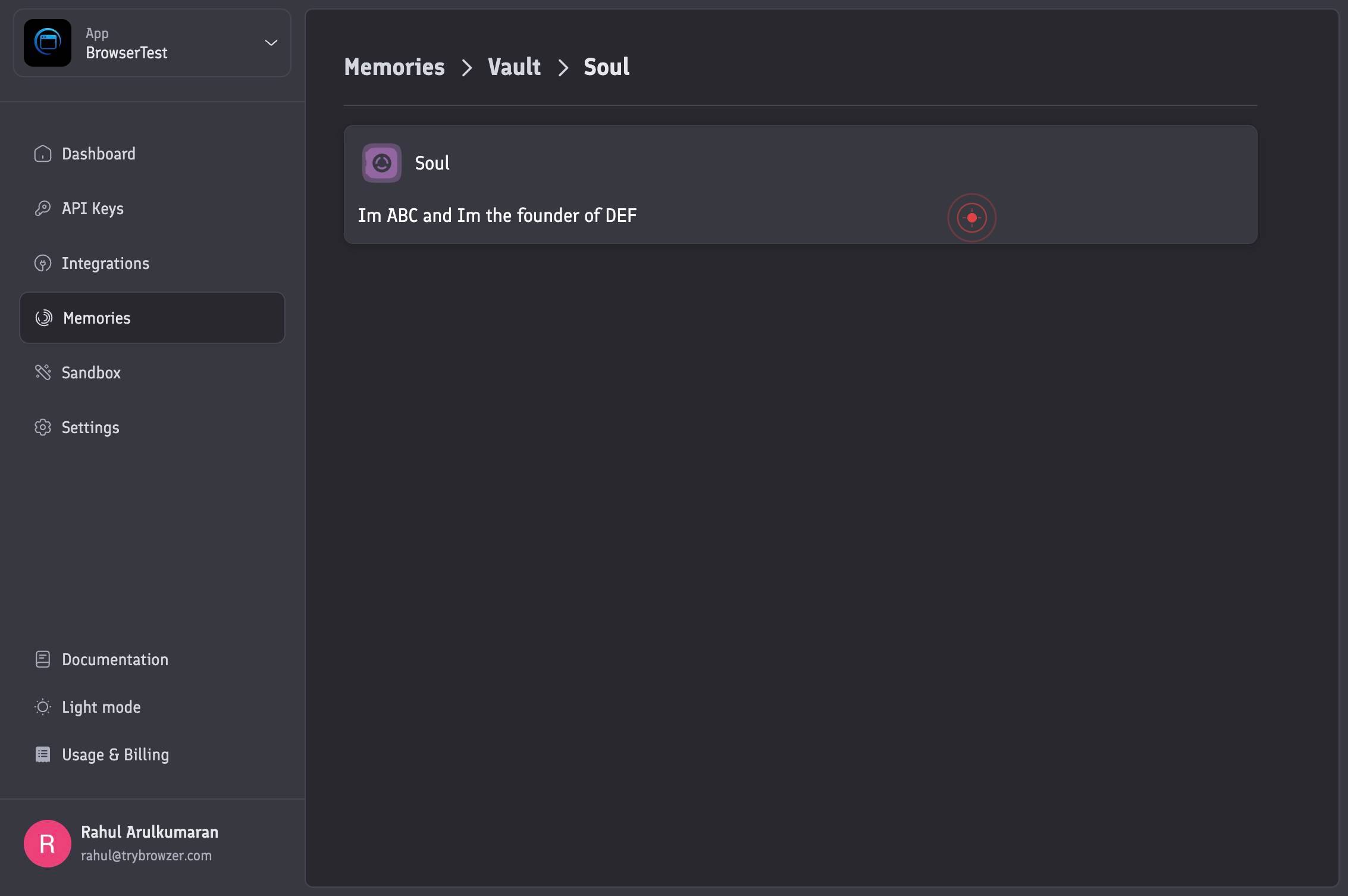
Im ABC and Im the founder of DEFClick on the founder's profile memory entry (which displays text such as 'I'm [Name] and I'm the founder of [Organization]') to view the complete memory details.
Confirm it worked
- 1The Memories menu option is visible and clickable in the navigation
- 2The Vault section expands and displays available memory categories
- 3The Soul section becomes accessible after selecting Vault
- 4A founder's profile memory card displays with text matching the pattern 'I'm [name] and I'm the founder of [organization]'
Common issues
Keep reading
Memory Viewer Guide
Memory Viewer Guide •FamilySearch # Memory Viewer Guide Article Id: 26997 October 18, 2024 Share * [Print](javascript:window.print()) ## FamilySearch Memory Viewer Table of Contents 1. [Introduction t
familysearch.orgTimeline, View & Stats - Memvid
> ## Documentation Index > > Fetch the complete documentation index at: https://docs.memvid.com/llms.txt > Use this file to discover all available pages before exploring further. # Timeline, View &
docs.memvid.comWatch memories in Photos on Mac - Apple Support
Watch memories in Photos on Mac - Apple Support [macOS Tahoe 26](https://support.apple.com/guide/photos/pht96259d626/11.0/mac/26) [macOS Sequoia 15](https://support.apple.com/guide/photos/pht96259d6
support.apple.com