Guide
Delete Team on Leadpoet
Overview
Leadpoet is a done-for-you email lead generation platform that helps sales teams build and maintain their pipeline. Teams in Leadpoet represent organizational units that manage lead generation campaigns and workflows. Deleting a team is a significant administrative action that removes the team and its configuration from your account. This action is irreversible and should only be performed when you are certain the team is no longer needed. Typically, you would delete a team when a department is dissolved, a client relationship ends, or organizational restructuring requires consolidation of resources.
Before you begin
- You must have a Leadpoet account with administrative access to Account settings
- You must be logged into leadpoet.com
- You must have identified the specific team you intend to delete
- All team members should be notified or reassigned before deletion, as this action affects their access
Step by step
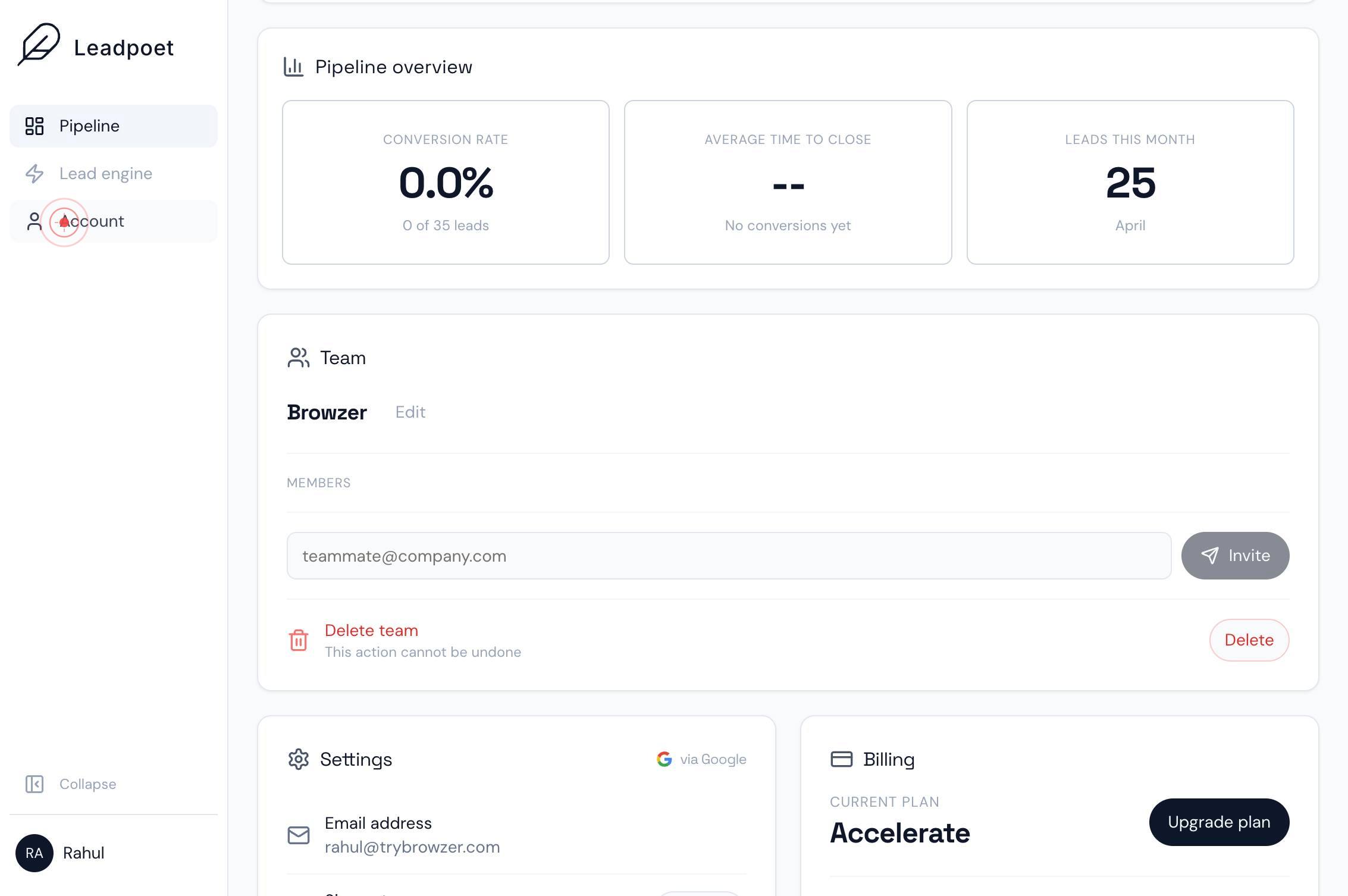
AccountAccess your account administration panel by clicking the Account button. This opens your account settings where you can manage teams, users, billing, and other organizational configurations.
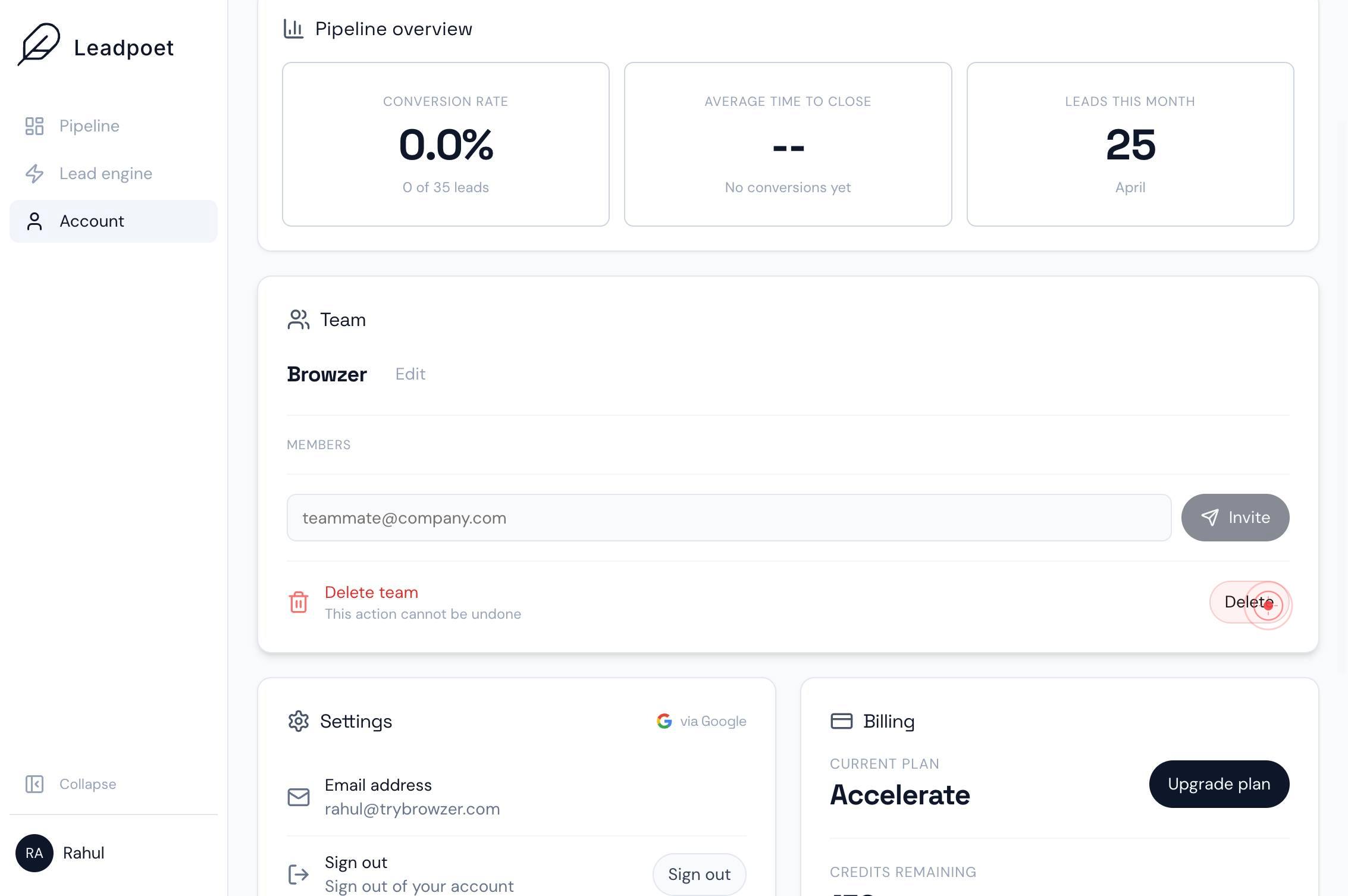
DeleteClick the Delete button to initiate the team deletion process. This button appears in the Account settings interface next to the team you wish to remove.
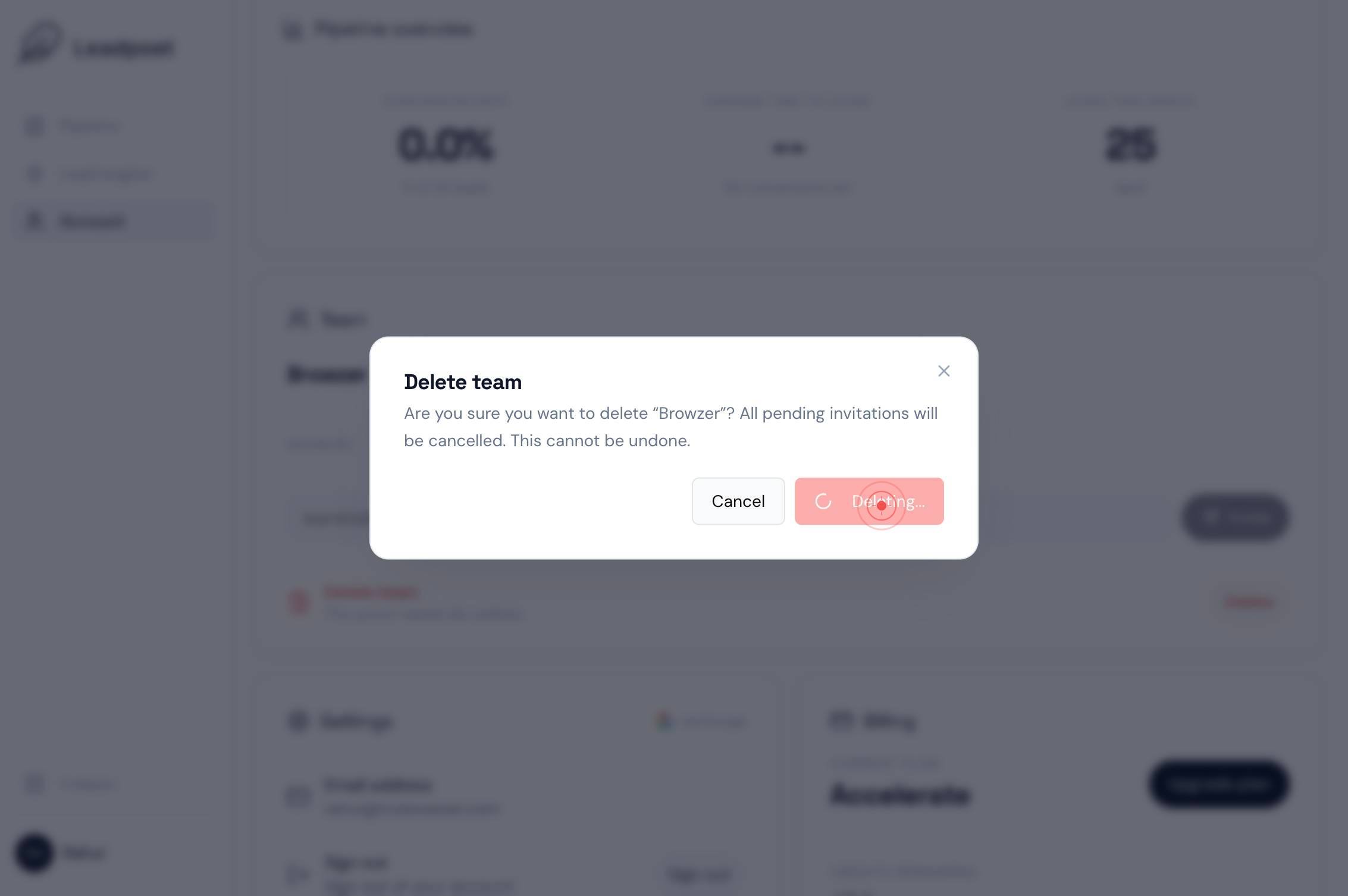
Delete teamConfirm the deletion by clicking the Delete team button in the confirmation dialog. This final step permanently removes the team from your account.
Confirm it worked
- 1The team no longer appears in the team list within Account settings
- 2You receive a confirmation message or success notification after completing the delete action
- 3The Account dashboard reflects the updated team count (reduced by one)
Common issues
Keep reading
Delete a Team - Api Docs - Leadsquared
Delete a Team - Api Docs - Leadsquared # LeadSquared Developer Centre Table of contents ON THIS PAGE - API - Developer Apps --- Lets you delete a team. You must pass the “team
apidocs.leadsquared.comHow do I remove my Microsoft Teams integration?
How do I remove my Microsoft Teams integration? 1. Help Centre 2. FAQ 3. Integrations # How do I remove my Microsoft Teams integration? To remove the Microsoft Teams integration from Leadinfo, you
help.leadinfo.comHow can I delete a Lead?
Designed for Growth: Scale your recurring revenue with the new Teamgate SaaS CRM. Explore SaaS Features → Book a demo today and save 50% off your first month, or 20% off your first year. Get a free
teamgate.com