Guide
Export Leads
Overview
LeadPoet is a done-for-you email lead generation platform that builds and maintains your sales pipeline. Once you've accumulated leads through LeadPoet's campaigns, you'll often need to export that data to integrate with your existing CRM, email marketing tools, or sales workflows. The Export function allows you to download your lead list in a standard format, ensuring your prospect data is accessible across your entire sales stack and enabling you to take action on qualified prospects immediately.
Before you begin
- An active LeadPoet account with access to the leads dashboard (sign in at leadpoet.ai)
- At least one lead generated or imported into your LeadPoet pipeline
- Sufficient user permissions to export data (typically available to account owners and administrators)
Step by step
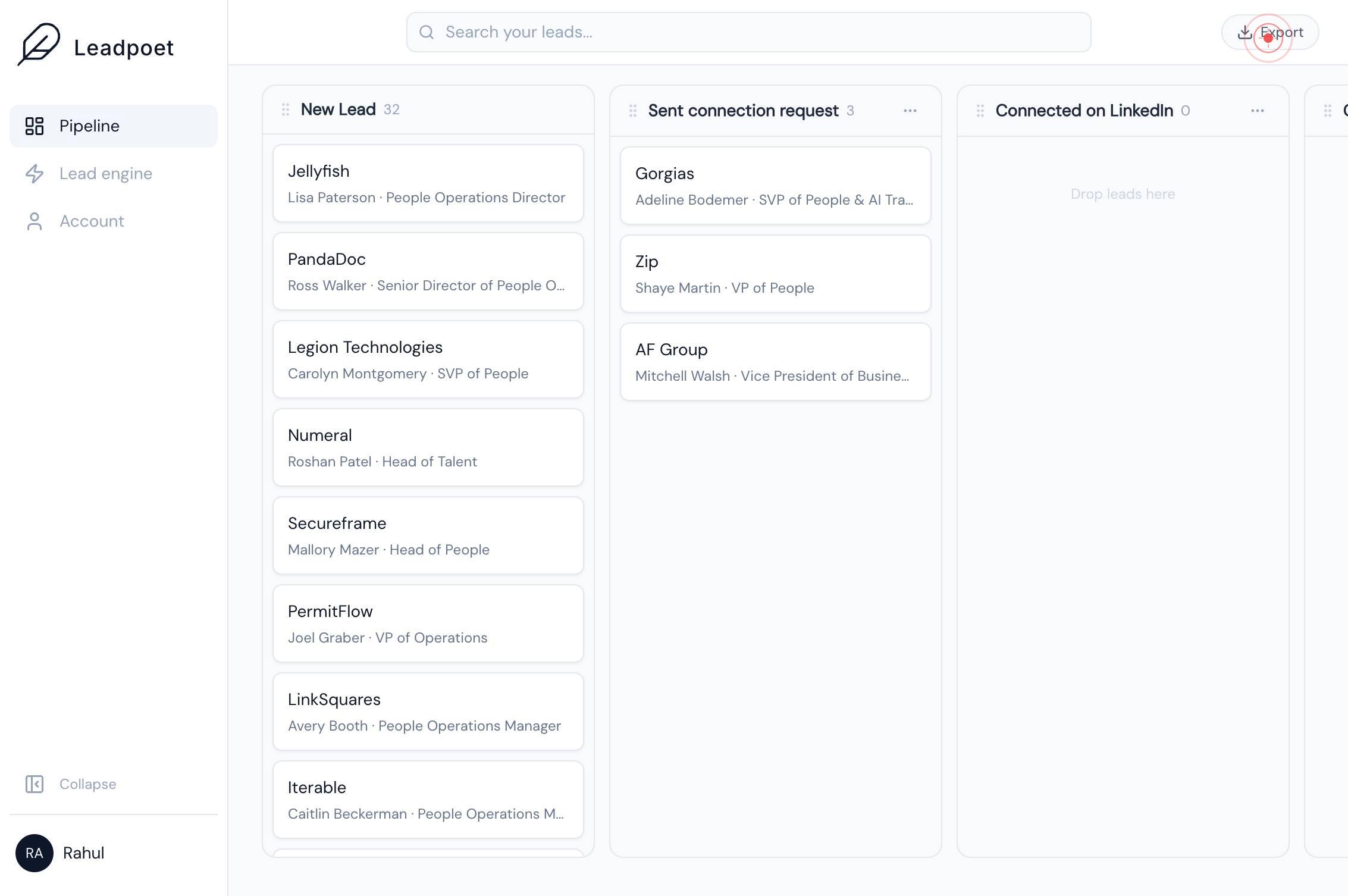
ExportClick the Export button in the LeadPoet leads dashboard to download your prospect data. This action initiates the export process and prepares your lead list for download in a standard format compatible with external platforms.
Confirm it worked
- 1An export file download dialog or confirmation appears in your browser
- 2A file (typically CSV or similar format) is downloaded to your computer containing your lead data
- 3The export file can be opened and contains columns such as prospect name, email address, company, and other lead metadata
- 4The number of records in the exported file matches the lead count shown in your LeadPoet dashboard
Common issues
Keep reading
How to Export Leads From Salesforce | Step-by-Step Guide
How to Export Leads From Salesforce | Step-by-Step Guide While working at a company that uses Salesforce to manage business processes, our marketing team recently ran a campaign and generated a numbe
salesforcefaqs.comExport Leads from Freshsales • AeroLeads
Export Leads from Freshsales • AeroLeads ## What Most Guides Get Wrong About Exporting Leads Most tutorials treat exporting leads from Freshsales as a simple button click. They show you where the ‘E
aeroleads.comA-Leads | Most Up-to-Date Leads for your Business
A-Leads | Most Up-to-Date Leads for your Business ### Table of Contents # Exporting Data Orestas Nariunas October 1, 2025 Once you’ve built your ideal list of leads in A-Leads, exporting and sync
a-leads.co