Guide
Enable Agentic Guide
Overview
Sprinto's Agentic Guide provides an interactive, step-by-step interface for understanding and implementing agentic AI workflows within your Sprinto workspace. If you have navigated away from the guide—whether to check settings, review documentation, or access other features—you can quickly return to it using the back navigation button. This workflow is particularly useful when you're in the middle of learning the Agentic AI capabilities or setting up an agentic workflow and need to resume where you left off without losing your place.
Before you begin
- You must have an active Sprinto account with access to app.sprinto.com
- You must have previously navigated away from or minimized the Agentic Guide interface
- You should have basic familiarity with the Sprinto dashboard and navigation structure
Step by step
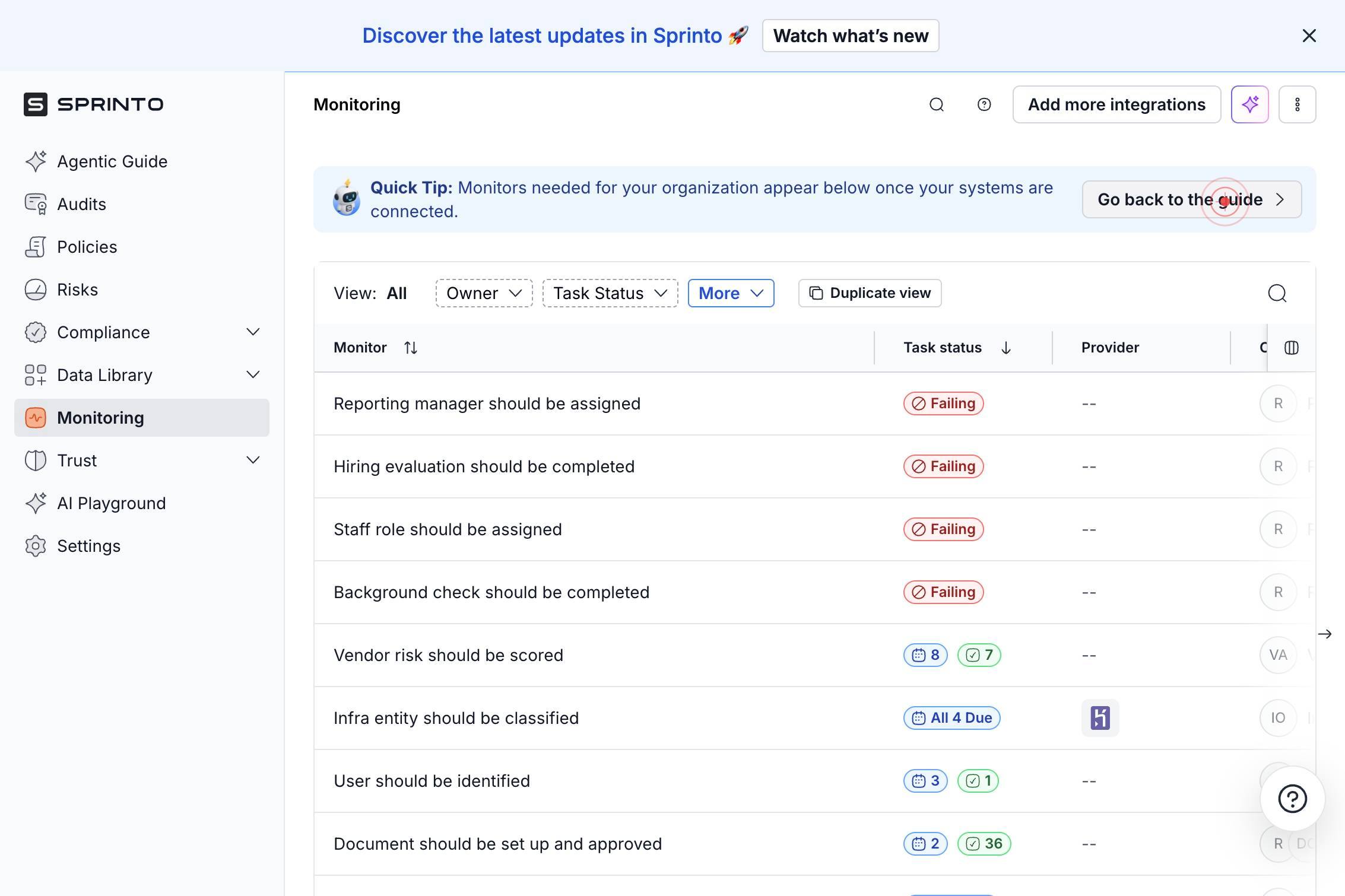
Go back to the guideReturn to the Agentic Guide by clicking the 'Go back to the guide' button. This action restores the interactive guide interface in your workspace, allowing you to continue working with agentic AI workflows or resume learning where you left off.
Confirm it worked
- 1The Agentic Guide interface reappears in your main workspace view
- 2You are returned to the same point in the guide where you left off
- 3The guide content and interactive elements are fully loaded and interactive
Common issues
Keep reading
Build Your First Agentic AI in 2026: The Complete Developer Guide | by Nitin Gavhane | Mar, 2026 | Medium
Build Your First Agentic AI in 2026: The Complete Developer Guide | by Nitin Gavhane | Mar, 2026 | Medium Sign up Get app Sign up # Build Your First Agentic AI in 2026: The Complete Developer Guid
medium.comQuickstart — Agentic Prototyping
Quickstart — Agentic Prototyping # Quickstart ## Contents # Quickstart# ## Create a project and virtual environment# You’ll only need to do this once. ``` mkdir my_project cd my_project python
martinb-ai.github.ioAgentic Workflows with GPT-5: A Hands-on Guide | Medium
Agentic Workflows with GPT-5: A Hands-on Guide | Medium Sign up Get app Sign up # Build An Agentic Quant Advisor From Scratch: Part 1 ## A step-by-step guide to building agentic workflows with GP
medium.com