Guide
Answers
Overview
Exa's Answer feature is a semantic search tool designed to help developers and AI applications retrieve high-quality, contextual web data. Unlike keyword-based search engines, Exa understands natural language queries and returns results optimized for AI consumption. This workflow shows you how to access the Answer tool, submit a query, configure output format, and retrieve meaningful results. This is particularly useful when you need nuanced information about competitive positioning, technical comparisons, or complex topics that benefit from semantic understanding rather than simple keyword matching.
Before you begin
- Active account on dashboard.exa.ai with login credentials
- Access to the Exa API Dashboard (you should be logged in before starting)
- A clear search query or topic you want to explore (e.g., product differentiation, technical explanations)
Step by step
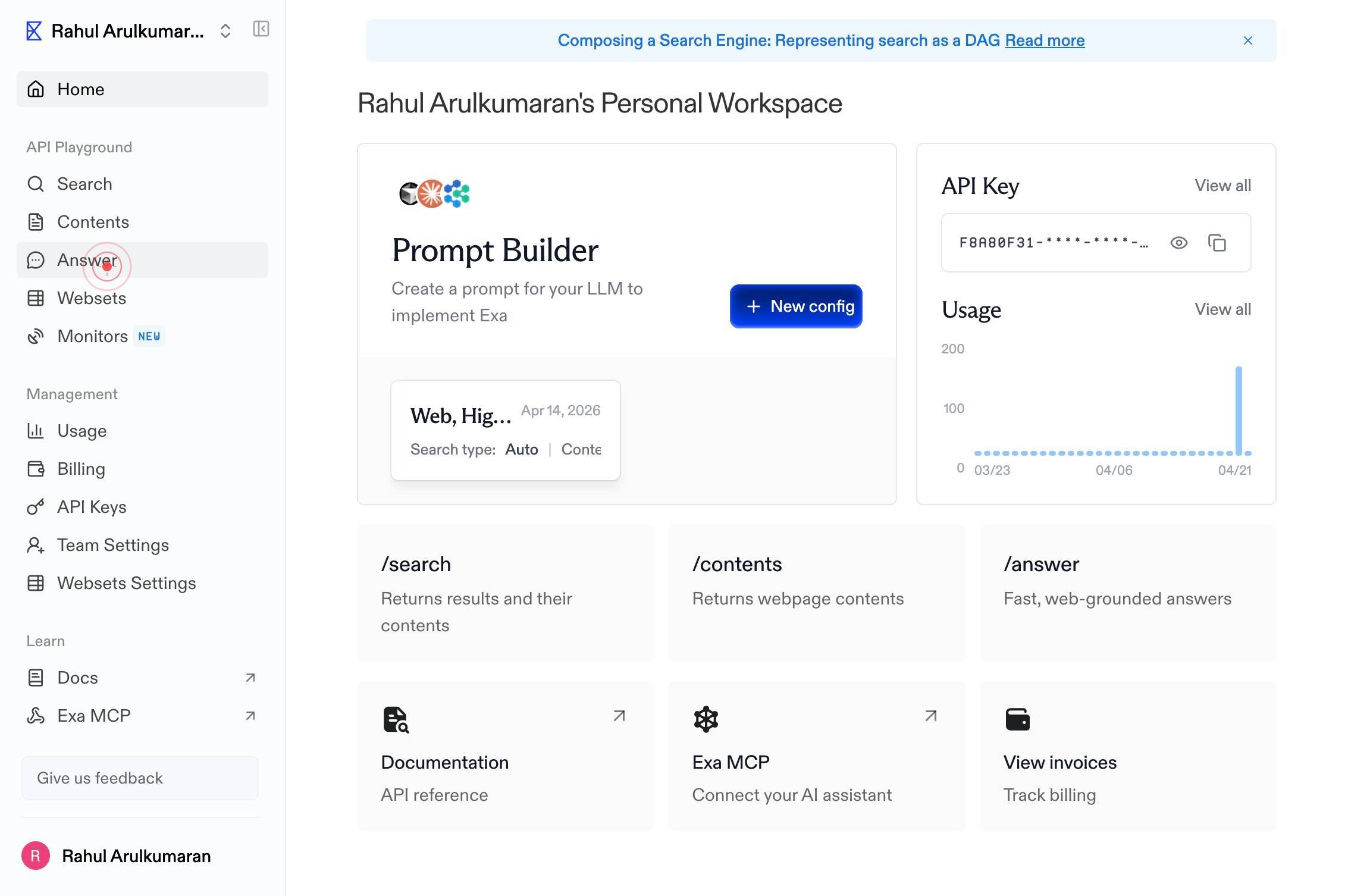
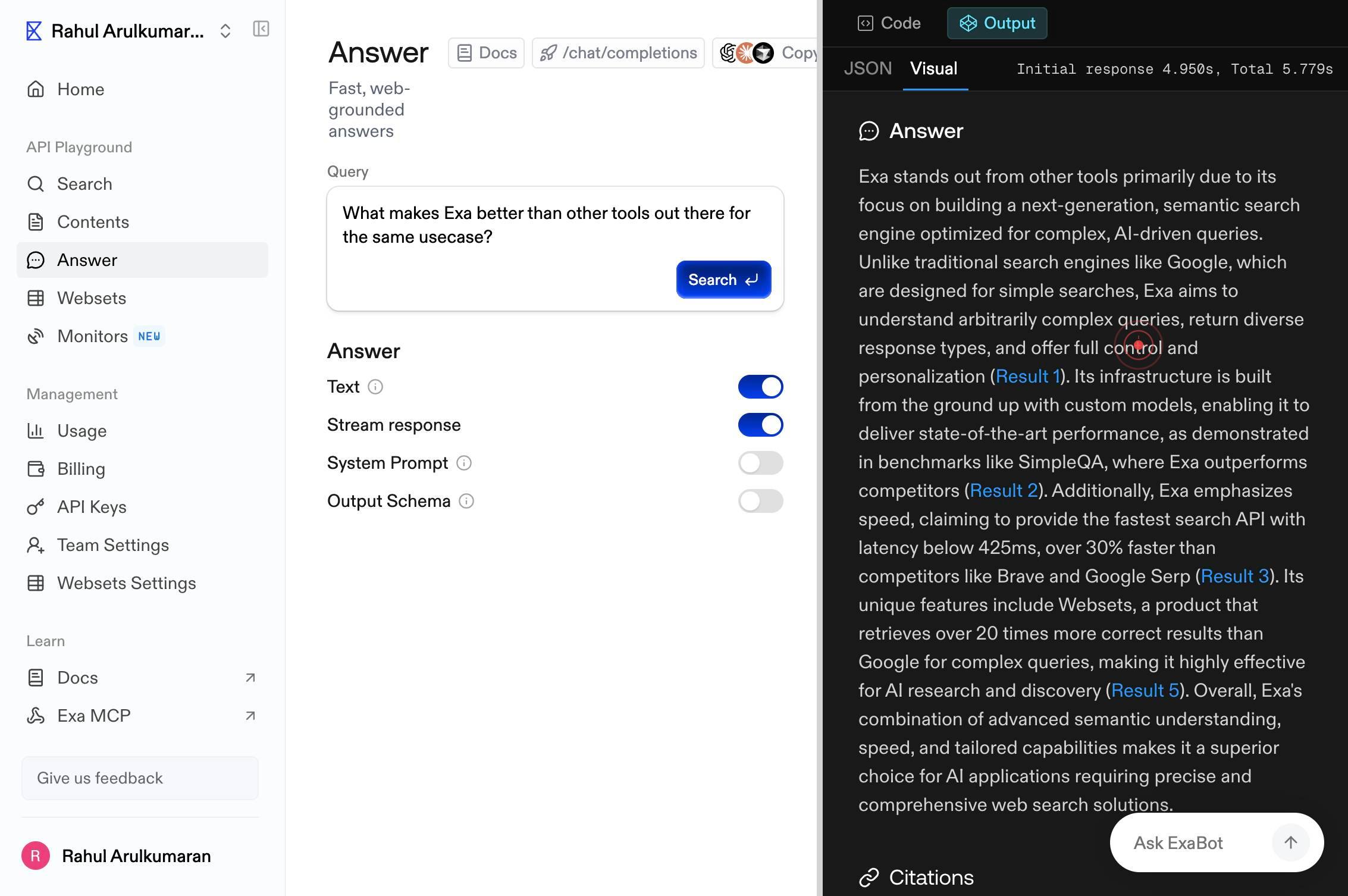
AnswerNavigate to the Answer feature by clicking the 'Answer' link in the main navigation menu of your Exa dashboard. This opens the semantic search interface where you can compose and submit queries.
Enter a query, or try an exampleClick on the search input field labeled 'Enter a query, or try an example' to activate it and prepare to enter your search query.
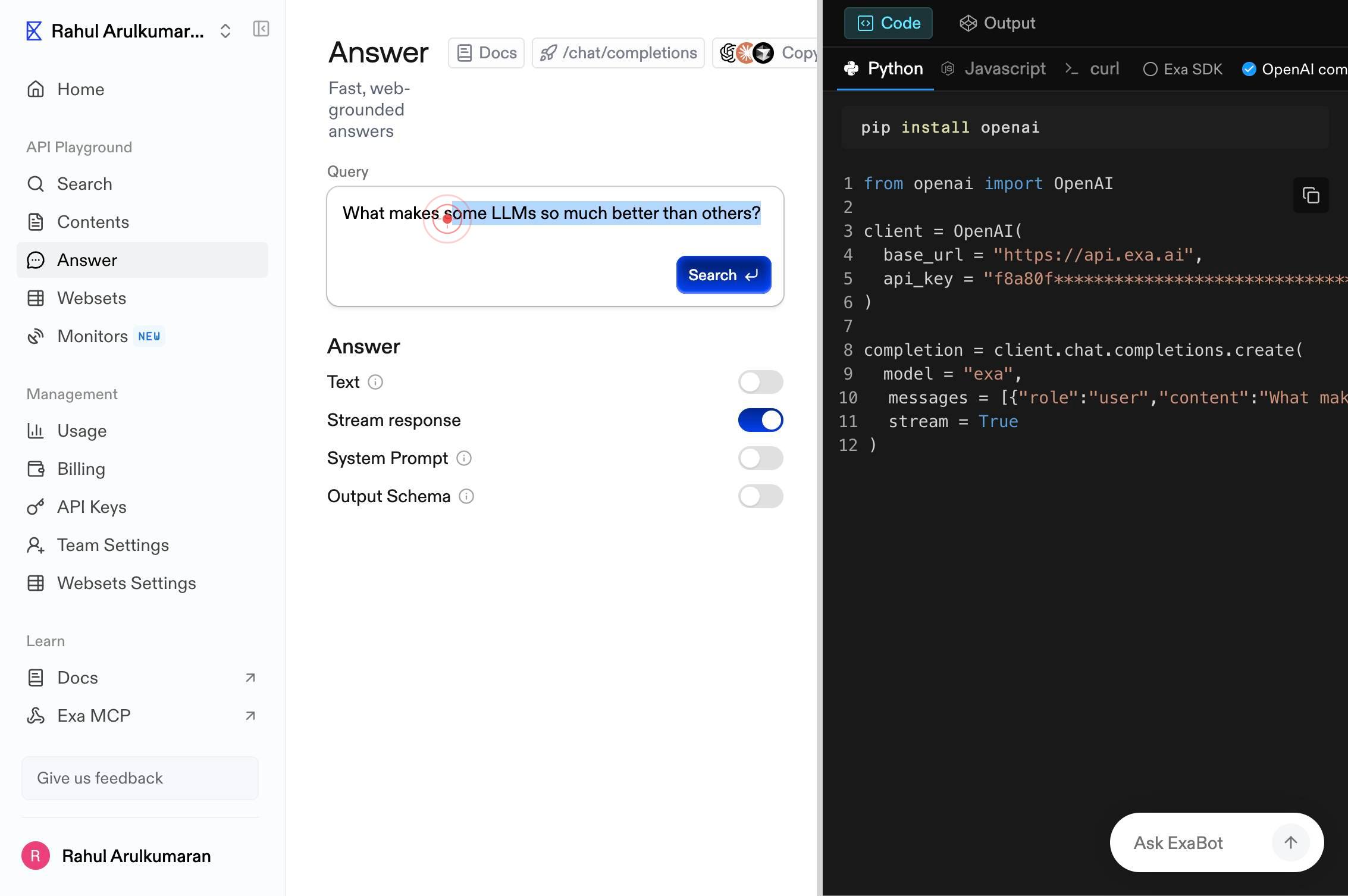
Enter a query, or try an exampleType your search query into the active text field. Enter a clear, natural language question or topic description that you want Exa to search for across the web.
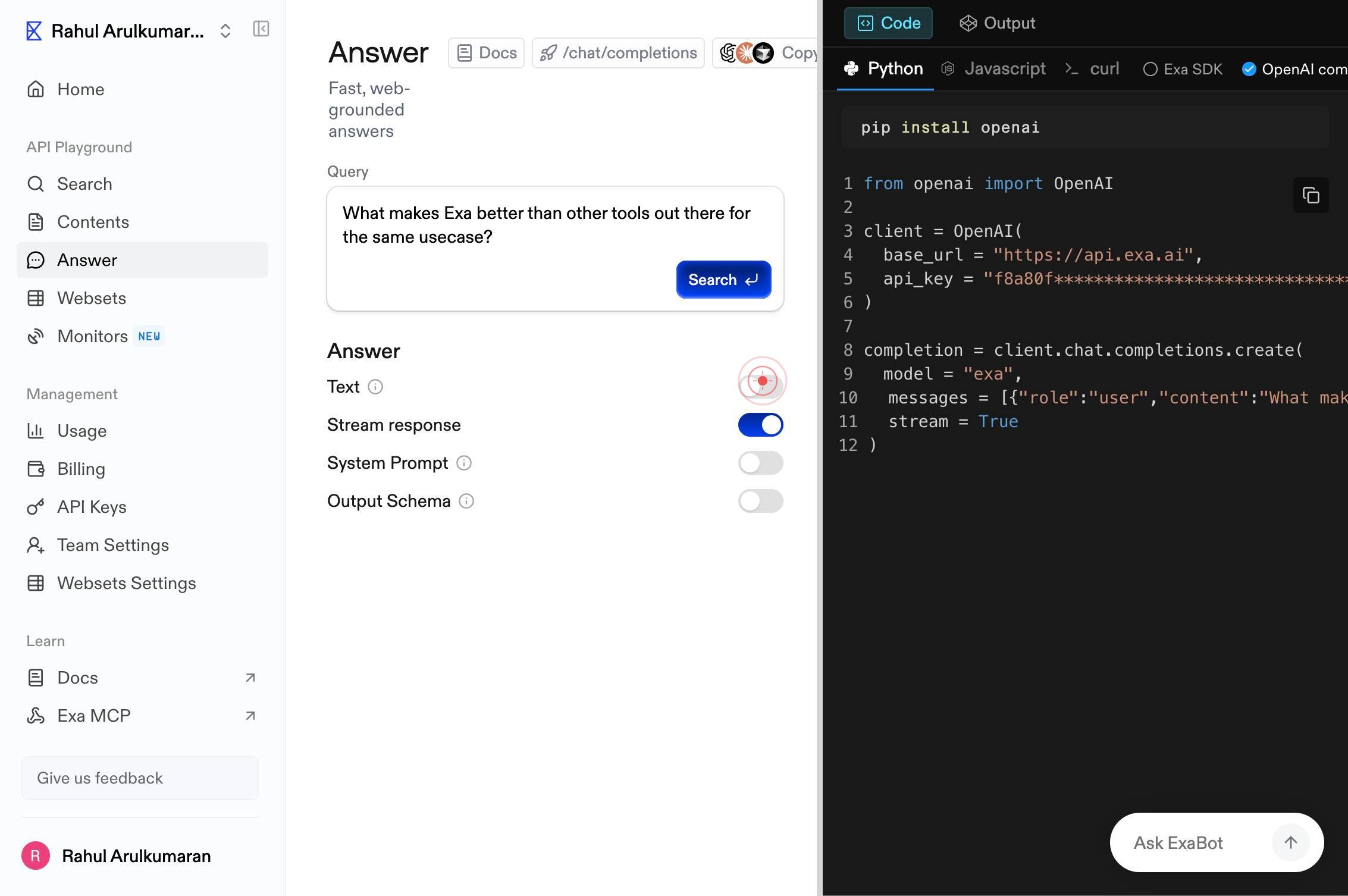
TextClick the 'Text' toggle switch to select plain text format as your output type. This ensures results are returned as readable paragraphs rather than structured data or other formats.
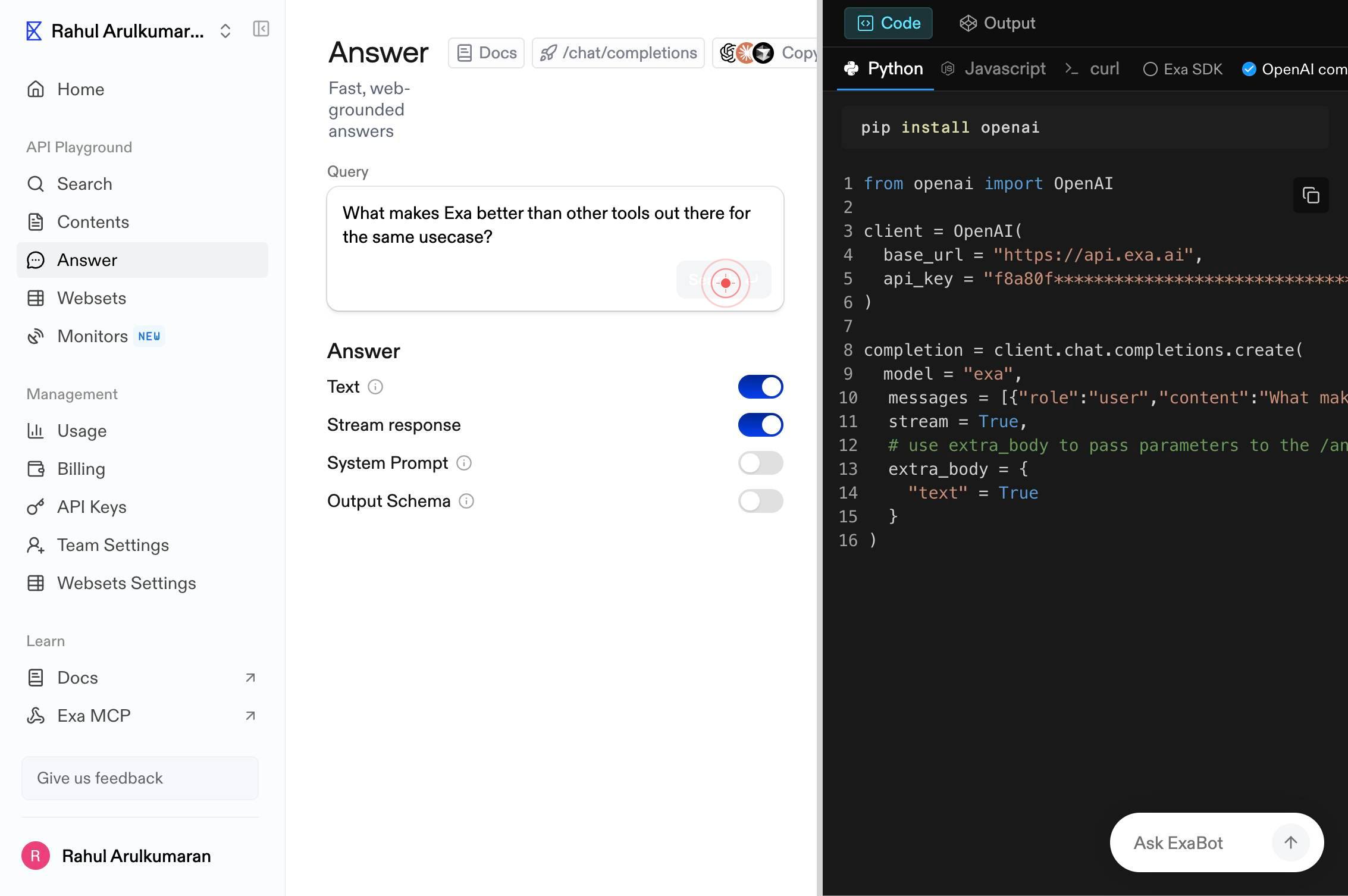
SearchClick the 'Search' button to submit your query and retrieve semantic search results from Exa's web index. The system will process your query and return contextual results optimized for AI understanding.
Exa stands out from other tools primarily due to its focus on building a next-generation, semantic search engine optimized for complex, AI-driven queries. Unlike traditional search engines like Google, which are designed for simple searches, Exa aimsClick on the displayed search result to view or expand the full answer. In this example, the result explains how Exa differentiates itself through semantic search optimization for AI-driven queries, contrasting its approach with traditional keyword-based search engines.
Confirm it worked
- 1The Answer feature page loads, showing a search input field labeled 'Enter a query, or try an example'
- 2Your search query appears in the text field after typing
- 3The Text format toggle is enabled/visible on the interface
- 4Search results display as formatted text paragraphs after clicking Search, with at least one result visible explaining the queried topic
Common issues
Keep reading
Quick Tutorial
Quick Tutorial - AnswerDock [](https://answerdock.com/) ### Documentation * [Introduction](https://answerdock.com/docs/documentation/introduction/) * [Exploring Your Data](https://answerdock.com/docs/
answerdock.comTutorials | Answer
##### Guide to Adding Plugins to Apache Answer Learn how to easily add Apache Answer plugins and extend its functionality Zhu Xuanlyu Chen Jiaji Anne Zhu August 22, 2024 ##### Apache Answer Back
answer.apache.orgAnswers to Questions and Exercises: Classes (The Java™ Tutorials > Learning the Java Language > Classes and Objects)
Answers to Questions and Exercises: Classes (The Java™ Tutorials > Learning the Java Language > Classes and Objects) Documentation The Java™ Tutorials Trail: Learning the Java Language Lesson: Cla
docs.oracle.com