Guide
Index Documentation by URL
Overview
Nia is a Search & Index API for Agents that allows you to ingest, index, and query documentation at scale. By indexing documentation from a URL, you make that content searchable within Nia, enabling your agents and users to retrieve relevant information instantly. This is particularly useful when you want to augment your agent's knowledge base with third-party documentation (e.g., API docs, tutorials, guides) without manually copying content. The indexing process crawls the provided URL and stores the content for fast, semantically intelligent search.
Before you begin
- You have a Nia workspace account at app.trynia.ai and are logged in.
- You have the documentation URL you want to index (e.g., https://docs.example.com). The URL should be publicly accessible.
- You have permission to add data sources in your Nia workspace (typically available to workspace owners and certain admin roles).
Step by step
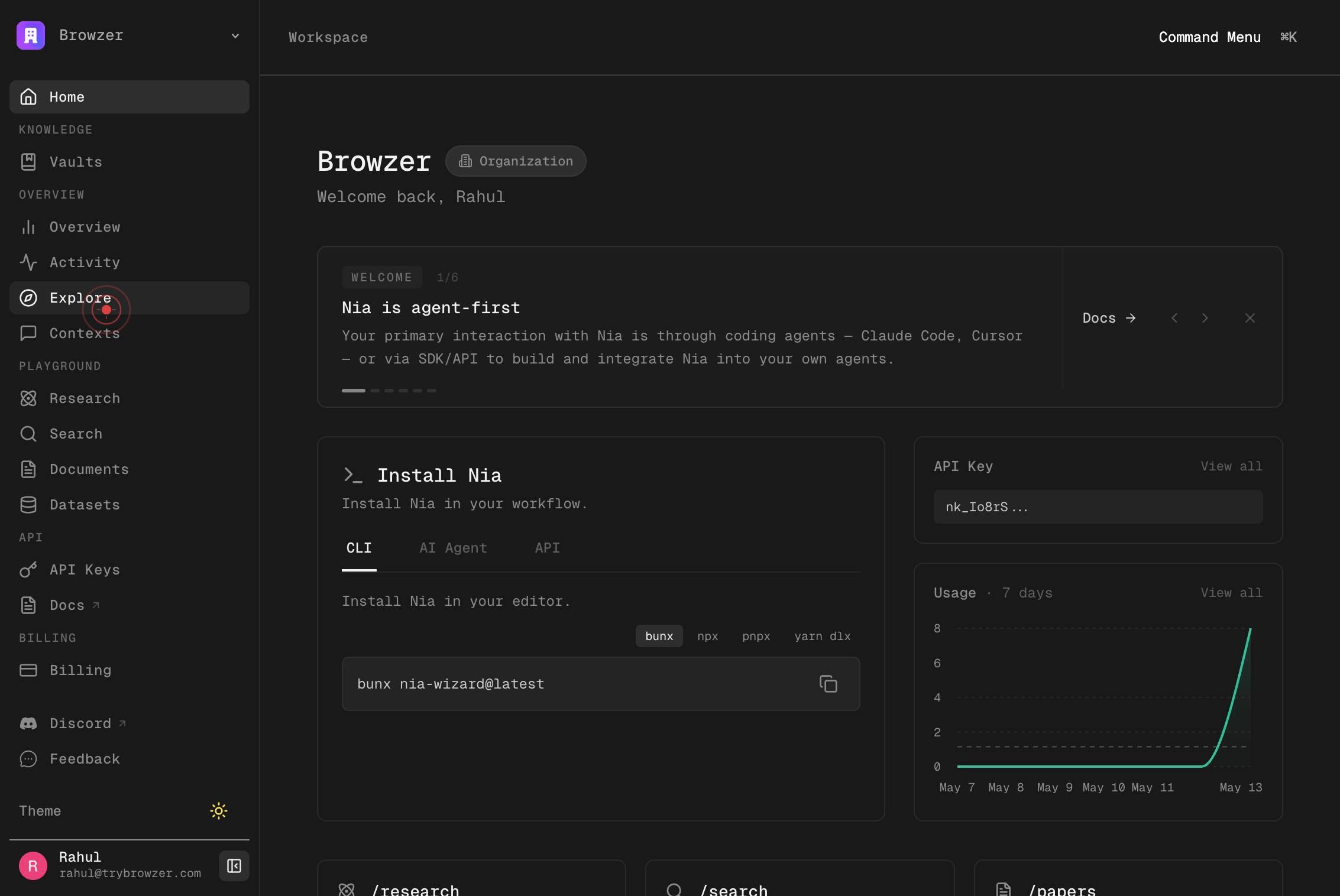
ExploreNavigate to the Explore section of your Nia workspace by clicking the 'Explore' link in the sidebar. This section provides access to documentation sources and indexing tools.
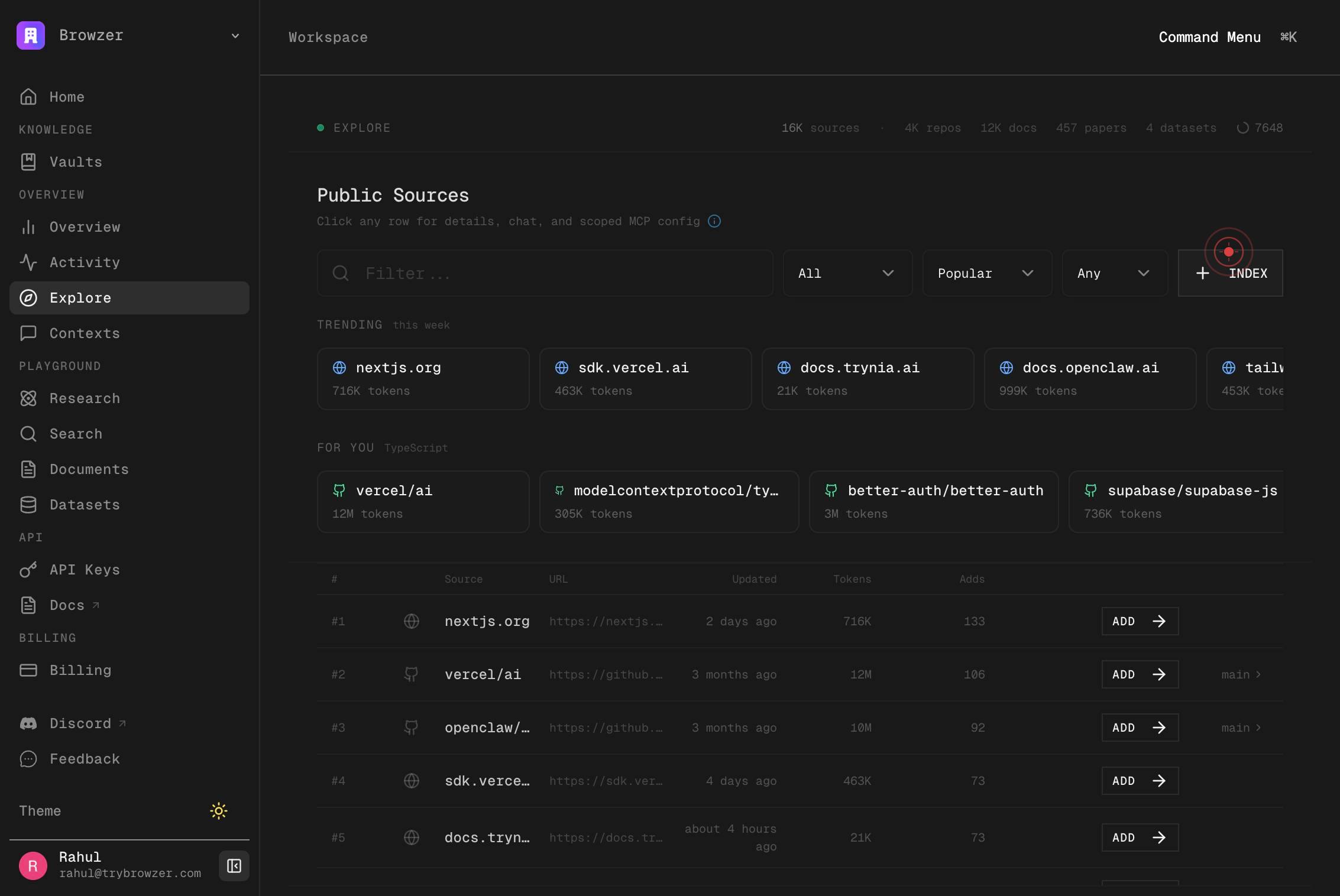
INDEXClick the 'INDEX' button to open the documentation indexing interface. This button initiates the workflow for adding a new documentation source to your workspace.
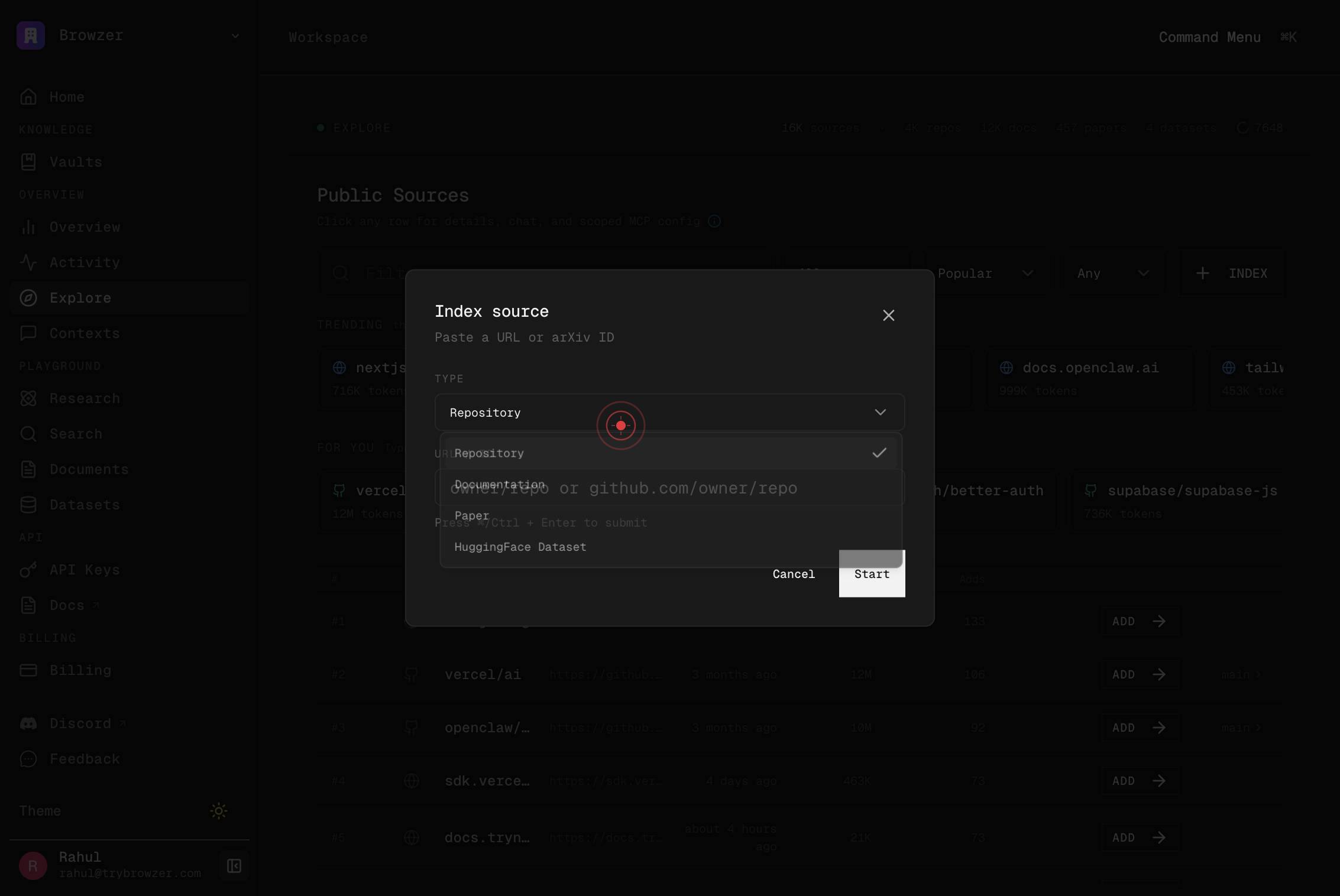
Browzer Home KNOWLEDGE Vaults OVERVIEW Overview Activity Explore Contexts PLAYGROUND Research Search Documents Datasets API API Keys Docs BILLING Billing SETTINGS Organization Integrations Answer Model Local Sync Context Transfer Referral Discord FeeClick in the main content area to dismiss any open menus or focus the interface. This ensures that the input field for the documentation URL is active and ready for input.
docs.example.comClick in the URL input field (labeled 'docs.example.com') to select it and prepare for text entry. This field is where you will paste or type the URL of the documentation you want to index.
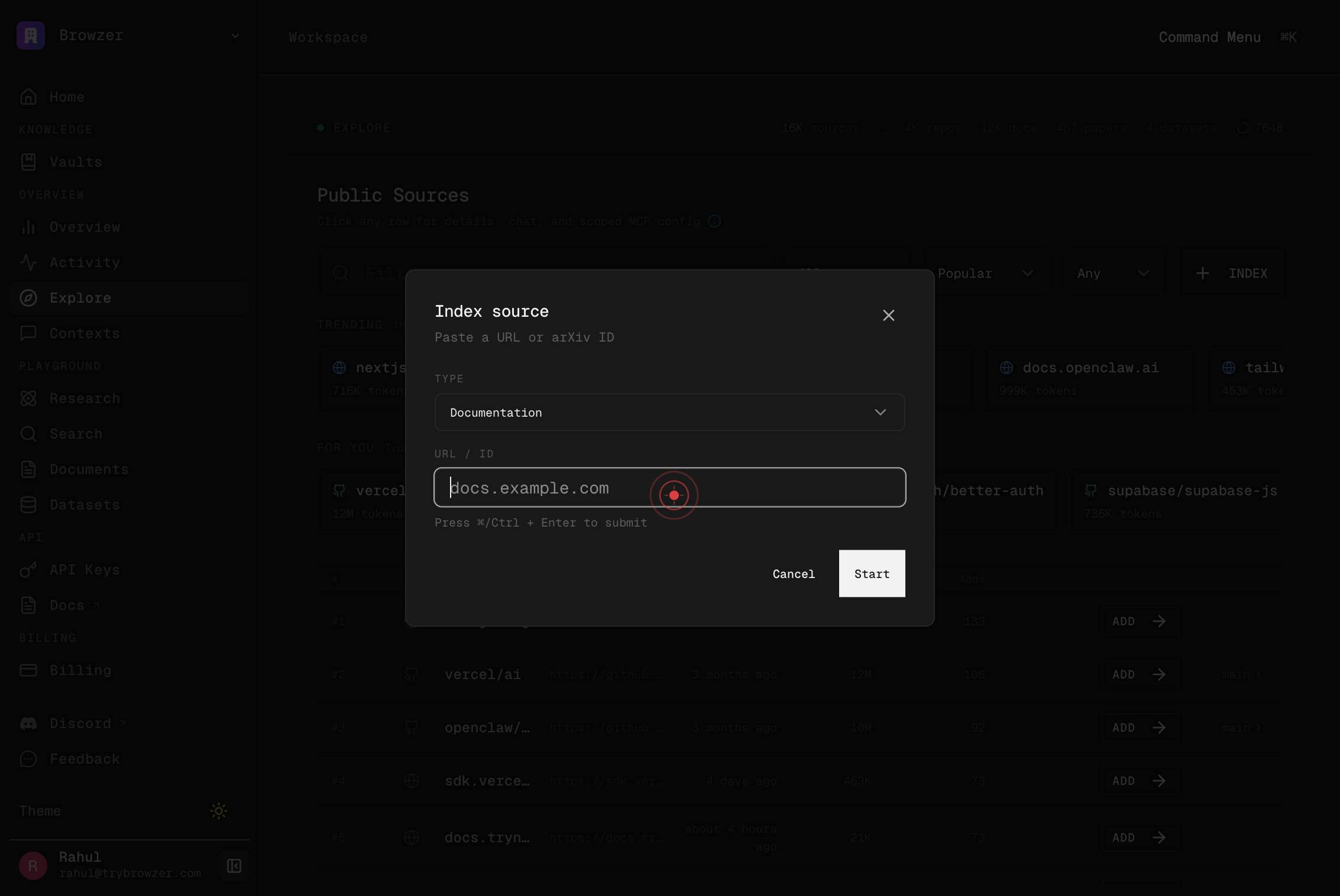
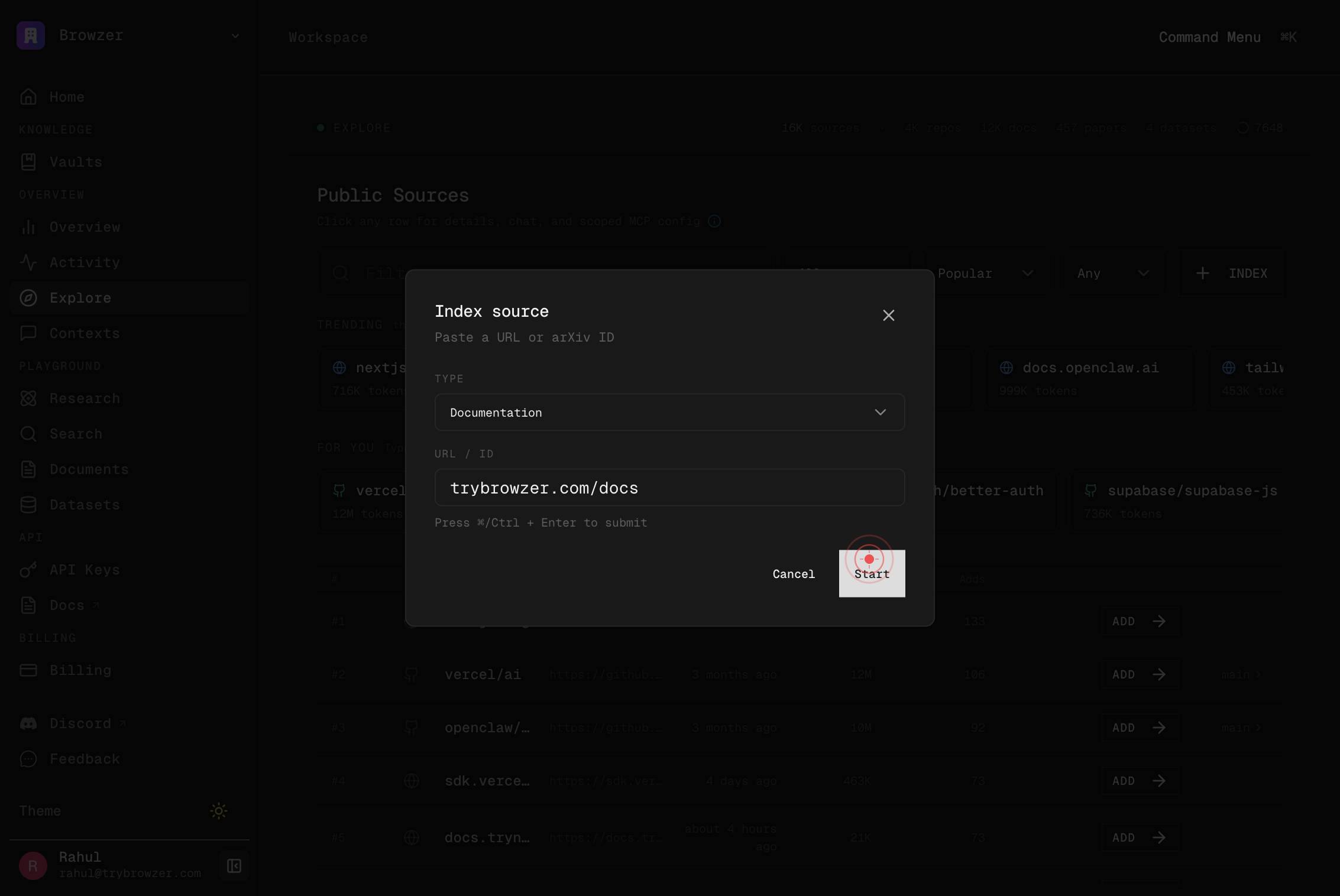
docs.example.comType or paste the complete URL of the documentation you want to index (e.g., https://docs.anthropic.com or https://docs.yourdomain.com). Ensure you include the full protocol (https:// or http://) and a valid, publicly accessible web address.
StartClick the 'Start' button to initiate the indexing process. Nia will begin crawling the provided URL and ingesting the documentation into your workspace's search index.
Confirm it worked
- 1After clicking 'Start,' the Nia interface displays a confirmation message or status indicator showing that the indexing job has been initiated.
- 2In the Explore or Data Sources section of your workspace, the newly indexed documentation URL appears in the list of available sources.
- 3You can search within the newly indexed documentation using Nia's search feature and retrieve results from that source.
Common issues
Keep reading
Source Types - Nia AI Documentation
> ## Documentation Index > > Fetch the complete documentation index at: https://docs.trynia.ai/llms.txt > Use this file to discover all available pages before exploring further. [...] Crawl public docs, honor `llms.txt` when available, and search pages semantically or with regex. [...] | Documentation sites | `index` | `search`, `nia_read`, `nia_grep`, `nia_explore` | `llms.txt` aware, supports crawl filters | [...] ## Documentation Sites [...] Best for framework docs, product docs, API docs, and structured technical websites. [...] - you want grounded answers from official docs - you need a source your agents can cite and revisit - you want to crawl a docs site with include or exclude patterns [...] Start with: [...] - `index` on the docs URL - `search` to find relevant pages - `nia_read` and `nia_grep` for deeper inspection [...] Typical prompts: [...] ```text "Index https://nextjs.org/docs" "Search the docs for cache invalidation" "Read the page about route handlers" ```
docs.trynia.aiCapabilities - Nia AI Documentation
> ## Documentation Index > > Fetch the complete documentation index at: https://docs.trynia.ai/llms.txt > Use this file to discover all available pages before exploring further. [...] , datasets, [...] Use `index`, ` [...] Index a repository, documentation site, paper, dataset, spreadsheet, or local folder with `index`, or use the dedicated Google Drive Integration flow for Drive content. [...] ### `index` [...] Universal entry point for repositories, documentation, research papers, HuggingFace datasets, spreadsheets, and local folders. [...] Auto-detects: [...] - GitHub URLs as repositories - arXiv and PDF URLs as papers or PDFs - HuggingFace dataset URLs as datasets - CSV, TSV, XLSX, and XLS files as spreadsheets - Local paths as local folders - Other web URLs as documentation [...] Typical prompts: [...] ``` "Index https://github.com/owner/repo" "Index https://docs.example.com" "Index https://arxiv.org/abs/2401.12345" "Index https://huggingface.co/datasets/openai/gsm8k" ```
docs.trynia.ai