Guide
Query the Entire Indexed Workspace
Overview
Nia's workspace search feature enables you to query across all subscribed and indexed sources—public repositories, documentation, and research papers—in a single operation. This is particularly useful when you don't know which specific source contains the answer you need, or when researching a topic that spans multiple codebases and documentation sets. Rather than searching source-by-source, the indexed workspace search aggregates results from your entire knowledge base, saving time and ensuring comprehensive coverage. This workflow applies whether you're investigating implementation patterns, understanding API behavior, or conducting cross-repository research.
Before you begin
- A Nia account created at app.trynia.ai with valid sign-in credentials
- At least one indexed source (repository, documentation, or paper) subscribed to your workspace—either from Global Sources or your own indexed content
- Active internet connection to app.trynia.ai
Step by step
SearchNavigate to the Search page by clicking the Search link in the primary navigation. This takes you to the unified search interface where you can query across all indexed sources in your workspace.
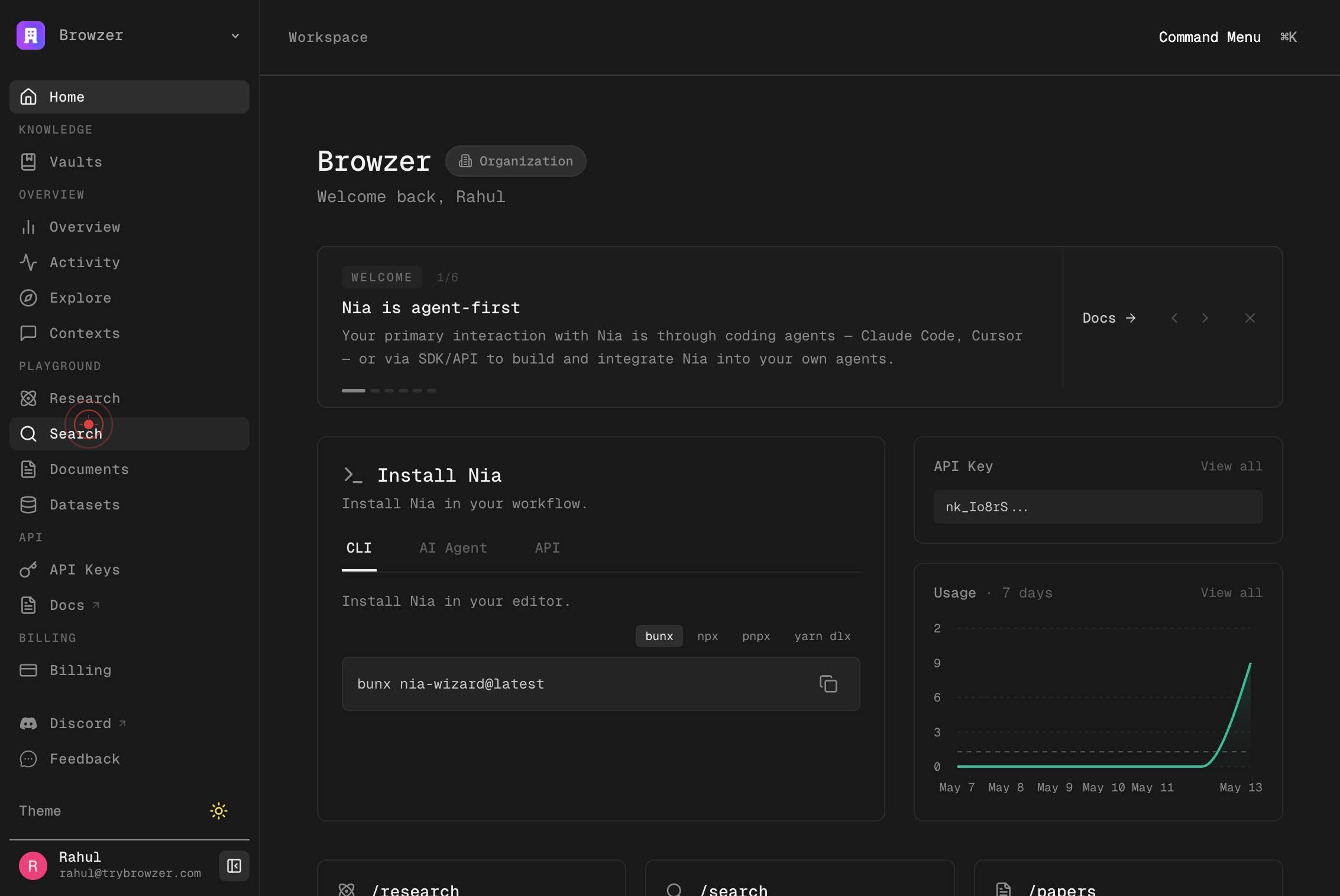
Ask anything about indexed repos, docs & papers...Click on the search input field labeled 'Ask anything about indexed repos, docs & papers...' to activate the text field and prepare to enter your query.
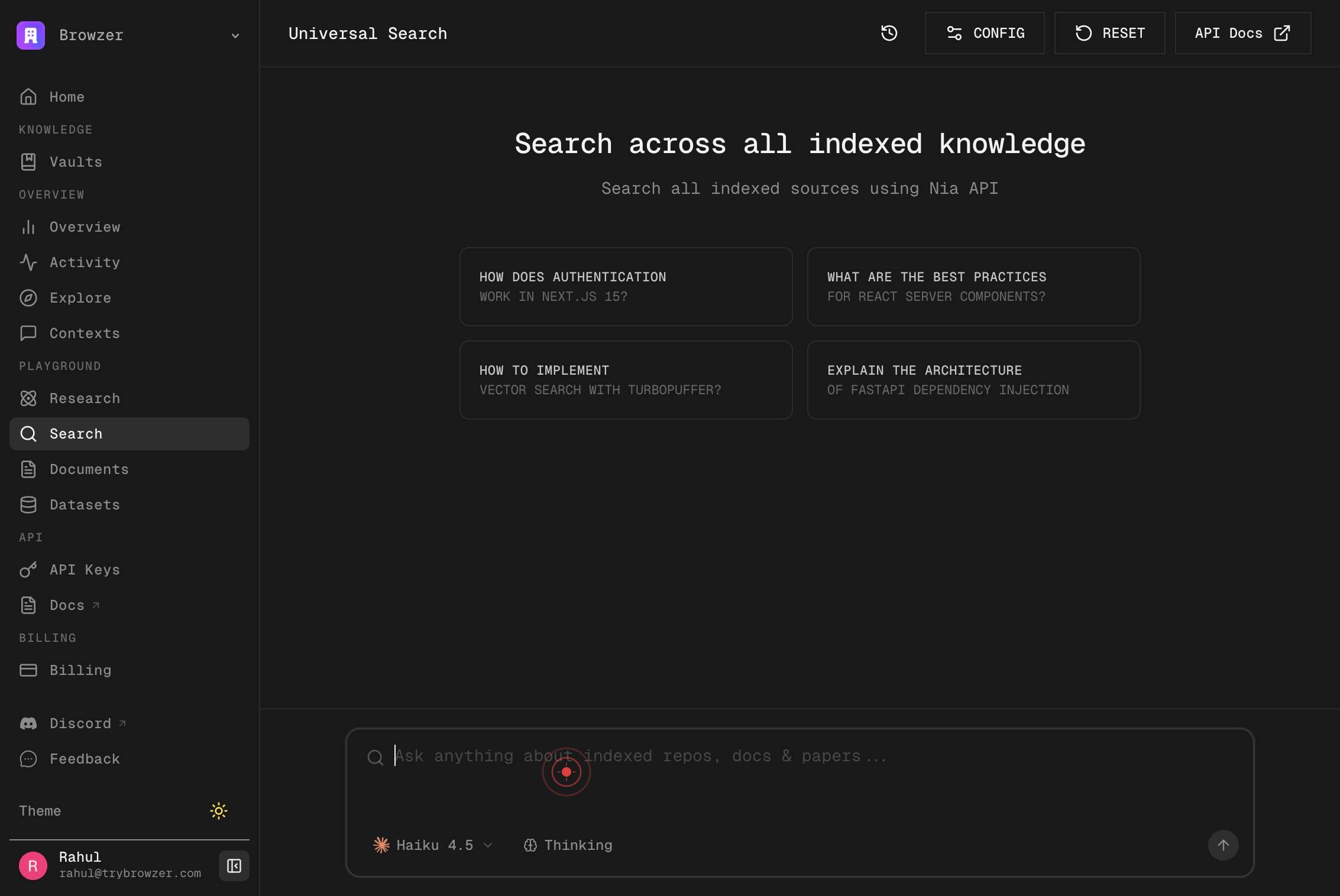
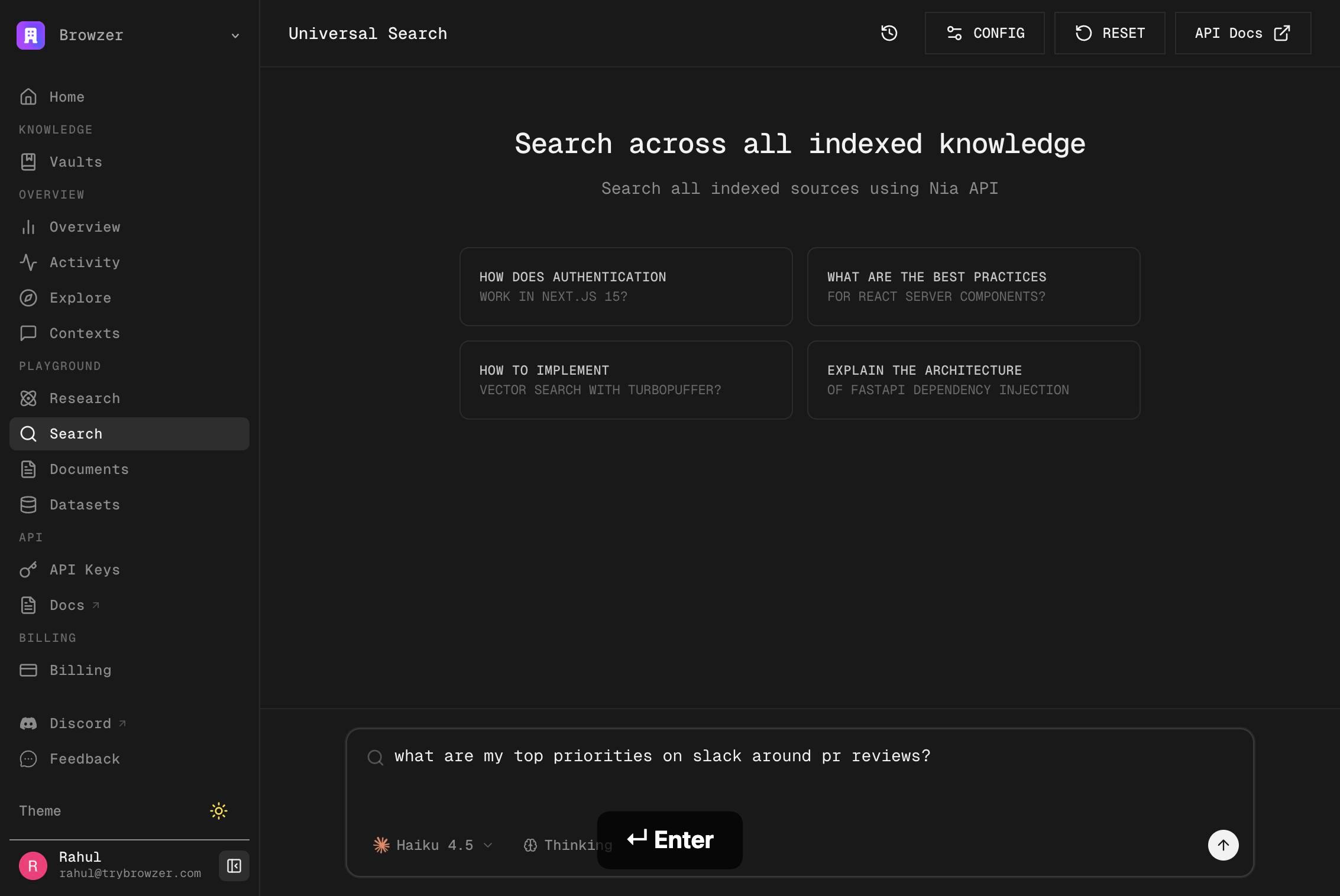
Ask anything about indexed repos, docs & papers...Type your search query into the input field. Describe what you're looking for using clear, specific terms. For example, 'streaming implementation in Node.js' or 'authentication patterns in React'.
Press Enter to submit your query and search across the entire indexed workspace. Nia will return matching results from all your subscribed repositories, documents, and papers within seconds.
Confirm it worked
- 1The Search page loads and displays the search input field with placeholder text 'Ask anything about indexed repos, docs & papers...'
- 2Query results appear on the screen, showing matching content from your indexed sources with relevance rankings
- 3Results include source attribution (repository name, document title, or paper reference) so you can trace each result to its origin
Common issues
Keep reading
Example Workflows - Nia AI Documentation
> ## Documentation Index > > Fetch the complete documentation index at: https://docs.trynia.ai/llms.txt > Use this file to discover all available pages before exploring further. [...] Universal search lets you query across all indexed repositories, documentation, and web sources simultaneously. Instead of searching each source individually, Nia automatically routes your query to relevant sources and returns ranked results. [...] > One query, all sources - Search repos, docs, and web content in a single request > > Auto-routing - Nia intelligently determines which sources are most relevant [...] - Semantic + keyword hybrid search with configurable weighting - Cross-source ranking and deduplication - Source metadata and relevance scores - Real-time results from repos and documentation [...] @aisdk [...] > Nia package search lets you grep + search through the source of any package > > Docs search lets agents index and query any docs on the web
docs.trynia.aiList Slack Installations - Nia AI Documentation
> List all Slack workspace connections for the authenticated user/org. [...] ```yaml / [...] : 3.1. [...] info: title: Nia AI API version: [...] 1.1.0 [...] : >- Nia AI API [...] a single, consistent `sources` [...] for all indexed [...] (`/sources [...] research_paper [...] - `huggingface_dataset [...] `local_folder` **Search [...] (`/search [...] - `mode`: query | [...] | deep | universal Legacy endpoints are deprecated and will [...] removed in a future version. Prefer `/ [...] ` and `/search` for new integrations. [...] paths: /slack/installations: get: tags: - Usage summary: List Slack Installations description: List all Slack workspace connections for the authenticated user/org. operationId: list_slack_installations_v2_slack_installations_get responses: '200': description: Successful Response content: application/json: schema: {}
docs.trynia.ai