Guide
Index Huggingface Dataset
Overview
Trynia is a Search & Index API platform designed to help AI agents intelligently access and query external data sources. Hugging Face datasets are a popular resource for training data, research papers, and domain-specific examples. By indexing a dataset in Trynia, you enable your agents to perform semantic search across rows, understand dataset structure, and retrieve relevant records using natural language queries.
This workflow walks you through the browser-based UI method to index a Hugging Face dataset. Once indexed, your agents can use Trynia's `search`, `nia_read`, and `nia_explore` tools to interact with the dataset contents without needing direct access to Hugging Face. This is particularly valuable for large datasets (>2M rows), which Trynia intelligently samples to maintain performance while preserving relevance.
Before you begin
- A Trynia account created at app.trynia.ai with email verification completed.
- Access to app.trynia.ai with a valid API key (available from Settings → API Keys if needed for programmatic access).
- The full URL, owner/dataset-name identifier, or dataset alias of the Hugging Face dataset you want to index (e.g., `https://huggingface.co/datasets/squad`, `dair-ai/emotion`, or `openai/gsm8k`).
- For private Hugging Face datasets: an HF_TOKEN environment variable set with your Hugging Face authentication token.
Step by step
OverviewClick the Overview link in the top navigation to ensure you are on the main workspace dashboard. This confirms you are in the correct section of the Trynia app before accessing the Datasets area.
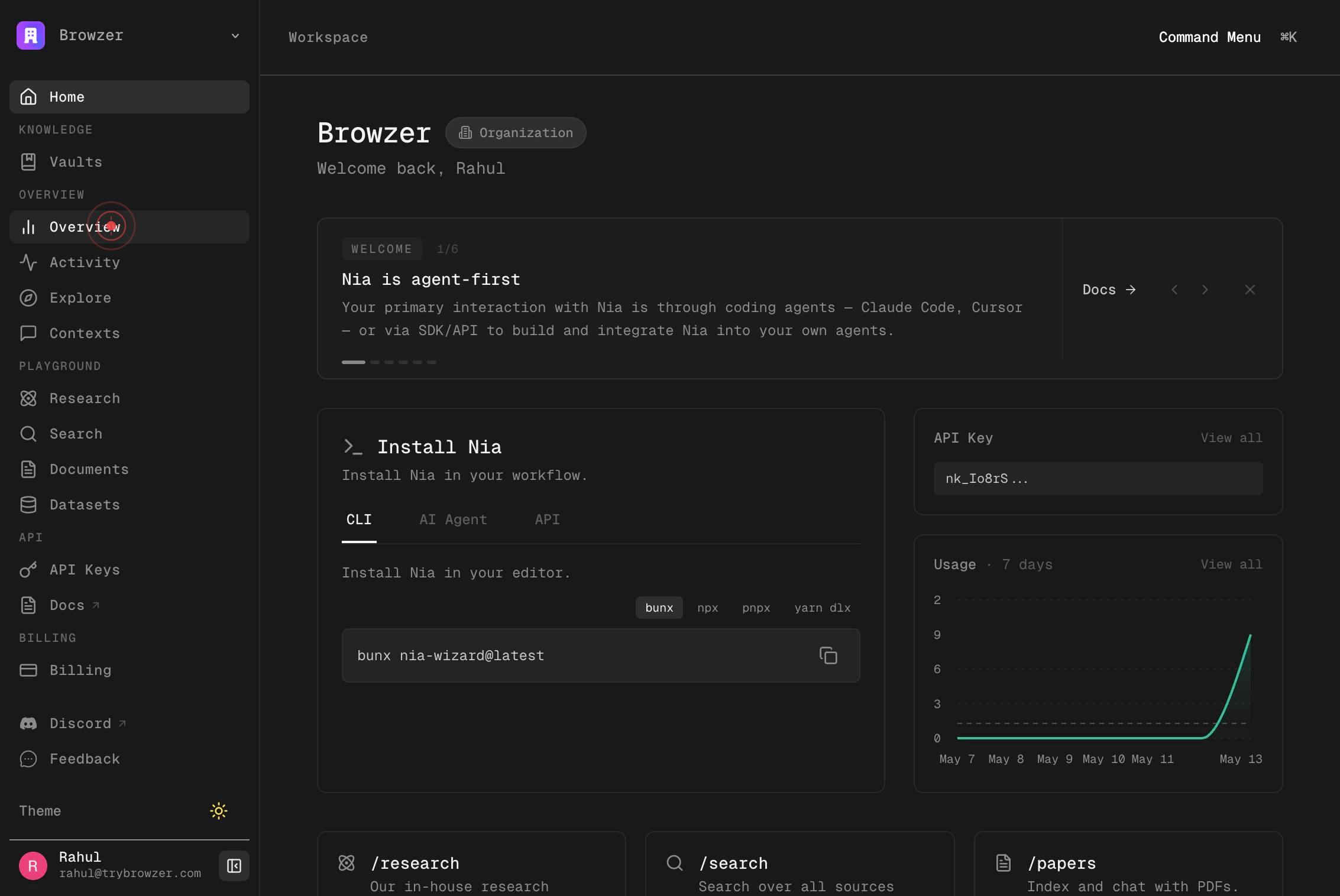
Browzer Home KNOWLEDGE Vaults OVERVIEW Overview Activity Explore Contexts PLAYGROUND Research Search Documents Datasets API API Keys Docs BILLING Billing SETTINGS Organization Integrations Answer Model Local Sync Context Transfer Referral Discord FeeClick anywhere in the main navigation menu to bring up the full sidebar navigation panel. This exposes all available sections including Datasets, which may not be visible in a minimized view.
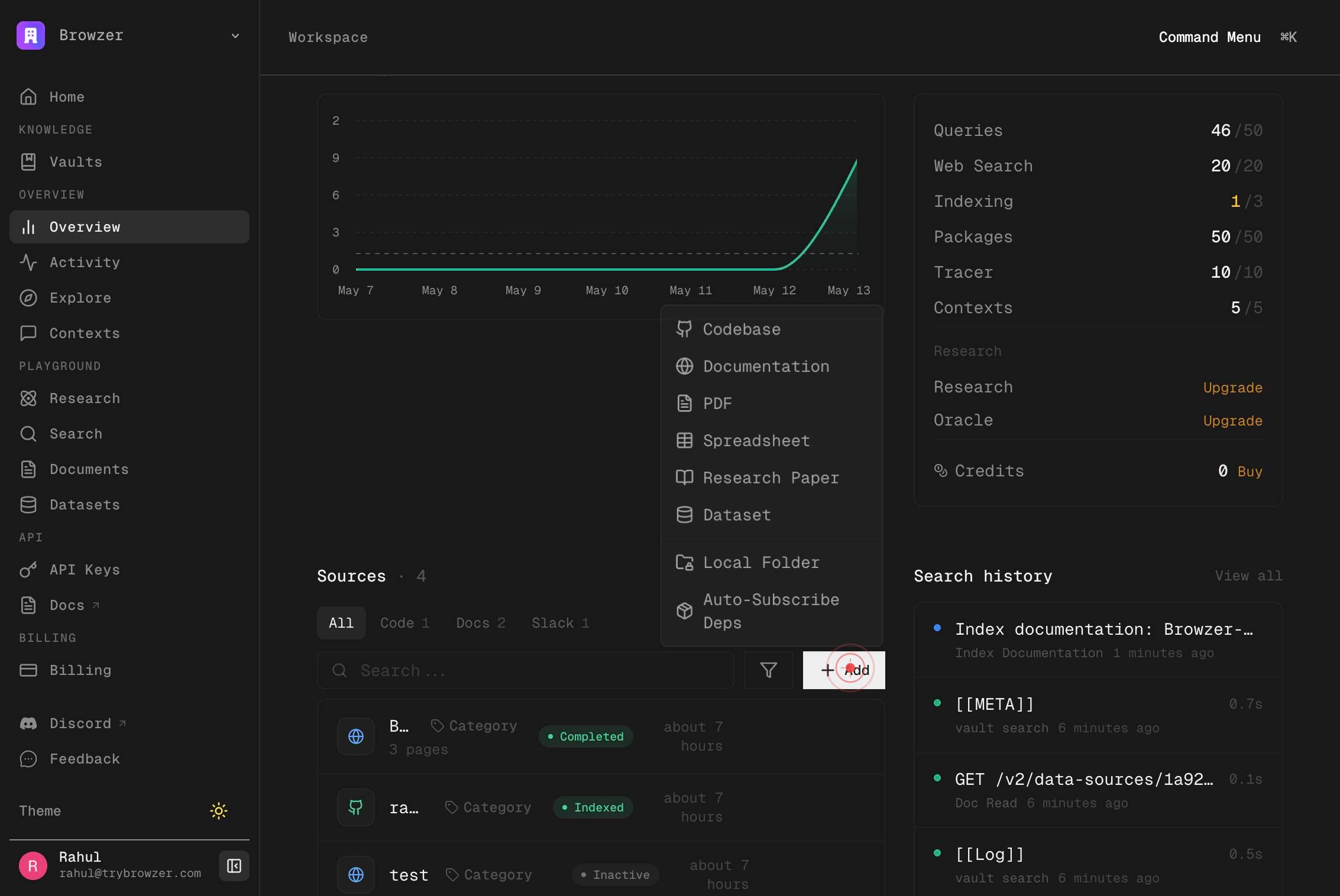
DatasetClick the Dataset menu item in the sidebar navigation to navigate to the Datasets section where you can index new datasets and manage existing ones.
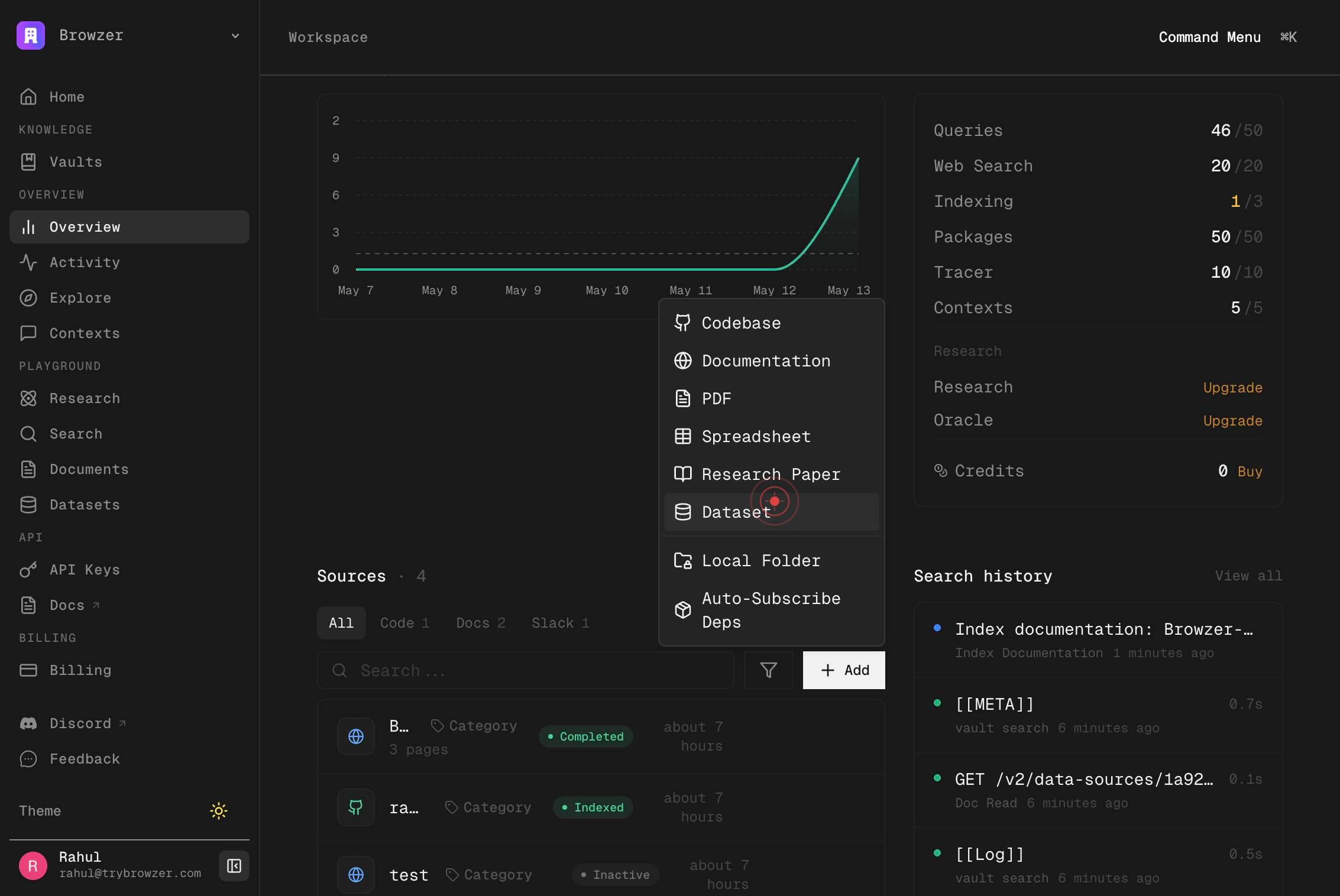
squad or dair-ai/emotion or https://huggingface.co/datasets/squadClick on the textbox labeled with examples like 'squad or dair-ai/emotion or https://huggingface.co/datasets/squad' to focus the input field and prepare it to receive the dataset identifier or URL.
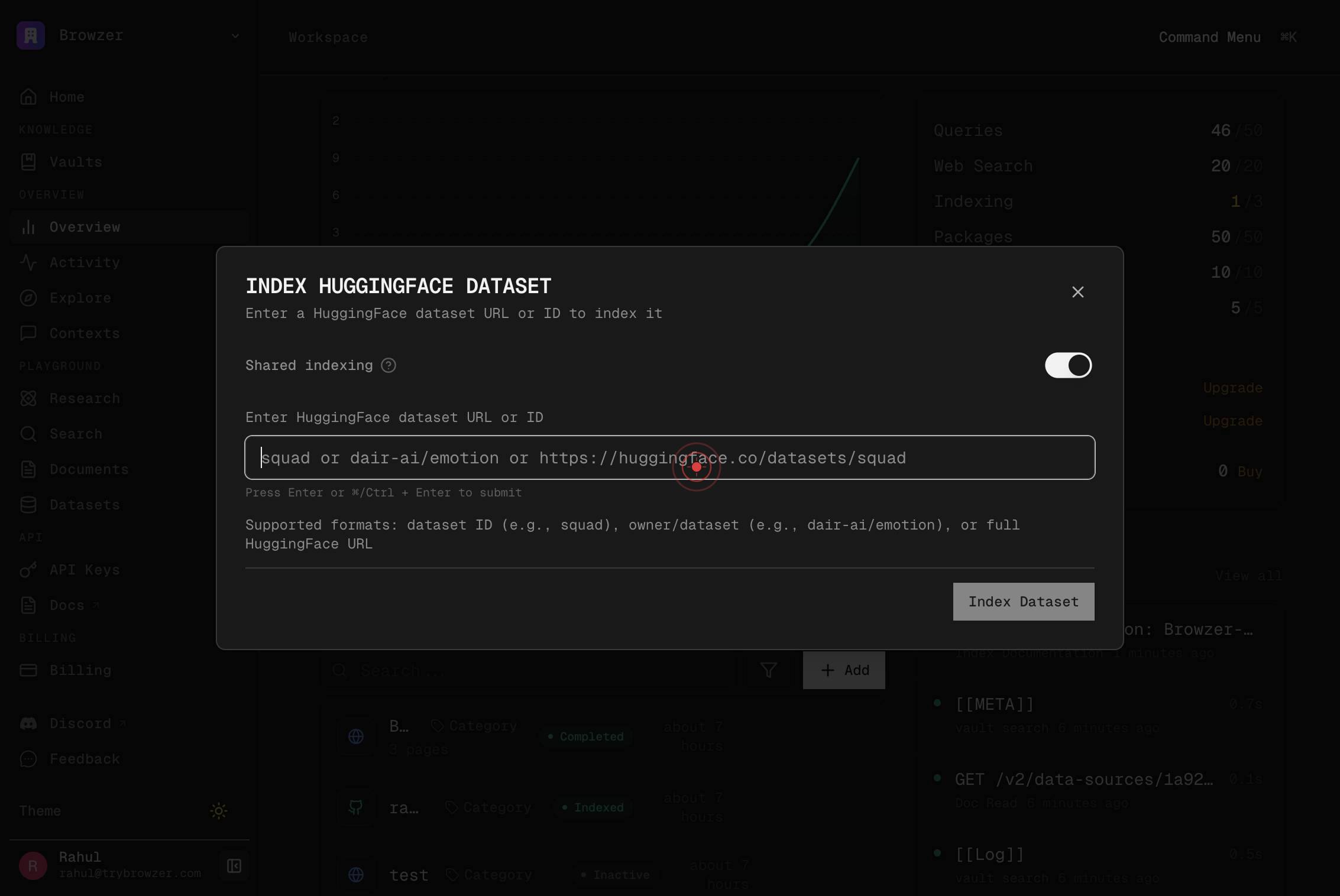
squad or dair-ai/emotion or https://huggingface.co/datasets/squadType or prepare the dataset identifier or URL in the textbox. If you already have the dataset reference copied to your clipboard, you can proceed to the next step to paste it; otherwise, type the identifier manually.
Paste the dataset URL or identifier from your clipboard into the textbox by pressing Cmd+V (or Ctrl+V on Windows/Linux). This is a quick way to enter the dataset reference without typing.
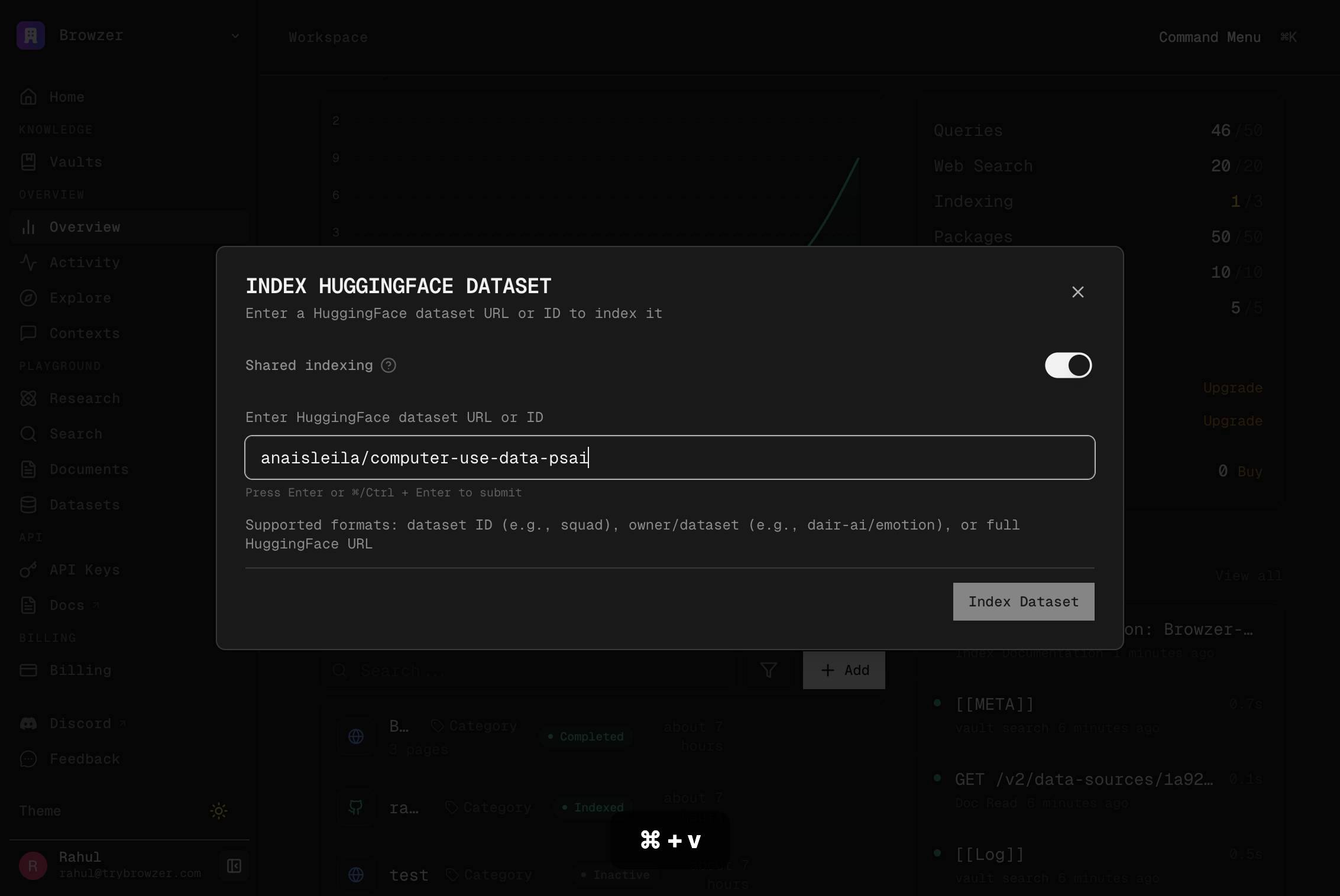
Index DatasetClick the Index Dataset button to begin indexing the Hugging Face dataset. Trynia will fetch the dataset metadata, detect schema and splits, and begin the asynchronous indexing process so that your AI agents can search and retrieve rows from the dataset.

Confirm it worked
- 1After clicking Index Dataset, you should see a confirmation message or status indicator (e.g., 'indexing' state) in the Datasets section.
- 2Navigate to Settings → Datasets or the Datasets page and verify the dataset appears in your indexed sources list with metadata such as row count, splits, and column names.
- 3Test the indexed dataset by using the `search` tool in Trynia's playground or API to query the dataset contents with a natural-language prompt (e.g., 'Find questions about sports'). You should receive semantically relevant results.
- 4If you exposed the dataset as a global source, other users in your workspace should be able to subscribe to it instantly without re-indexing (visible in the shared datasets section).
Common issues
Keep reading
HuggingFace Datasets - Nia AI Documentation
# HuggingFace Datasets [...] > Index and search HuggingFace datasets for semantic retrieval in your AI workflows. [...] Nia supports indexing HuggingFace datasets for semantic and agentic search. This enables your AI agents to query dataset contents, understand schema structures, and retrieve relevant rows using natural language. [...] ## Index a Dataset [...] Ask your coding agent to index a HuggingFace dataset: [...] ``` "Index https://huggingface.co/datasets/openai/gsm8k" [...] "Index the squad dataset from HuggingFace" [...] The `index` tool auto-detects HuggingFace dataset URLs: [...] ### Indexing [...] Use the unified `index` tool: [...] ```python # Via MCP tool index(url="https://huggingface.co/datasets/openai/gsm8k") [...] # Or via API POST /v2/huggingface-datasets [...] { "url": "https://huggingface.co/datasets/openai/gsm8k" } [...] ### Index a Dataset [...] ```bash POST /v2/huggingface-datasets [...] Authorization: Bearer nk_xxx
docs.trynia.aiCapabilities - Nia AI Documentation
Bring knowledge into Nia from repositories, docs, [...] , spreadsheets, Google Drive, and local folders. Use `index`, `manage_ [...] Index a repository, documentation site, paper, dataset, spreadsheet, or local folder with `index`, or use the dedicated Google Drive Integration flow for Drive content. [...] ### `index` [...] Universal entry point for repositories, documentation, research papers, HuggingFace datasets, spreadsheets, and local folders. [...] - GitHub URLs as repositories - arXiv and PDF URLs as papers or PDFs - HuggingFace dataset URLs as datasets - CSV, TSV, XLSX, and XLS files as spreadsheets - Local paths as local folders - Other web URLs as documentation [...] ``` "Index https://github.com/owner/repo" "Index https://docs.example.com" "Index https://arxiv.org/abs/2401.12345" "Index https://huggingface.co/datasets/openai/gsm8k" ``` [...] Read content from a repository, documentation source, package, Google Drive source, local folder, or HuggingFace dataset.
docs.trynia.ai