Guide
Index Document by Upload
Overview
Nia is a Search & Index API platform designed to help you build intelligent agents with access to custom knowledge bases. By indexing documents, you make their content searchable and queryable—enabling your AI agents to retrieve relevant information quickly during conversations or tasks. This workflow walks you through uploading a PDF file directly from your local machine. Unlike subscribing to pre-indexed public sources (which are instant), uploading your own documents allows you to add proprietary content, internal documentation, or specialized materials to your private workspace. The indexing process runs asynchronously in the background, and once complete, the document becomes available for search across your workspace.
Before you begin
- Active Nia account with access to app.trynia.ai (you must be logged in and viewing your workspace)
- PDF file ready to upload (maximum 200 MB file size)
- Appropriate workspace permissions to create or manage indexed documents
Step by step
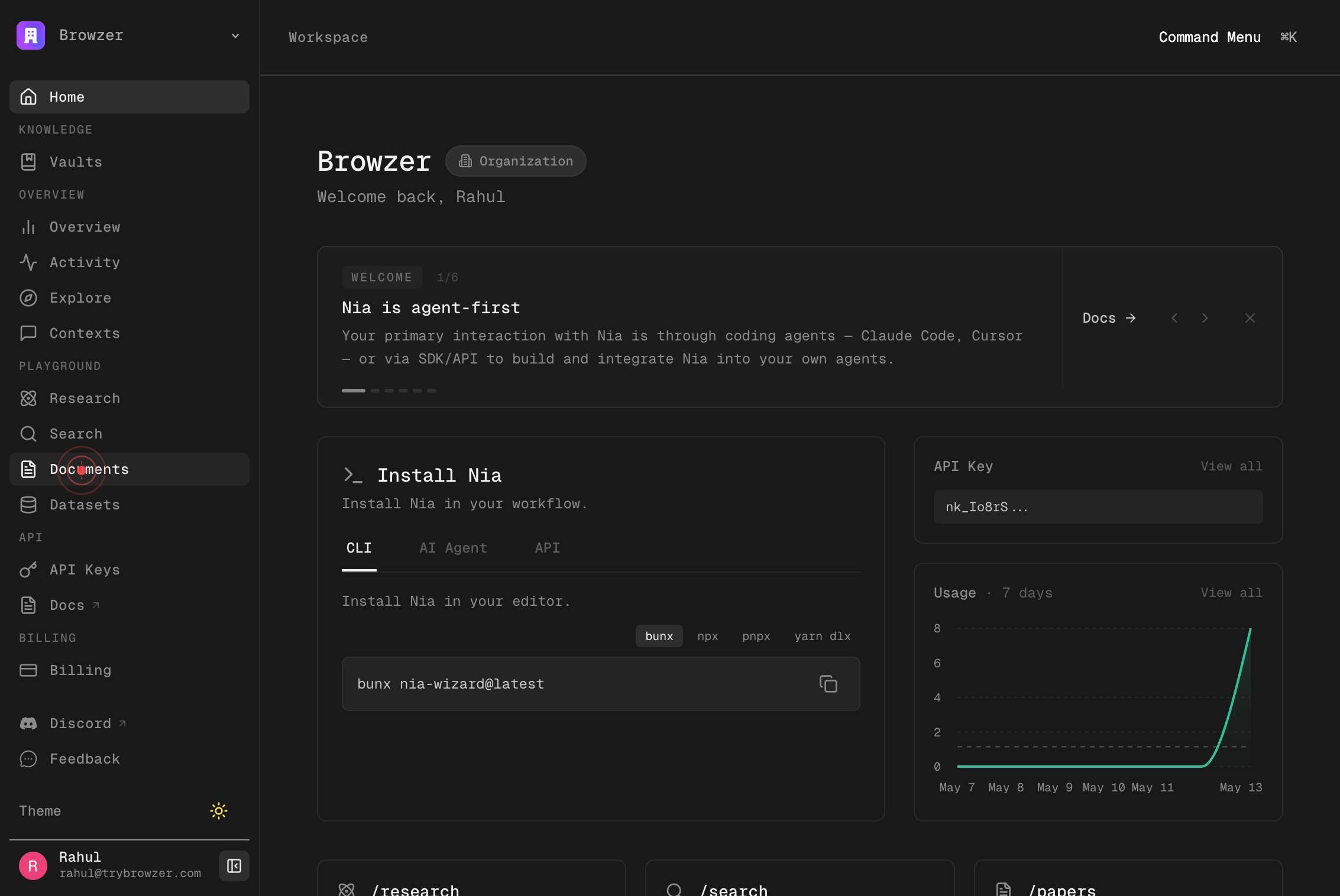
DocumentsNavigate to the Documents section of your Nia workspace by clicking the Documents link in the main navigation. This displays your current indexed documents and provides options to add new ones.
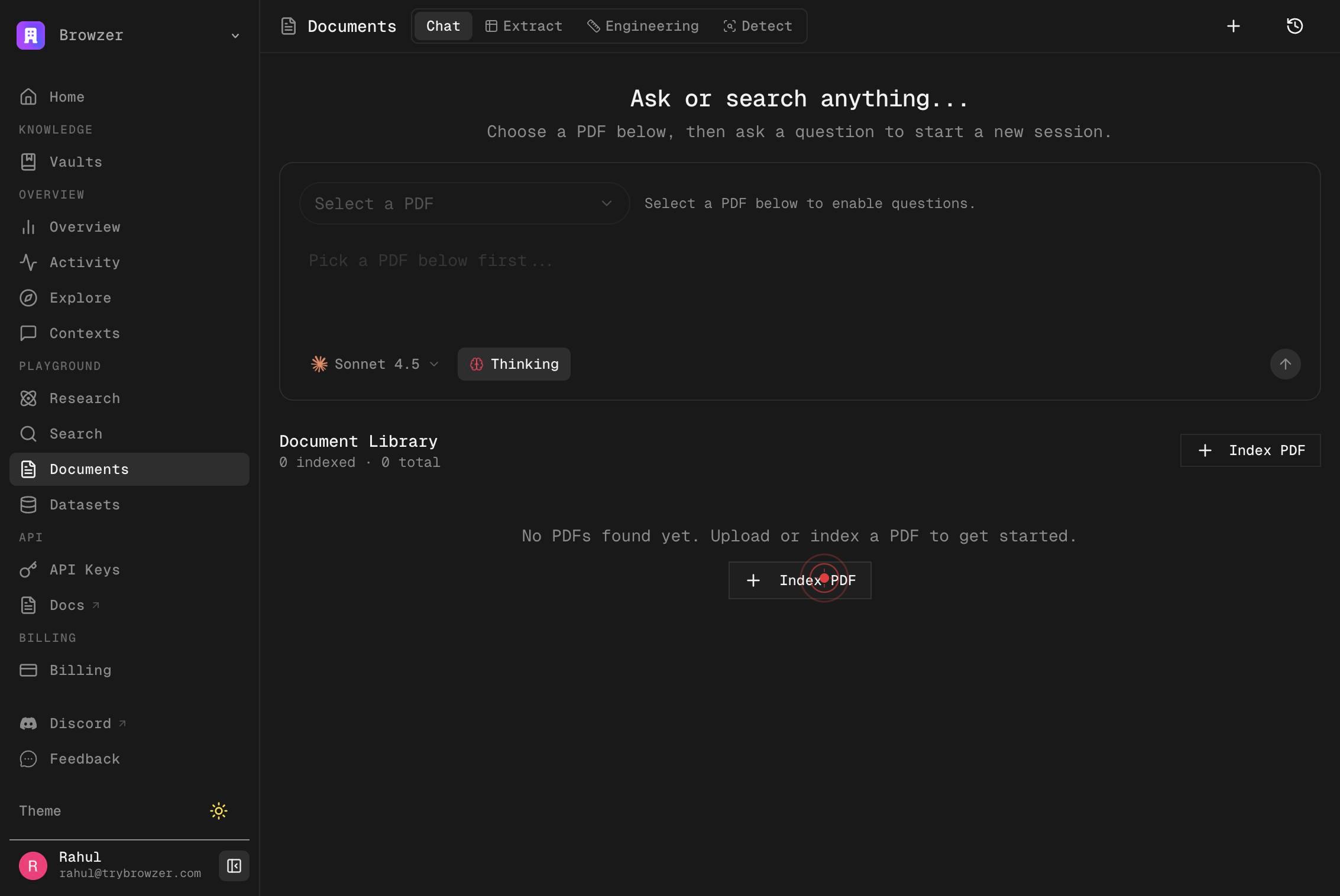
Index PDFClick the Index PDF button to open the document upload interface. This initiates the workflow for adding a new PDF to your workspace.
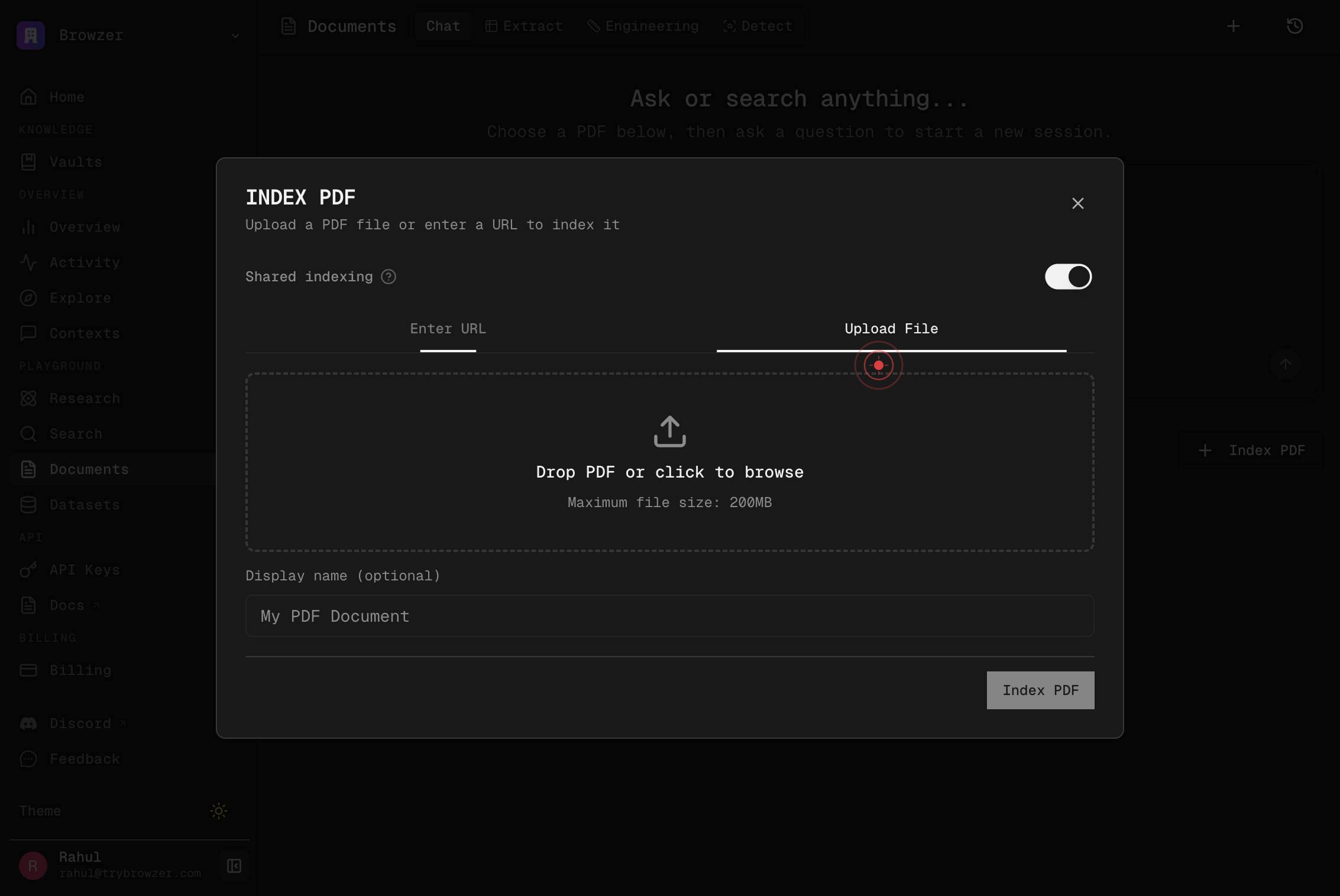
Enter URL Upload File Drop PDF or click to browse Maximum file size: 200MB Display name (optional)Click on the upload area (labeled with instructions like 'Drop PDF or click to browse') to open your file browser. This allows you to select a PDF file from your local machine. Note the maximum file size limit of 200 MB displayed in the interface.
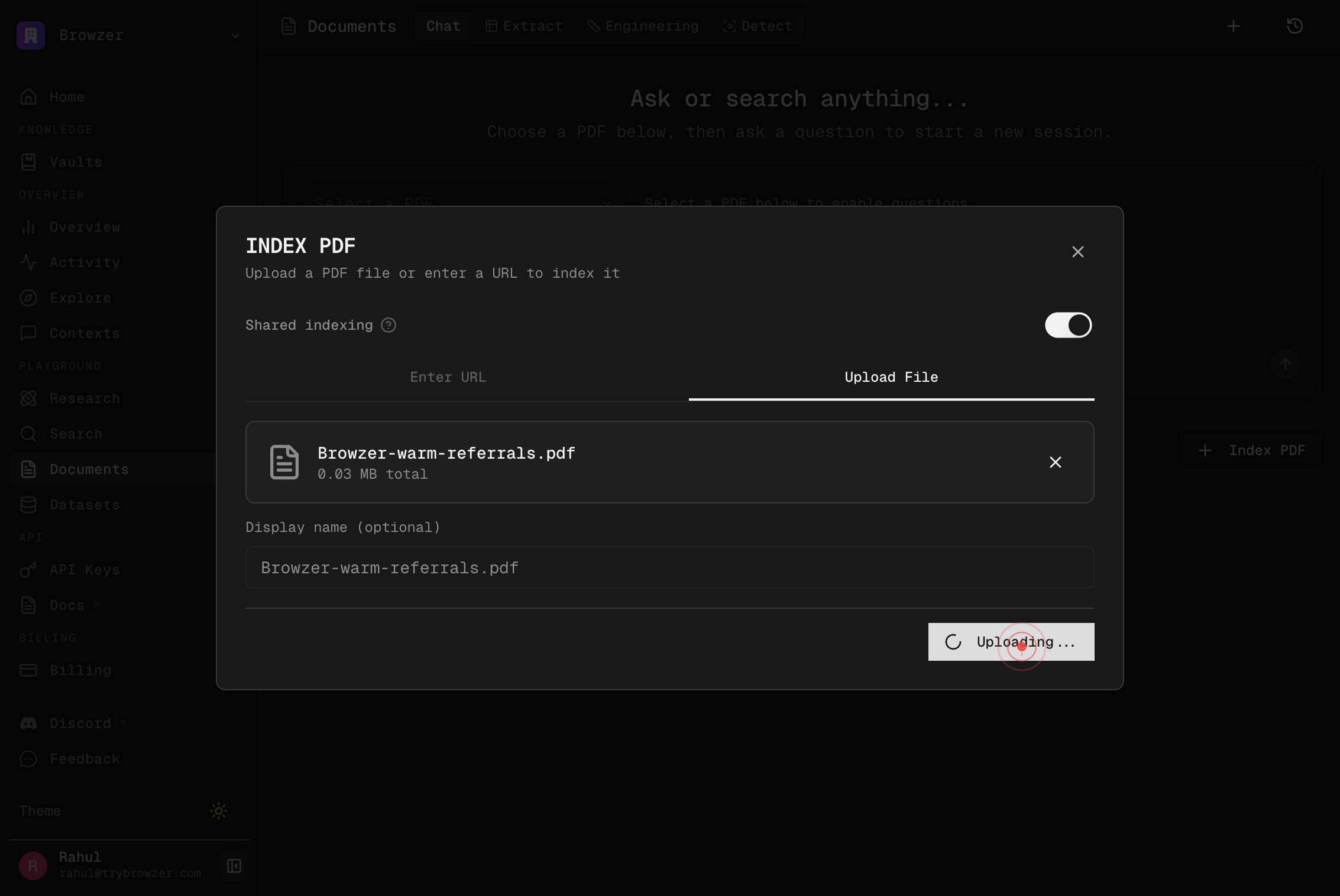
Select the PDF file (Browzer-warm-referrals.pdf in this example) from your file browser and confirm the upload. The file is now queued for processing by Nia's indexing system.
Index PDFClick the Index PDF button again to finalize the indexing request and begin processing the uploaded document. Once clicked, the document will be asynchronously indexed and its contents will become searchable in your workspace.
Confirm it worked
- 1After clicking the final Index PDF button, you should see a confirmation message or status indicator (e.g., 'Indexing in progress' or 'Document queued for indexing')
- 2The uploaded PDF filename appears in your Documents list once indexing begins
- 3Navigate to your workspace's Documents section and confirm the document is listed with a processing or indexed status
- 4Once indexing completes, you can search the document's content using Nia's search tools
Common issues
Keep reading
Index Docs - Nia AI Documentation
paths: /shell-docs/index: post: tags: - Usage summary: Index Docs operationId: index_docs_v2_shell_docs_index_post requestBody: content: application/json: schema: $ref: '#/components/schemas/IndexRequest' required: true responses: '200': description: Successful Response content: application/json: schema: {} '422': description: Validation Error content: application/json: schema: $ref: '#/components/schemas/HTTPValidationError' [...] type: http [...] scheme: bearer bearer
docs.trynia.aiCapabilities - Nia AI Documentation
Bring knowledge into Nia from repositories, docs, papers, datasets, spreadsheets, Google Drive, and local folders. Use `index`, `manage_resource`, and `auto_subscribe_dependencies`. [...] Bring in a Source [...] Index a repository, documentation site, paper, dataset, spreadsheet, or local folder with `index`, or use the dedicated Google Drive Integration flow for Drive content. [...] ### `index` [...] Universal entry point for repositories, documentation, research papers, HuggingFace datasets, spreadsheets, and local folders. [...] Auto-detects: [...] - GitHub URLs as repositories - arXiv and PDF URLs as papers or PDFs - HuggingFace dataset URLs as datasets - CSV, TSV, XLSX, and XLS files as spreadsheets - Local paths as local folders - Other web URLs as documentation [...] Typical prompts: [...] ``` "Index https://github.com/owner/repo" "Index https://docs.example.com" "Index https://arxiv.org/abs/2401.12345" "Index https://huggingface.co/datasets/openai/gsm8k" ```
docs.trynia.ai