Guide
Add Memory using Link
Overview
Supermemory is a universal memory layer for AI applications that lets you build a personalized, searchable knowledge base. Adding memories via links allows you to ingest web content — articles, documentation, research pages, or any publicly accessible URL — directly into your knowledge base without manual copying. This is particularly useful for researchers, developers, and knowledge workers who need to quickly capture and later retrieve information across multiple sources. The link-based import method automatically extracts and indexes the page content, making it available for semantic search and AI context enrichment.
Before you begin
- Active account on app.supermemory.ai with login credentials
- A valid URL (http:// or https://) of a publicly accessible webpage you wish to add
- Browser with clipboard access (to paste URLs via Cmd+V or Ctrl+V)
Step by step
Add memoryCOpen the memory creation dialog by clicking the 'Add memory' button in the top navigation or main interface. This launches the modal where you can choose how to add new content to your knowledge base.
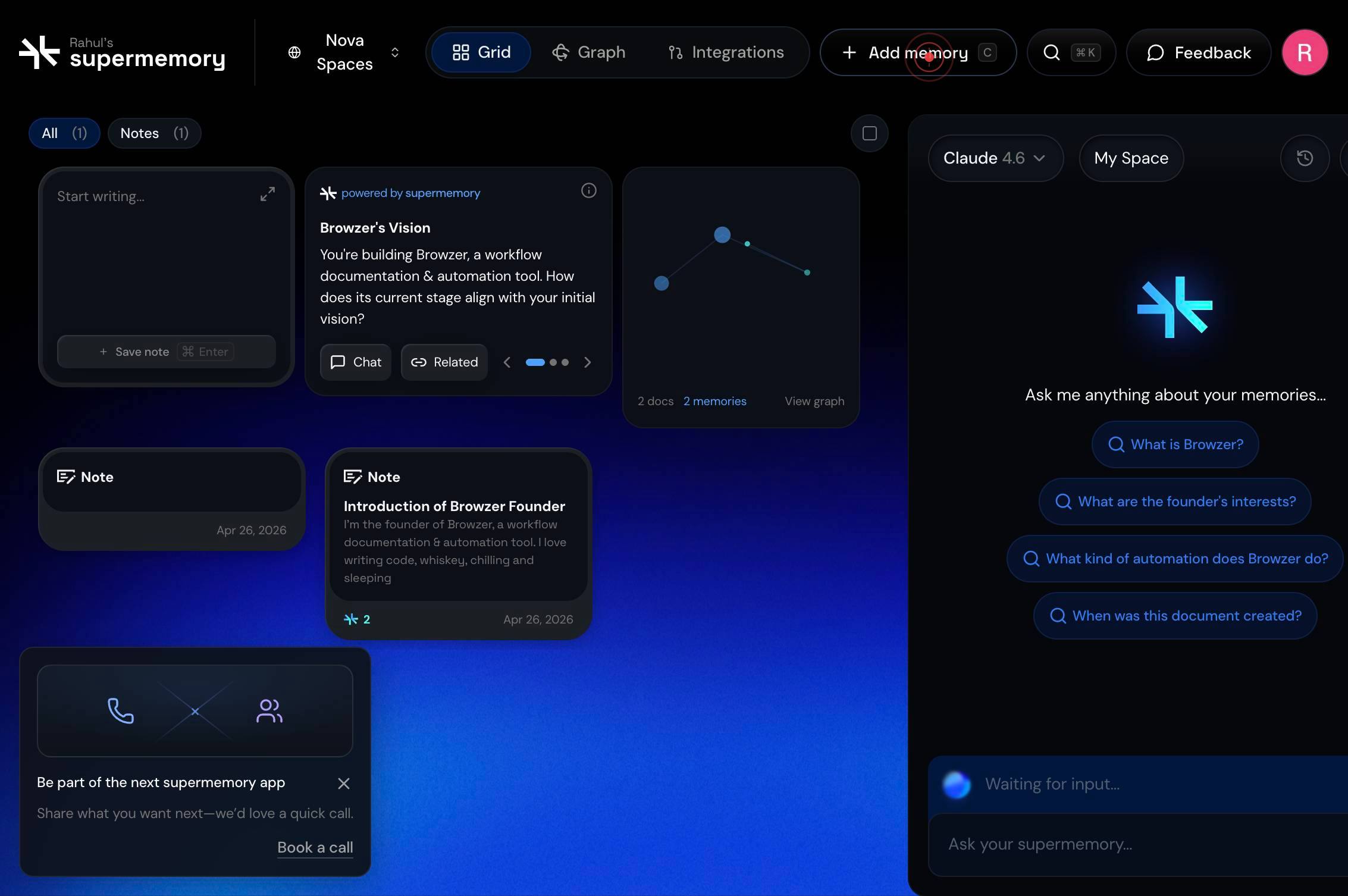
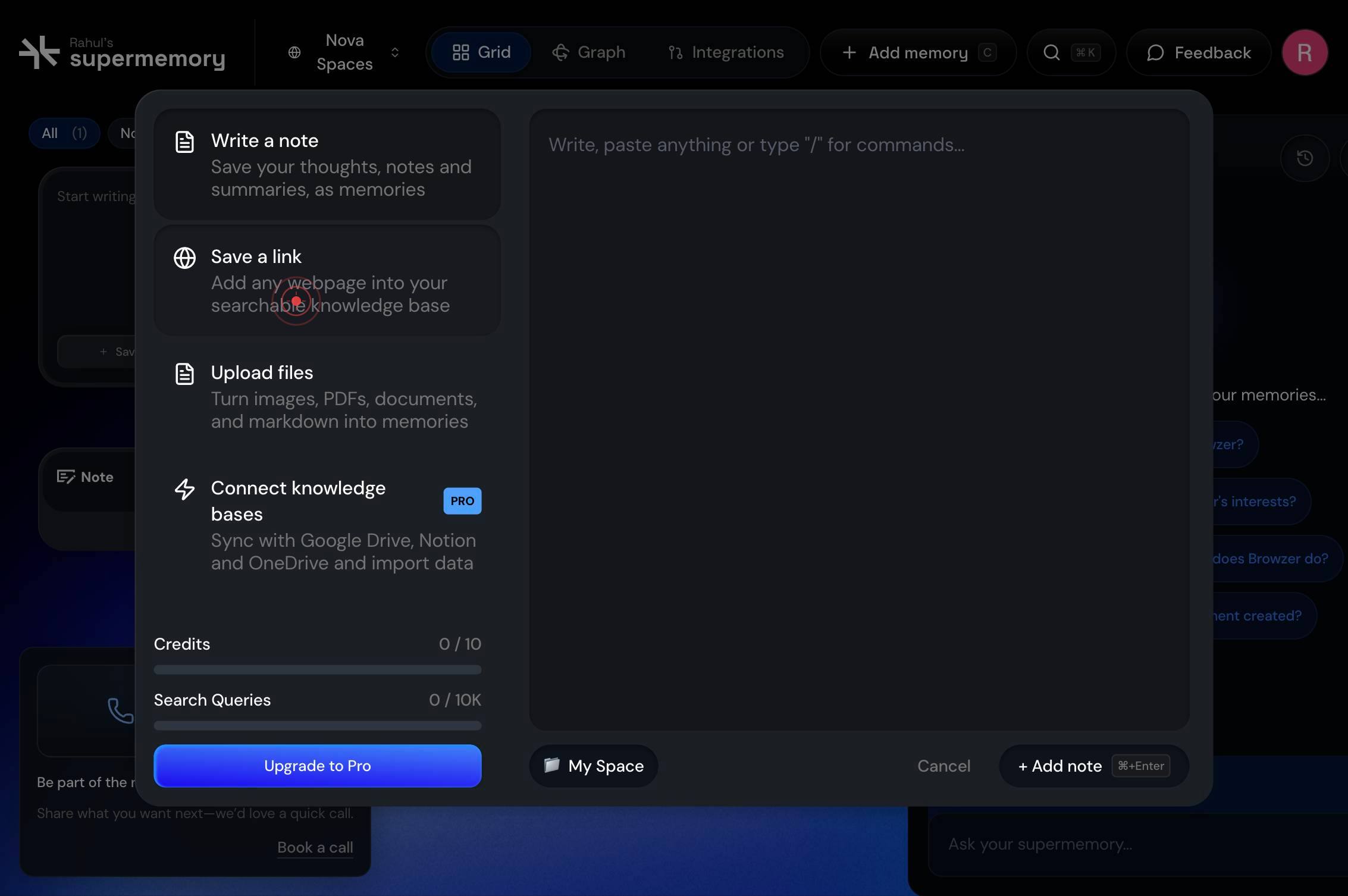
Save a link Add any webpage into your searchable knowledge baseSelect 'Save a link' from the available options to specify that you want to add a webpage. This option lets you ingest any publicly accessible URL into your searchable knowledge base.
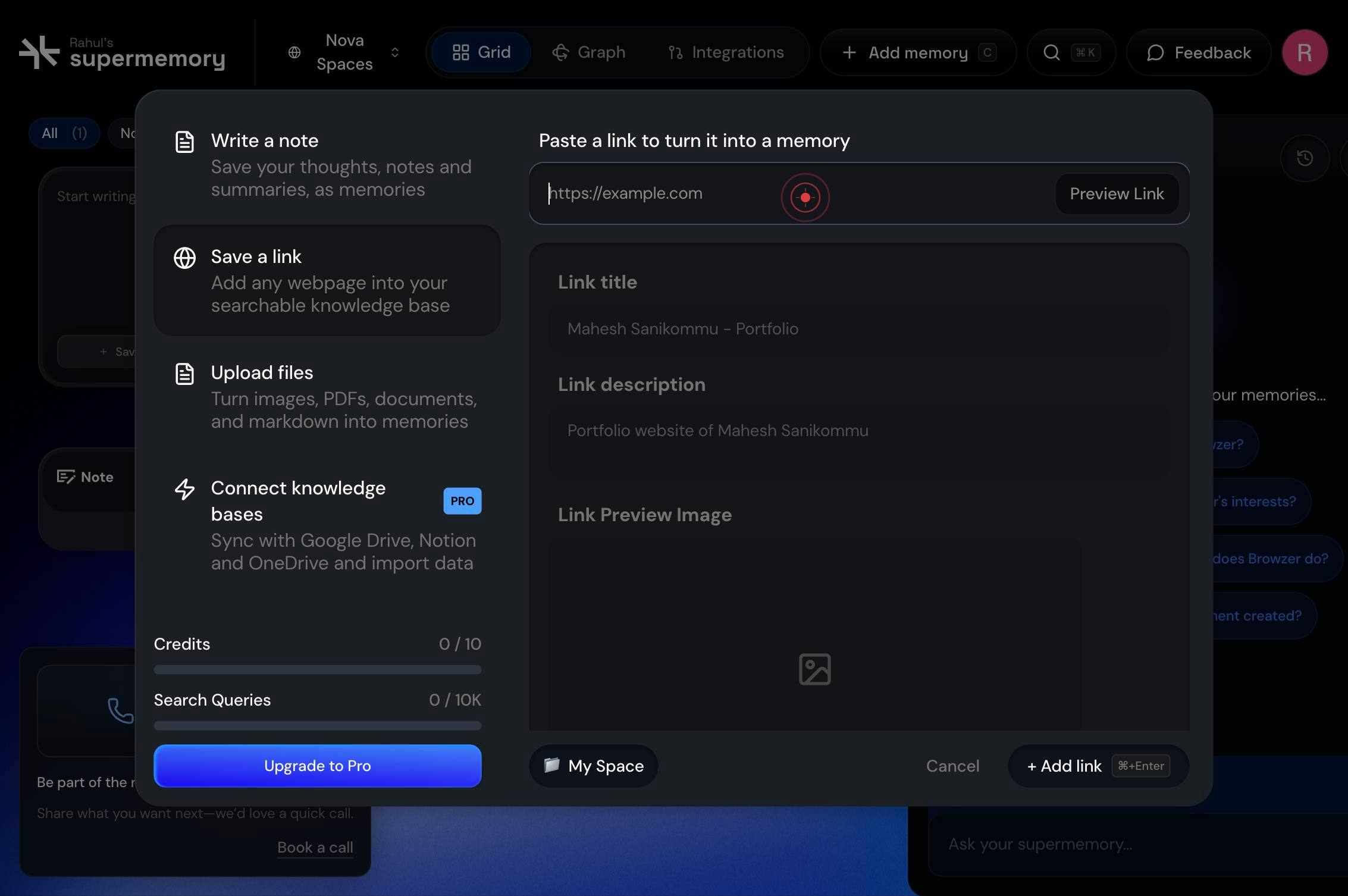
https://example.comClick on the URL input textbox to focus it and prepare for URL entry. This is where you will paste or type the webpage address.
https://example.comType or paste the complete URL of the webpage you wish to add. Ensure the URL includes the protocol (http:// or https://) and is fully formed.
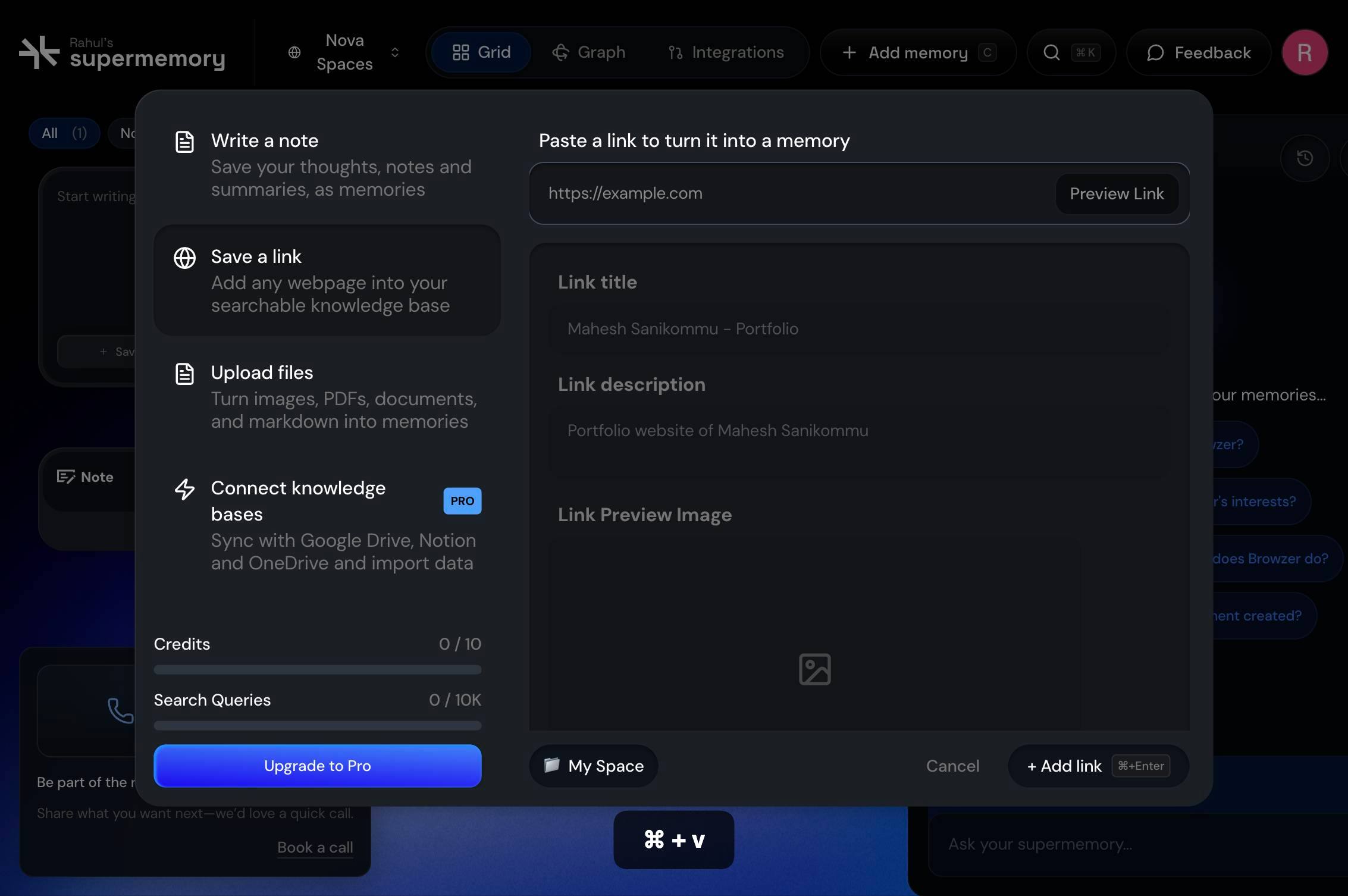
Paste the URL from your clipboard using the keyboard shortcut Cmd+V (Mac) or Ctrl+V (Windows). This is the fastest way to enter a URL if you've already copied it from another source.
Preview LinkClick the 'Preview Link' button to fetch and display a preview of the webpage content. This allows you to verify that the correct page will be added and see what Supermemory has extracted (title, summary, or excerpt) before committing.
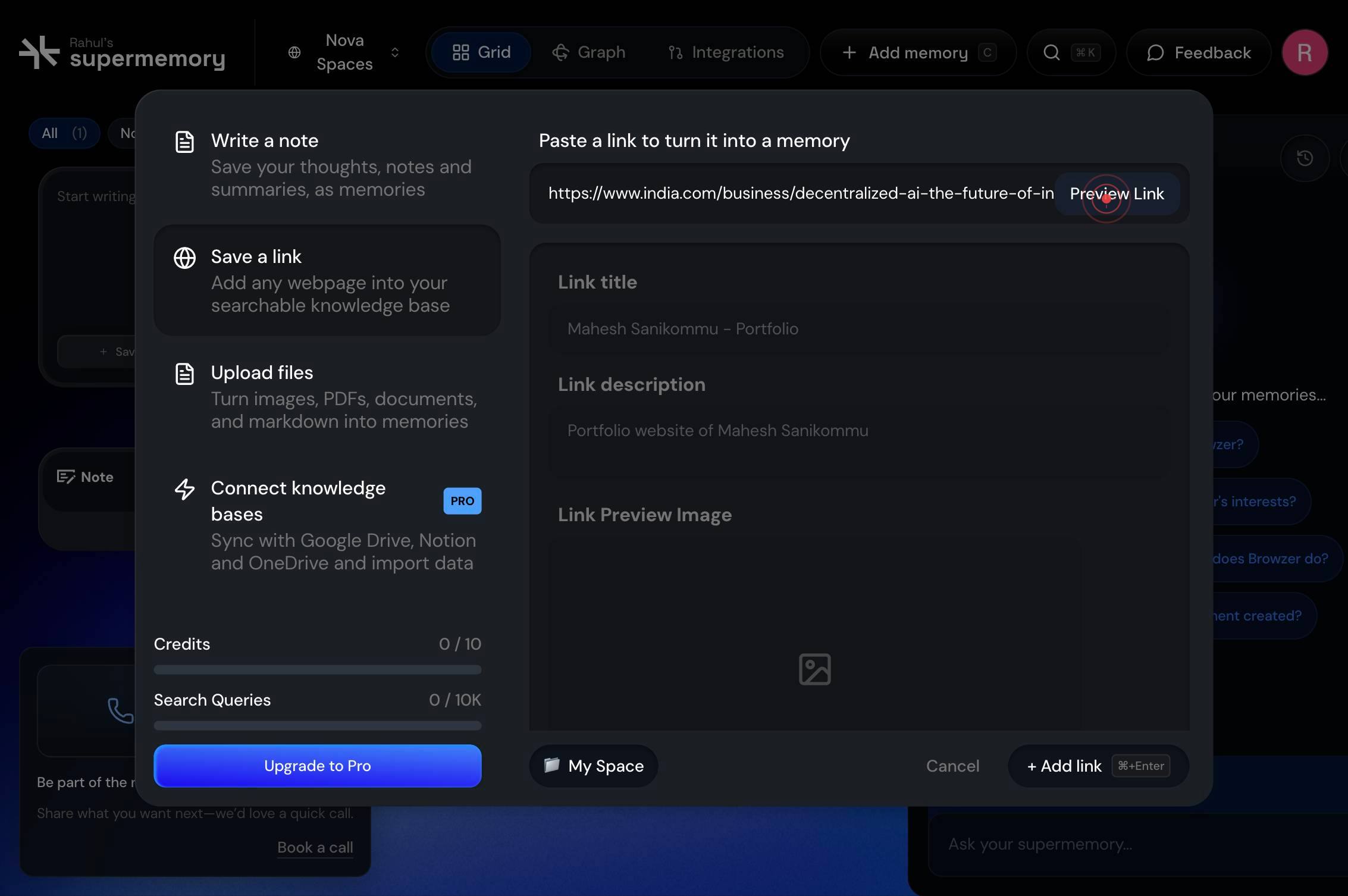
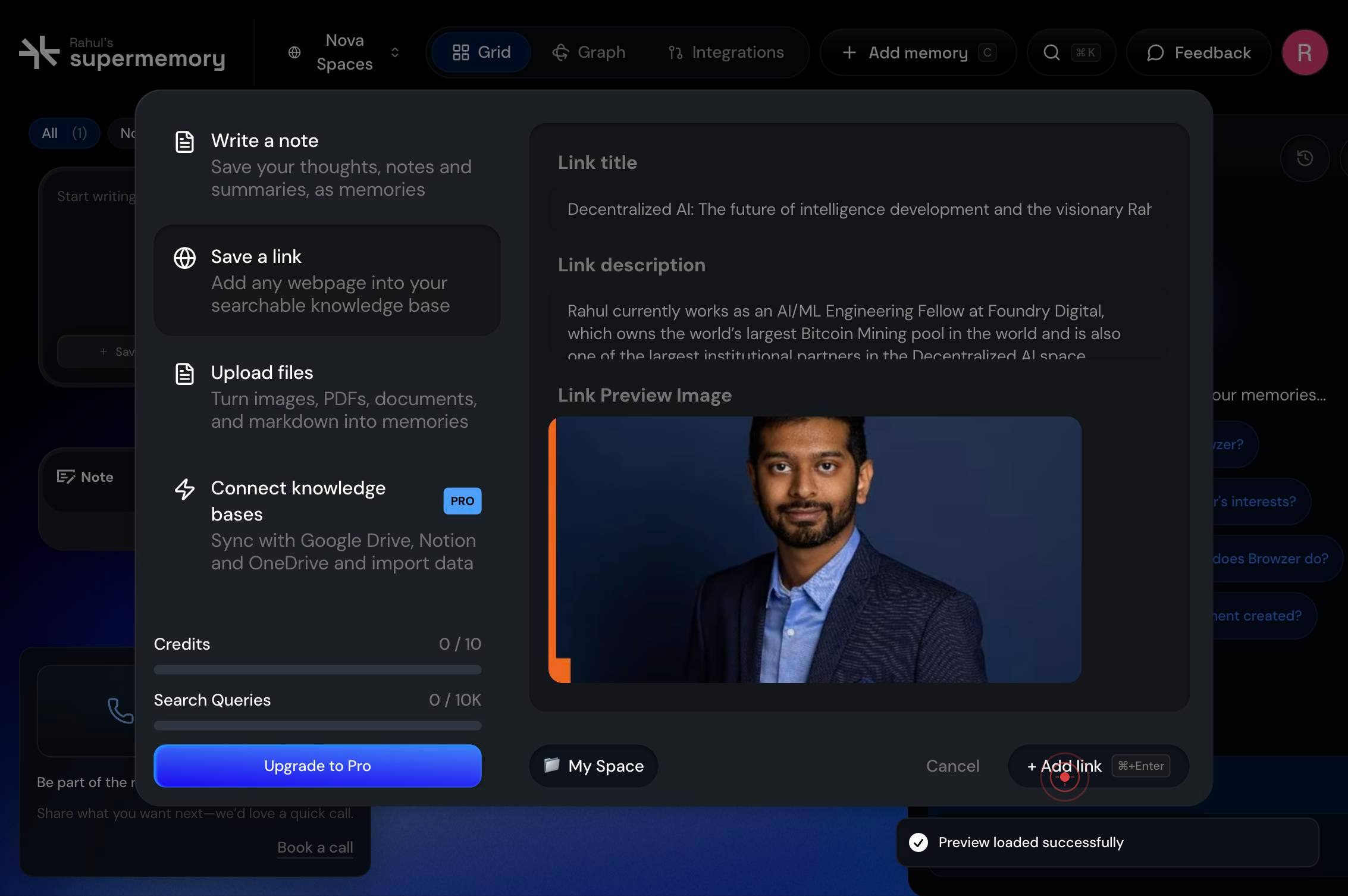
+ Add link ⌘+EnterClick the '+ Add link ⌘+Enter' button to confirm and finalize the addition of the webpage to your Supermemory knowledge base. The page content will be indexed and become searchable.
Confirm it worked
- 1The Preview Link button displays the extracted content and metadata from the webpage (title, excerpt, or preview text)
- 2After clicking '+ Add link', a confirmation message appears indicating the link has been successfully added to your memory
- 3The new link appears in your memory list or knowledge base dashboard within a few seconds
Common issues
Keep reading
Redirecting...
Redirecting...
langchain-ai.lang.chatHow to Add more memory to your PC?
How to Add more memory to your PC? - FileLinked - Seamless App Reviews # How to Add more memory to your PC? by[Filelinked Team](https://filelinked.xyz/author/root-2-2-2/) U
filelinked.xyzHow to Add Swap Memory in Ubuntu 24.04 Complete Guide | Vultr Docs
How to Add Swap Memory in Ubuntu 24.04 Complete Guide | Vultr Docs Vultr Docs Latest Content Documentation Inference Cookbook Model Library Search... K --- # How to Add Swap Memory in Ubuntu 24.
vultr.community