Guide
Query Memory
Overview
Supermemory functions as a universal memory system for AI applications, storing user profiles, contextual information, and past interactions that can be queried to enhance AI responses and decision-making. This workflow demonstrates how to retrieve previously stored memories about your development philosophy and work approach. By searching your knowledge base, you can surface past context and insights that inform current work, ensuring consistency in your development methodology and team management practices. This is particularly valuable when you need to recall specific principles or approaches you've documented without manually browsing through your entire memory store.
Before you begin
- You must have an active Supermemory account with access to app.supermemory.ai
- You must have previously stored at least one memory or note about your software development approach in your Supermemory knowledge base
- You should know the general topic or keywords associated with the memory you wish to retrieve (e.g., 'disciplined development', 'process-oriented', 'team management')
Step by step
Ask your supermemory...Click on the search input field labeled "Ask your supermemory..." to activate the query interface where you will type your search terms.
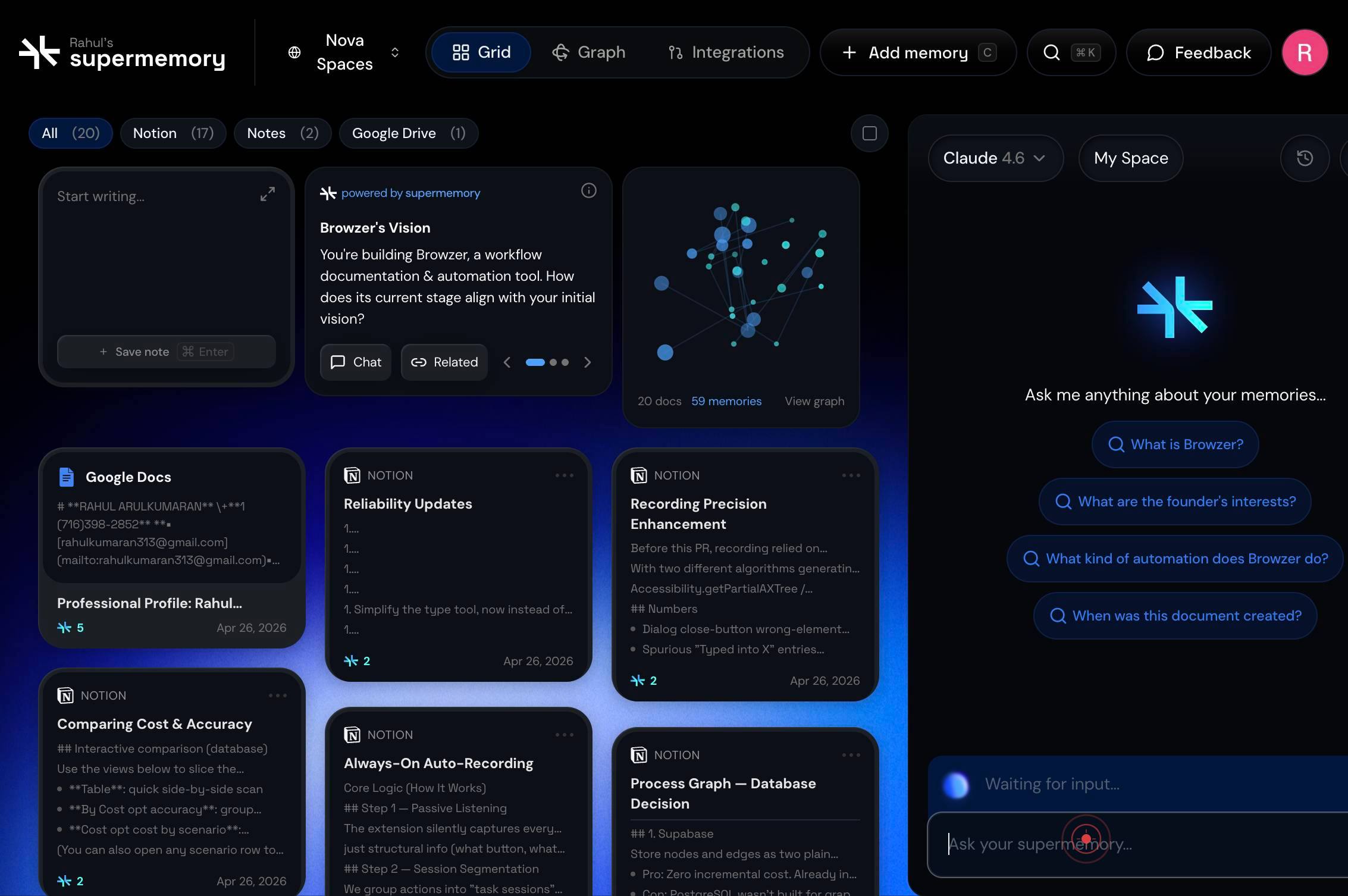
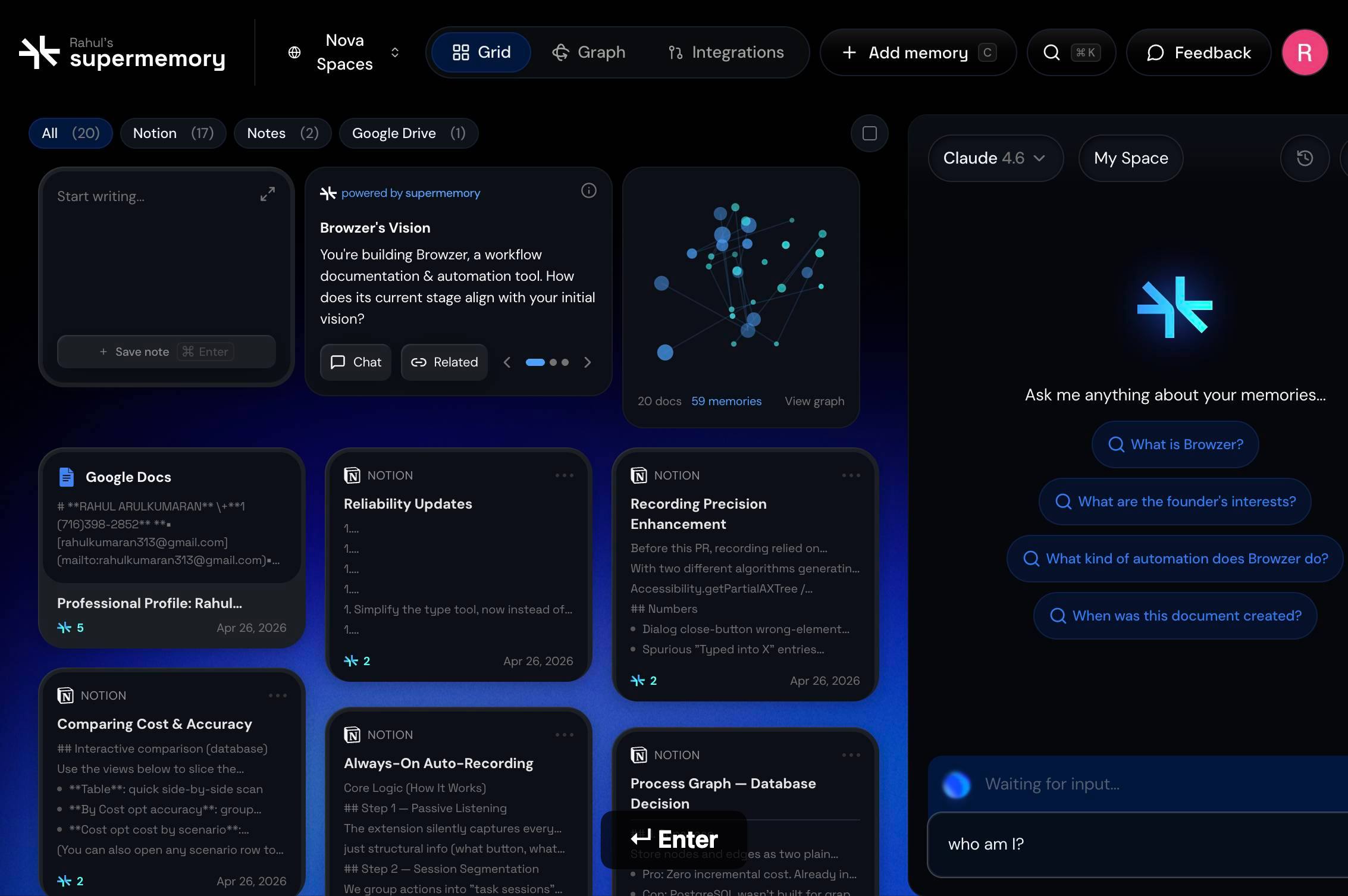
Ask your supermemory...Type your search query into the active textbox, using relevant keywords related to the memory you wish to retrieve—for example, "disciplined software development" or "process-oriented approach".
Press Enter to submit your search query and retrieve matching memories from your knowledge base.
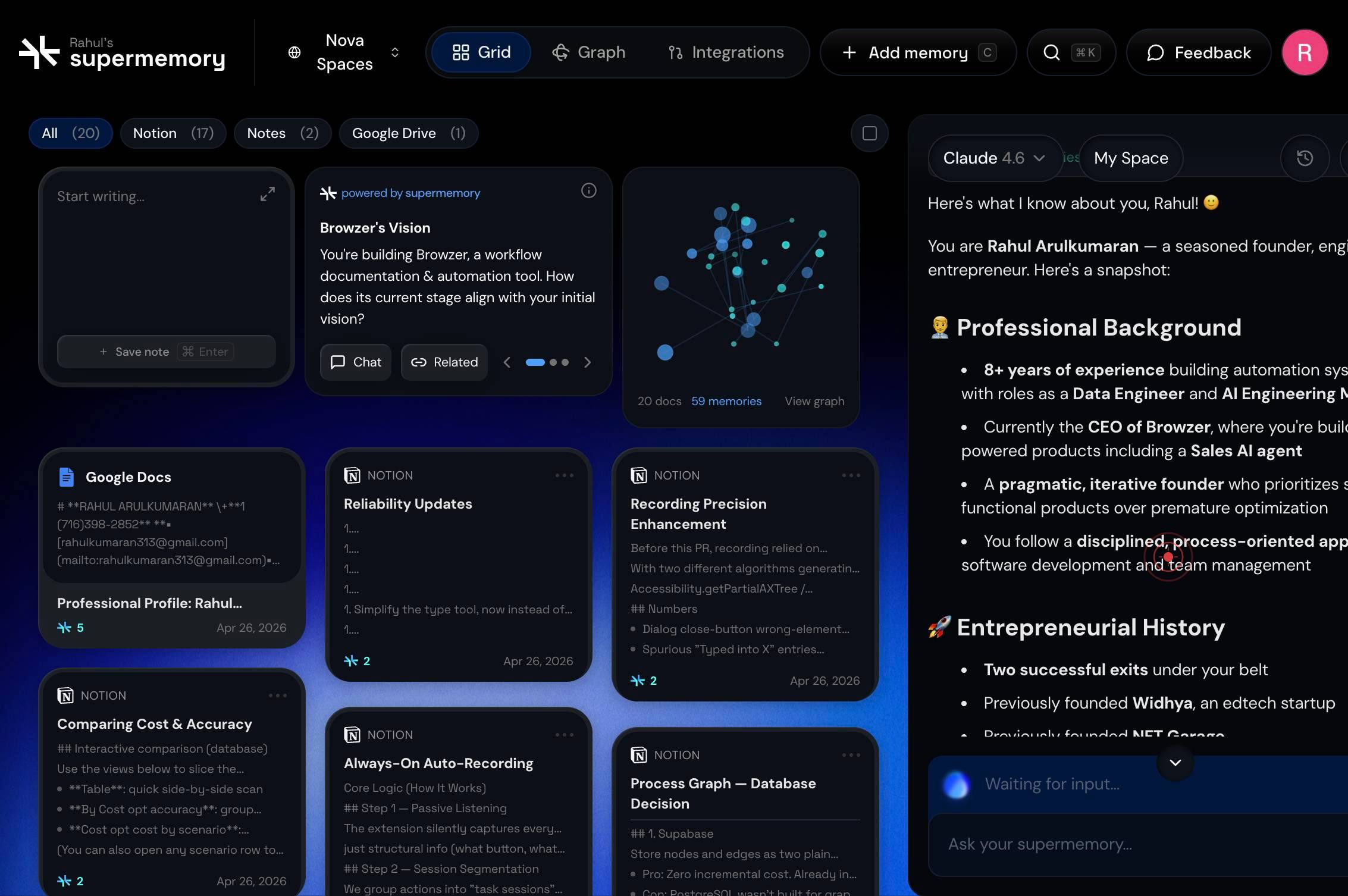
You follow a disciplined, process-oriented approach to software development and team managementClick on the relevant memory result from the list—in this case, the memory stating "You follow a disciplined, process-oriented approach to software development and team management"—to select and view the full content of that stored memory.
Confirm it worked
- 1The search results appear below the query box, displaying a list of matching memories from your knowledge base
- 2At least one memory related to disciplined software development is visible in the results list
- 3Clicking a memory result highlights or expands it, displaying the full text of the stored memory
- 4The selected memory content is readable and matches the topic you searched for
Common issues
Keep reading
Semantic Caching and Memory Patterns for Vector Databases – Dataquest
Semantic Caching and Memory Patterns for Vector Databases – Dataquest # Semantic Caching and Memory Patterns for Vector Databases Over the past few tutorials, we've built a complete paper search sys
dataquest.ioMemory-bound Query | QuestDB
Memory-bound Query | QuestDB New: QuestDB Agent Skills for AI coding agents New: QuestDB Agent Skills Try it out SUMMARY A memory-bound query is a database operation whose performance is primaril
questdb.comHow It Works - Remembra
How It Works - Remembra Skip to content # How It Works¶ Understanding Remembra's architecture. ## Overview¶ ``` ┌─────────────────────────────────────────────────────────────┐ │
docs.remembra.dev