Guide
View Memory Graph
Overview
Supermemory's Memory Graph is an interactive visualization tool that helps you explore the structure and relationships within your stored memories and documents. Rather than browsing memories in a linear list, the graph view presents your data as an interconnected network, allowing you to see how individual memories relate to one another and understand the broader context of your stored information. This visualization is particularly useful when you want to discover unexpected connections between memories, audit your memory collection for coverage gaps, or present your knowledge structure to others.
Before you begin
- You have an active Supermemory account and are logged into app.supermemory.ai
- You have at least one memory or document already stored in your Supermemory instance
- Your browser supports interactive visualizations (modern versions of Chrome, Firefox, Safari, or Edge recommended)
Step by step
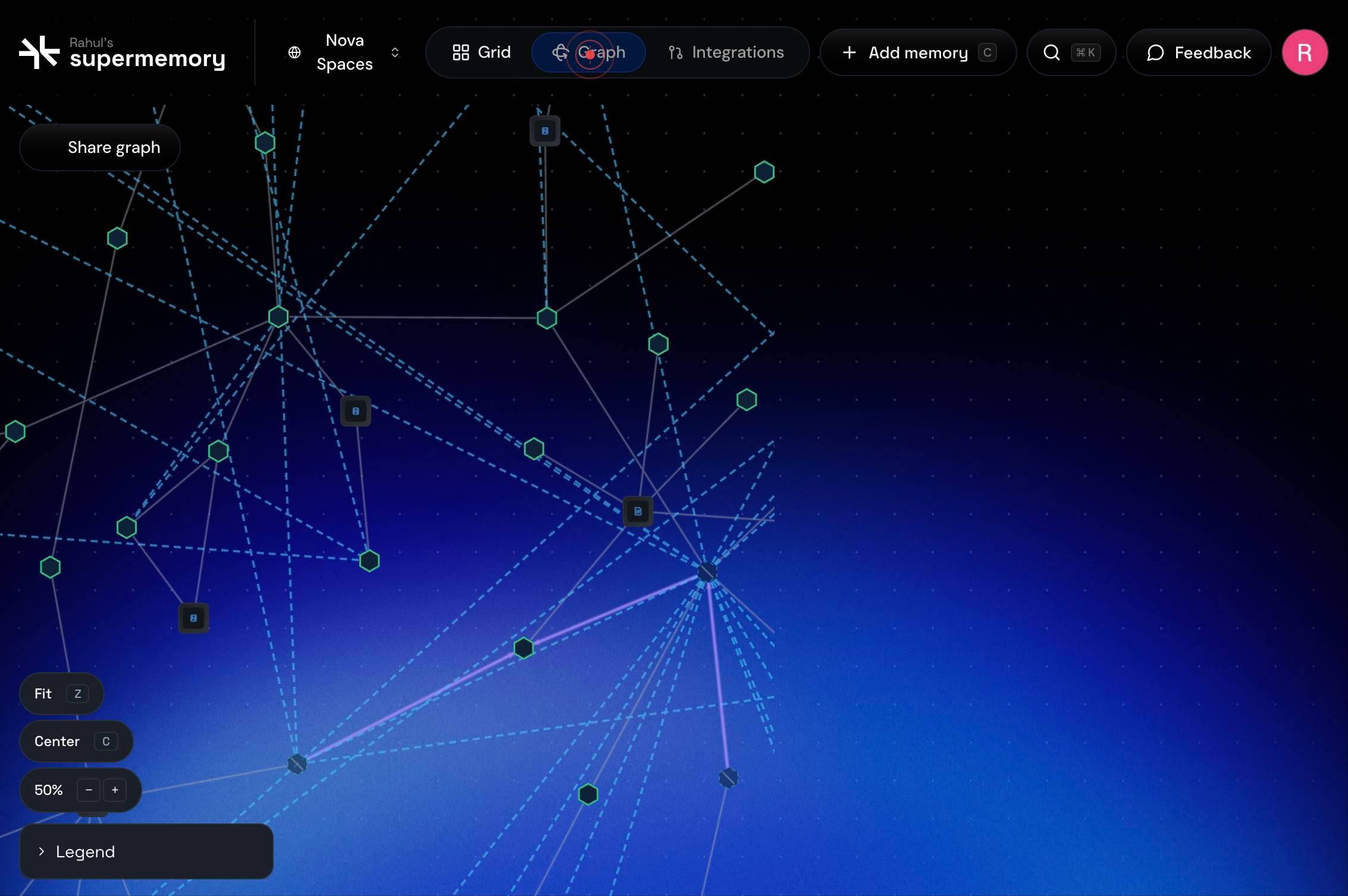
GraphClick the 'Graph' tab in the Supermemory interface to activate the memory graph visualization. This switches from the default list or search view to an interactive network diagram showing all your stored memories, documents, and their relationships.
Confirm it worked
- 1The Graph tab is now active (highlighted) in the main navigation
- 2An interactive graph visualization appears on the screen showing nodes representing your memories and documents
- 3You can see visual connections (edges) between related memories
- 4The graph is interactive and responds to mouse movements or clicks on individual nodes
Common issues
Keep reading
8. Viewing a Memory Report — PopVision Graph Analyser User Guide
## Search help Note: Searching from the top-level index page will search all documents. Searching from a specific document will search only that document. - Find an exact phrase: Wrap your search ph
docs.graphcore.aiExercise 2 - Clinging Onto Memory - memray
Exercise 2 - Clinging Onto Memory - memray # Exercise 2 - Clinging Onto Memory¶ ## Intro¶ Unlike some low level languages like C, Python will manage our memory for us and will free up memory that’s
bloomberg.github.ioGraph Viewer | AutoMem Docs
Graph Viewer | AutoMem Docs Skip to content # Graph Viewer The AutoMem Graph Viewer is a standalone web application that renders your memory graph as an interactive 3D force-directed layout. It conn
automem.ai