Guide
Connect Account to Auth Config
Overview
Composio uses OAuth-based authentication to safely integrate third-party tools like GitHub into your AI agent workflows. When you connect your GitHub account to Composio, you're establishing a secure, token-based connection that allows Composio to perform authorized actions on GitHub without storing your password. This workflow guides you through Composio's managed authentication flow, which handles the OAuth handshake with GitHub and securely stores the resulting credentials. This is the standard way to enable GitHub integration in production agents and dashboards.
Before you begin
- Active GitHub account with appropriate permissions for the tools/repositories you plan to use with Composio
- Access to dashboard.composio.dev with an active Composio account
- Your GitHub username or user ID ready for entry during the connection process
- Browser cookies and popups enabled (OAuth redirect flows require new tabs/windows)
Step by step
ManagedNavigate to the Managed section of your Composio dashboard by clicking the 'Managed' option. This section provides a centralized interface for managing app connections and authentication configurations.
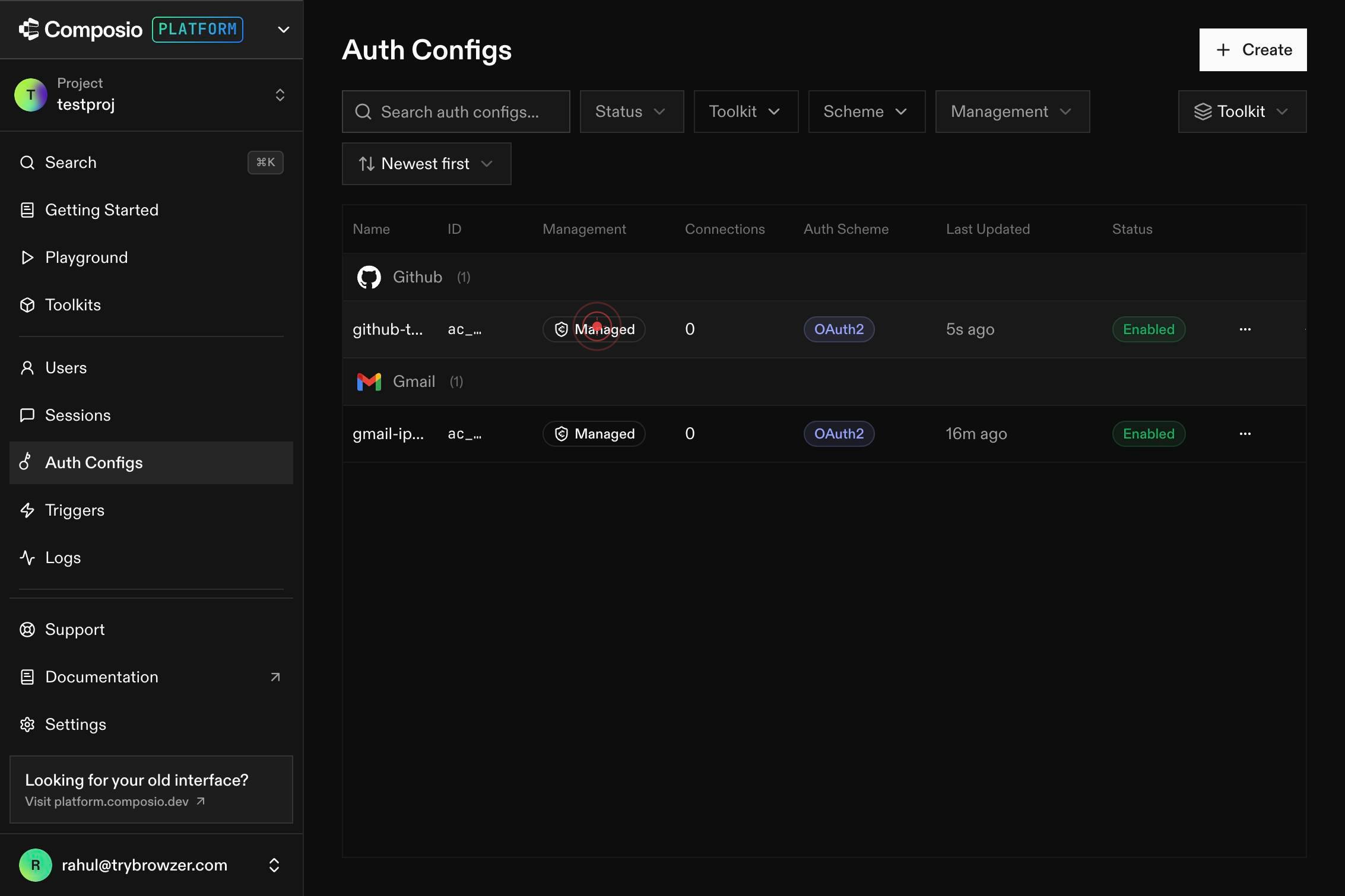
Connect AccountClick the 'Connect Account' button to initiate the GitHub connection workflow. This opens a form where you'll provide your authentication details.
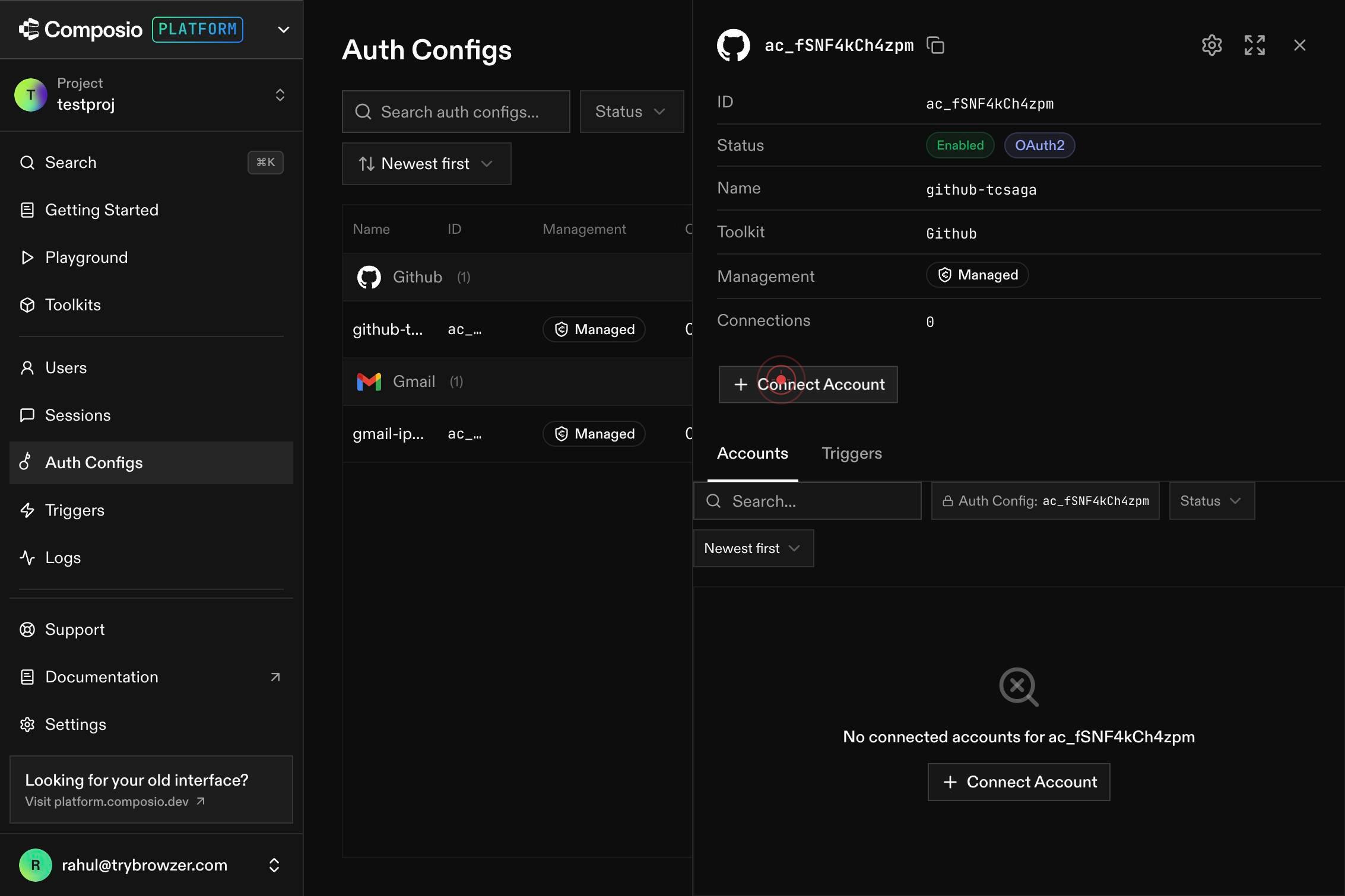
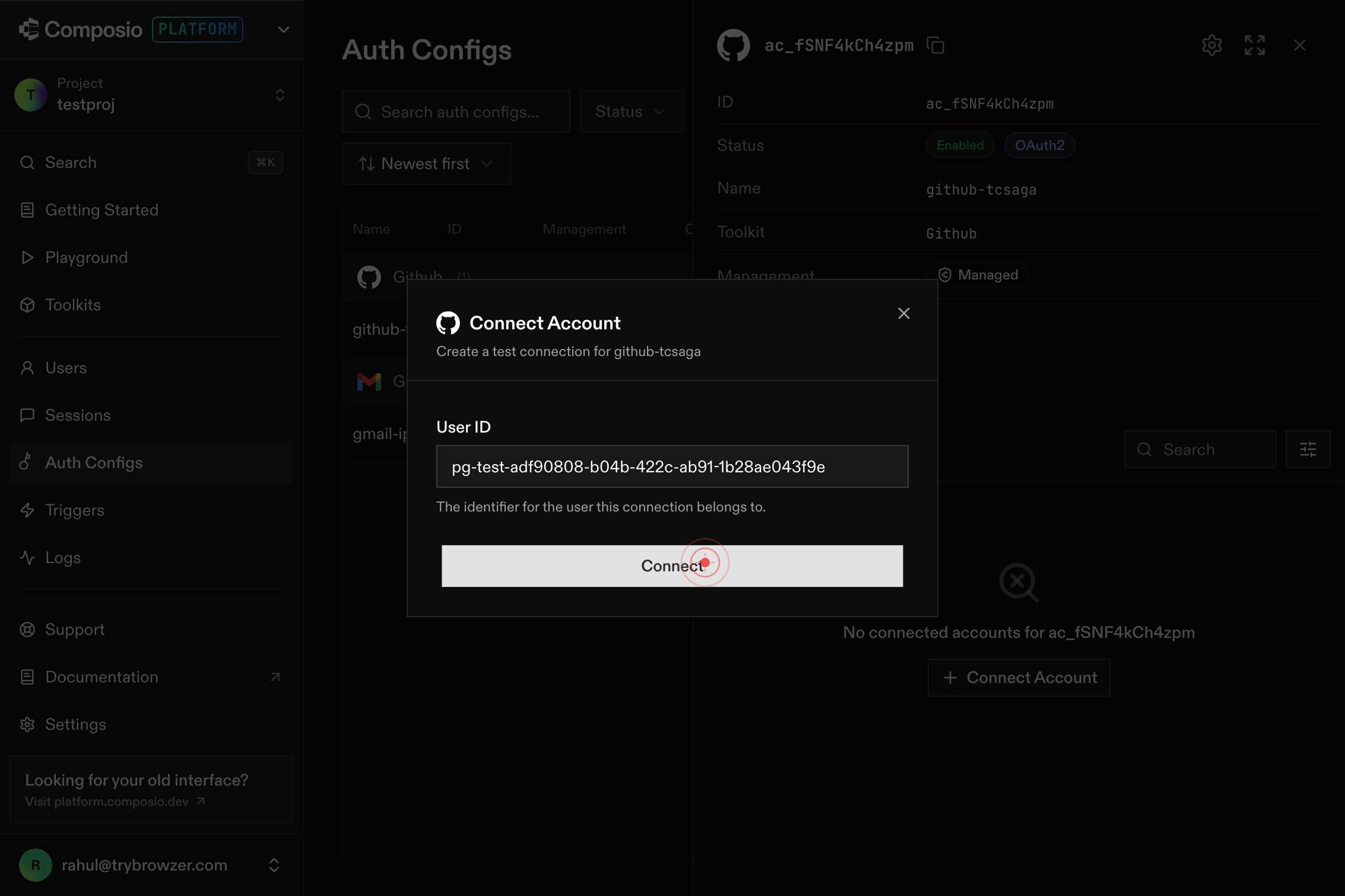
User IDEnter your GitHub user ID or username in the 'User ID' text field. This identifies which GitHub account will be connected to Composio.
ConnectClick the 'Connect' button to proceed with the authentication flow. This will redirect you to GitHub's OAuth authorization page.
Switch to the newly opened tab or window that redirects you to GitHub's authentication page. This is part of the OAuth handshake and is normal behavior.
The page navigates to platform.composio.dev as part of the OAuth callback flow. This is an intermediate step where Composio processes the authorization. You may see a brief loading screen or confirmation message.
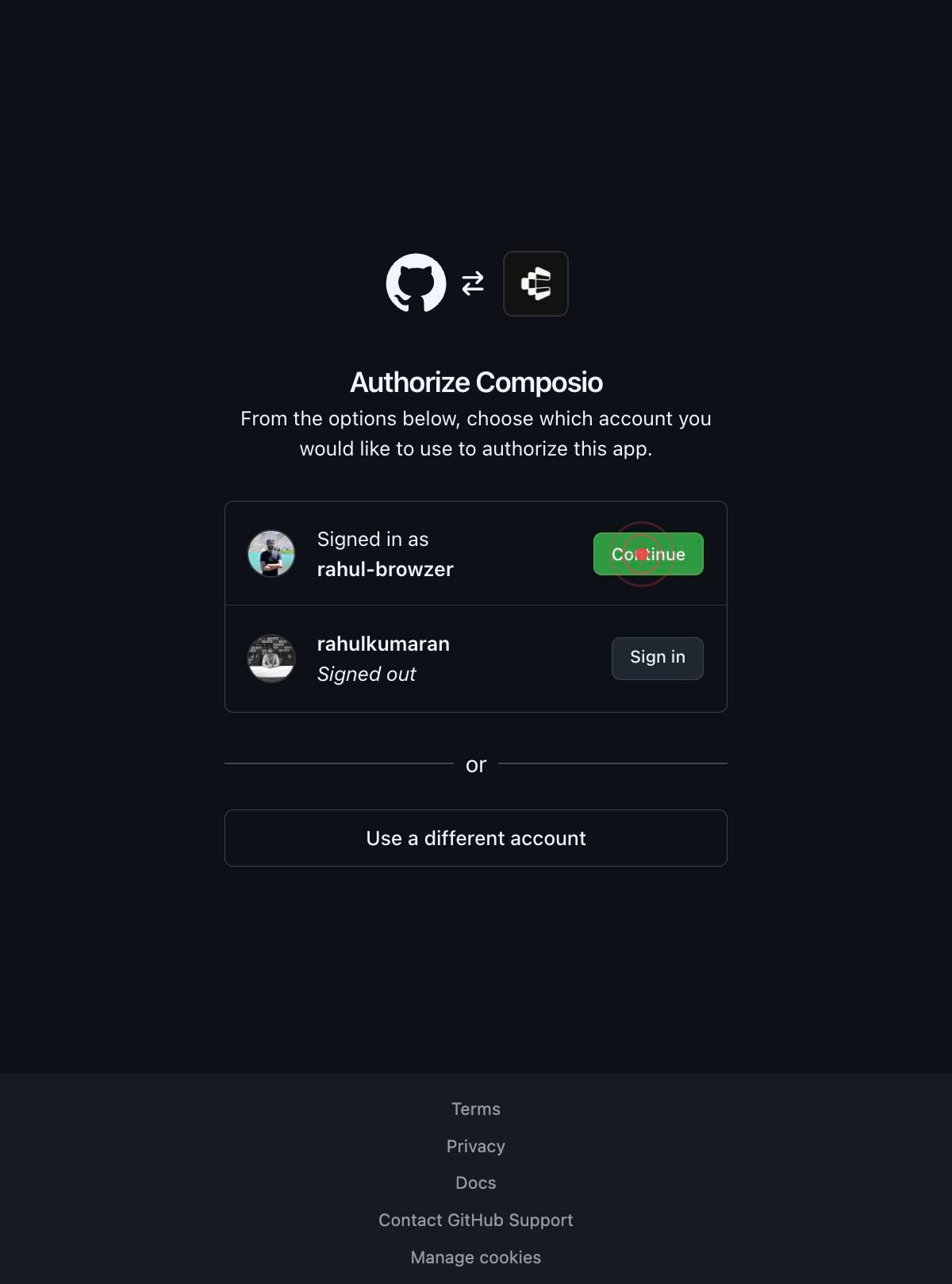
The browser navigates to github.com to handle GitHub's OAuth authentication. At this point, GitHub will request permission for Composio to access your account.
Continue as rahul-browzerClick the 'Continue as [your username]' button (e.g., 'Continue as rahul-browzer') to authorize Composio to access your GitHub account. This grants Composio the pre-configured permissions needed to manage GitHub tools and resources.
GitHub processes your authorization and redirects back through its OAuth callback. You may briefly see a GitHub confirmation or completion page.
The browser navigates back to platform.composio.dev to finalize the OAuth token exchange. Composio securely stores the authorization token received from GitHub.
The final navigation returns you to dashboard.composio.dev. Your GitHub account connection is now complete and ready for use. You should see your GitHub account listed as a connected integration.
Confirm it worked
- 1After completing the workflow, you return to dashboard.composio.dev and see your GitHub account listed in the connected accounts section
- 2The 'Connect Account' button for GitHub is replaced with a 'Disconnect' or 'Manage' option, indicating an active connection
- 3You can view the GitHub connection status showing 'Connected' with a timestamp of when the connection was established
- 4Your Composio agent can now discover and execute GitHub tools without requiring manual credential entry
Common issues
Keep reading
How to Add Authentication to Your Next.js App Router Project (2026) | ZeroDrag
How to Add Authentication to Your Next.js App Router Project (2026) | ZeroDrag ← Back to blog March 7, 2026·6 min read·By Utkarsh Singh # How to Add Authentication to Your Next.js App Router Projec
zerodrag.cloudAuth.js | Configuring Github
Auth.js | Configuring GithubSkip to content The Auth.js project is now part of Better Auth. Guides Configuring GitHub for OAuth # OAuth with GitHub In this tutorial, we’ll be setting up Auth.js in
authjs.devConnected Accounts | auth0/nextjs-auth0 | DeepWiki
Connected Accounts | auth0/nextjs-auth0 | DeepWiki Loading... Connected Accounts | auth0/nextjs-auth0 | DeepWiki Loading... Index your code with Devin [DeepWiki](https://deepwiki.com/) [DeepWiki](ht
deepwiki.com