Guide
Procure Legacy anon, service_role API Keys
Overview
Supabase provides multiple layers of API key management to control how applications access your project's data and services. While modern Supabase projects typically use the anon key (for client-side, row-level security–protected access) and service_role key (for server-side, unrestricted access) available in the standard Connect dialog, legacy API keys remain available in Project Settings for backward compatibility with older integrations or specific use cases. This workflow guides you to the dedicated legacy keys section, which is useful when migrating legacy applications or when you need to explicitly work with older credential formats. Access to these keys requires project owner or administrator permissions.
Before you begin
- Active Supabase account at supabase.com with login credentials
- At least one Supabase project created in your account
- Project owner or administrator role permissions to access Project Settings
- Active internet connection and access to supabase.com
Step by step
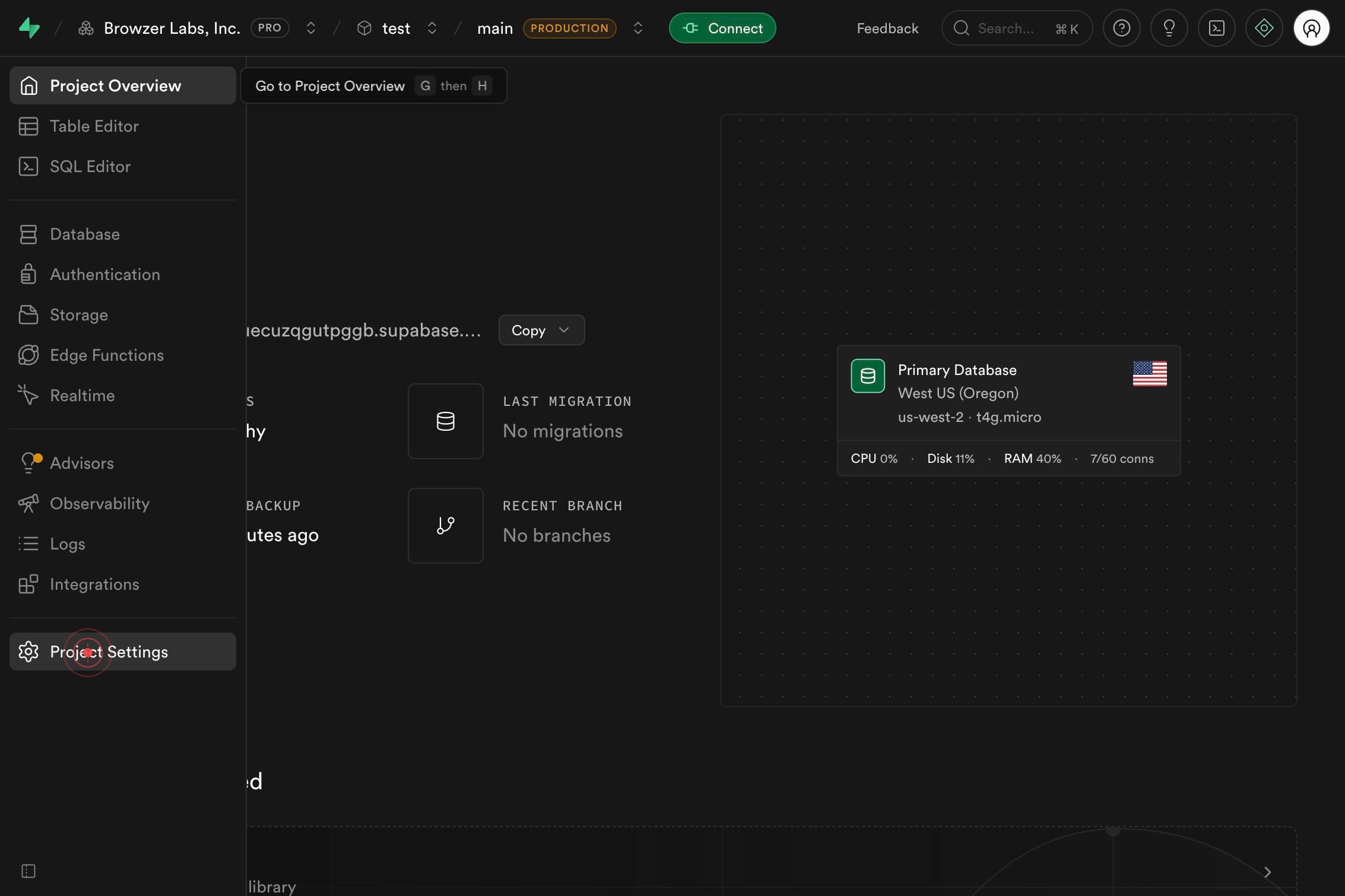
Project SettingsNavigate to your project's configuration hub by clicking the Project Settings link in the main navigation. This takes you to the dashboard where all project-wide settings, including API credentials, are managed.
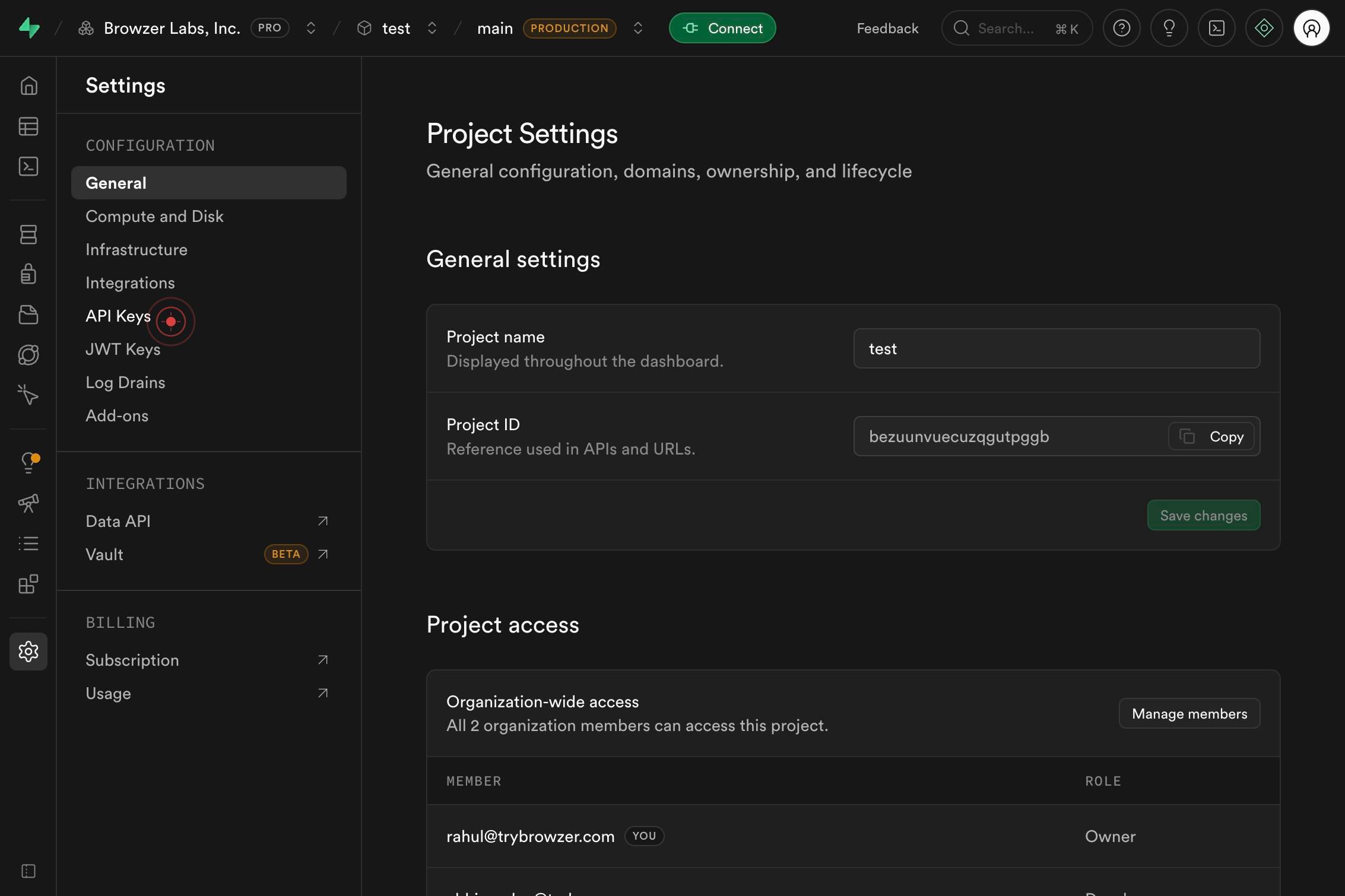
API KeysAccess the API Keys management section by clicking the API Keys menu item. This reveals the credentials panel where all API keys for your project are organized and available for retrieval.
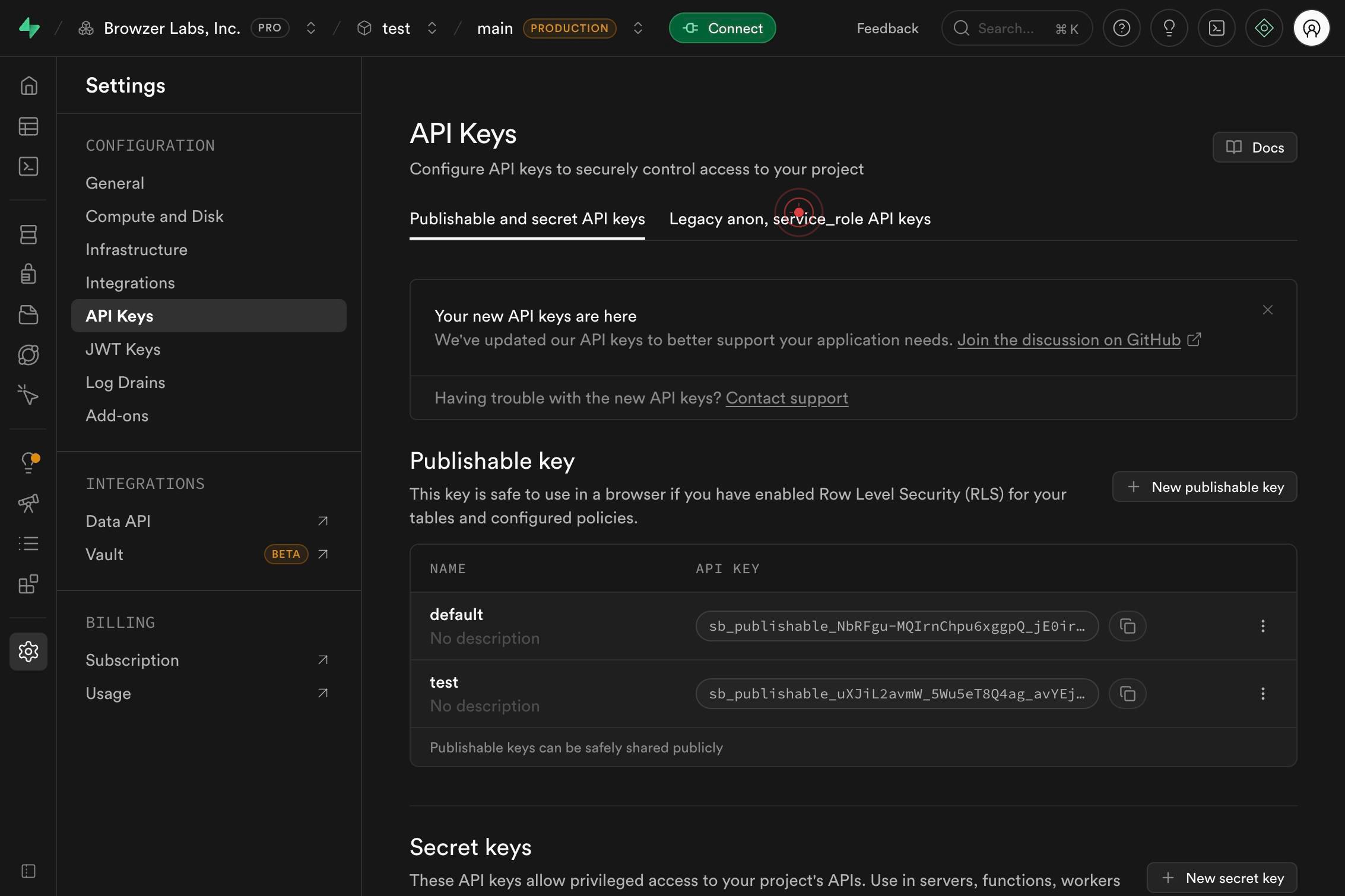
Legacy anon, service_role API keysClick the Legacy anon, service_role API keys link to access the dedicated legacy credentials page. This displays the older-format API keys that were standard in earlier Supabase versions and remain available for backward compatibility with legacy integrations.
Confirm it worked
- 1You are on the Legacy API Keys page within Project Settings, displaying both the legacy anon and service_role key values
- 2The page shows a clear header or section title indicating 'Legacy anon, service_role API keys'
- 3Both key strings are visible and can be copied to clipboard (typically shown as masked values with reveal/copy buttons)
- 4The breadcrumb or navigation path shows: Project Settings > API Keys > Legacy anon, service_role API keys
Common issues
Keep reading
Creating Kubernetes Service Accounts and Kubeconfigs for Anonymization Cluster
Creating Kubernetes Service Accounts and Kubeconfigs for Anonymization Cluster # Creating Kubernetes Service Accounts and Kubeconfigs for Anonymization Cluster Steps to create a Kubernetes service a
docs.protegrity.comLearn How to Extract a List of Active SAP Concur U... - SAP Community
Learn How to Extract a List of Active SAP Concur U... - SAP Community Enterprise Resource Planning Blog Posts by Members All communityThis categoryBlogKnowledge baseUsersManaged tags cancel Turn on
community.sap.comServiceNow Assets Configuration Guide
ServiceNow uses basic authentication with a username and password or token authentication to authenticate requests. This guide walks you through the setup process for both methods. ## Authentication
docs.synqly.com